

AI for schools and teaching
AI for schools that actually works in the classroom
You don't need to be an expert at writing prompts or configuring AI for educational purposes. Simply provide the learning objectives, target audience, and your own teaching materials. Learn With AI uses these to create didactically structured learning resources, such as learning coaches, interactive apps, quizzes, or voice AI simulations. You can review and adjust all content and settings before they go live.

Three concrete classroom examples
Five learning apps, five subjects, try them out right now
More than just interactive learning apps
Turn your materials into ready-to-use lessons.
The examples above show just one possibility. Learn With AI also creates adaptive learning coaches, realistic voice AI simulations and role-plays, as well as quizzes and assessments with automated evaluation.
Hints instead of ready-made solutions
The coach asks follow-up questions, provides scaffolded hints, cites your own materials, and displays relevant images at exactly the right moment.
Train with realistic simulations and role-plays
Learners practice job interviews, consultations, conflict resolution, or oral exams with a realistic AI persona and receive immediate, personalized feedback.
Multiple questions, clear evaluation
Sequential questions test knowledge and application. Answers receive immediate feedback and are incorporated into an automated learning progress evaluation.
Upload your own materials and define learning objectives, target audience, and framework conditions.
You choose a learning app, learning coach, quiz, assessment, or voice AI, either individually or as a combined learning sequence.
Learn With AI creates the content and configures prerequisite questions, tiered hints, conversation roles, and assessment criteria.
You review, modify, or discard the suggestion and decide what is released to the learners.
Learners receive individual, criteria-based feedback. Teachers see a clear summary of the results, allowing them to target their subsequent instruction effectively.
The learning apps above show one possibility. The same teaching materials can also be used to create learning coaches, voice AI conversations, quizzes, and assessments with automated grading.
"Introducing Learn With AI at our school was seamless. The workshops are structured, well-founded, and immediately applicable to everyday teaching."

The decisive question
It is not about whether AI is used, but how well it is applied
Teachers and students are already using AI. For your school, what matters is whether this creates a pedagogically sound, controllable standard that can be used by the entire faculty—one where AI skills are built, shared, and developed together.
Start without prior knowledge
Didactic templates, roles, and learning workflows are already integrated. You define the learning objective, target group, and your own material.
Learning instead of copying solutions
Learning coaches can ask questions first, provide step-by-step hints, and have learners explain their reasoning.
Manageable school-wide
Access, roles, classes, content, and AI budgets are managed centrally. The teacher retains subject-matter control.
Guided implementation
Workshops begin with real classroom challenges and your own materials. Proven content can be shared among colleagues.
Didactics are already integrated
Pedagogically effective use of AI in the classroom
A general AI chat tries to provide an answer or a finished solution as quickly as possible. This does not promote active thinking or sustainable learning.
Learn With AI is designed for pedagogically effective learning support. Learning coaches and voice-based learning coaches first assess prior knowledge for each learning objective, adjust the depth of explanation, reinforce understanding with follow-up questions, and only move on once a learning objective has been sufficiently addressed. At the end, learners receive an evaluation of their progress with recommendations for review.
Clarify prior knowledge per learning objective
The coach identifies what is already known and selects a brief, medium, or detailed theoretical explanation.
Reinforce understanding with follow-up questions
After the explanation, the coach uses follow-up questions to verify that the material was truly understood and provides targeted help if needed.
Apply and transfer
Additional comprehension and transfer questions show whether knowledge can be explained, applied, and adapted to new situations.
Evaluate progress by learning objective
The analysis highlights strengths, uncertainties, and topics that students should review again.
Assess learning progress and steer instruction effectively
Blended Learning & Flipped Classroom with AI
In the future, teachers will be able to see exactly where individual students or the entire class struggled with a learning objective. This allows for targeted support of self-directed learning in blended learning and flipped classroom environments.
The Learn With AI Agent
Your personal Learn With AI Agent
One prompt becomes a complete learning experience.
The Learn With AI Agent helps you create a tailored learning module directly from a learning objective or your own documents. Simply describe what your students need to achieve in plain language and upload your materials if needed. The agent will suggest relevant content and features and set them up for you. You can review, edit, or discard anything, then share the finished module with your students via a link or as a course.
"Create a learning module for my first-year students based on my notes. Include an interactive learning app, a quiz, twelve flashcards, and a learning coach."
The agent prepares it. You review, edit, and approve.
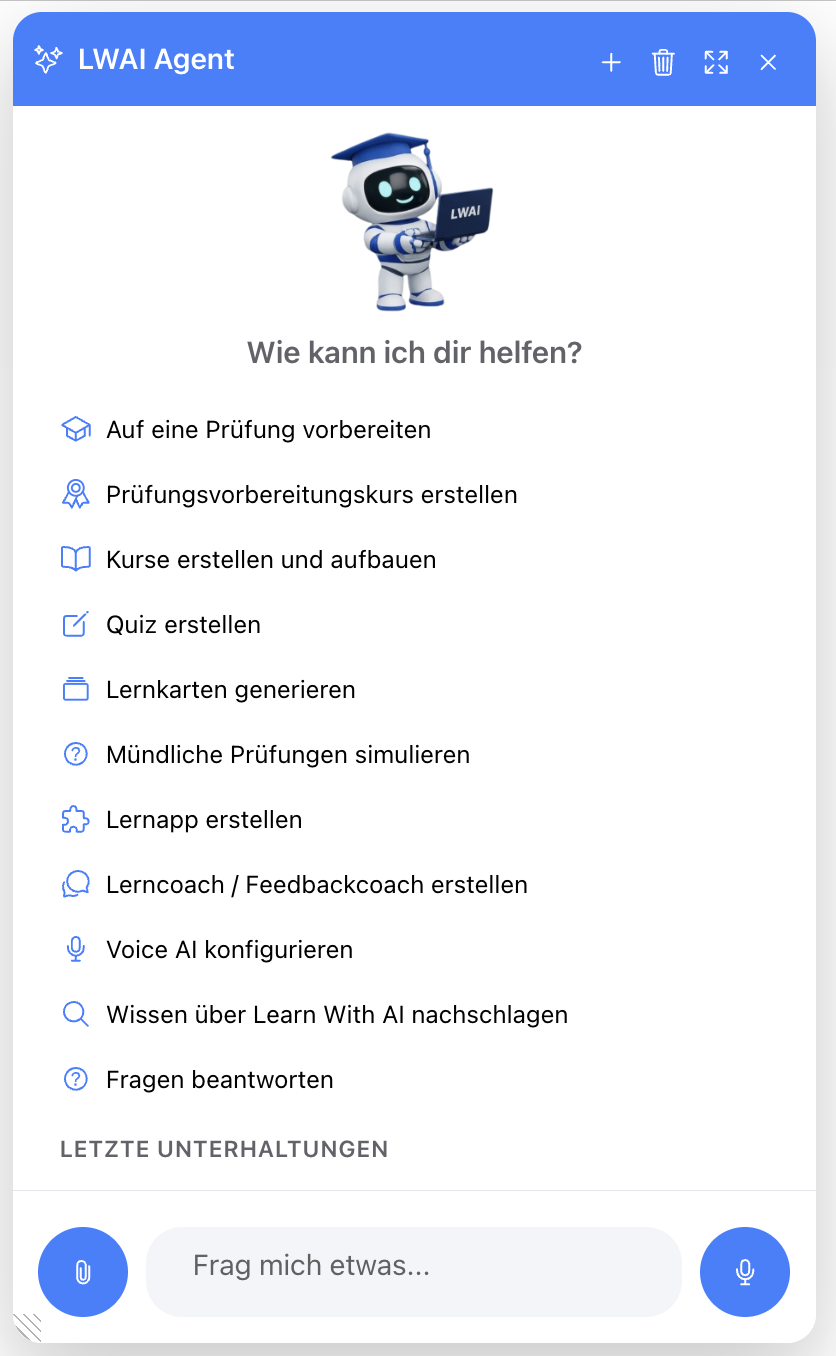
Turn your notes into
From preparation to assessment
A sophisticated AI learning platform instead of many individual tools
Learn With AI integrates the most important workflows into a single, unified learning environment. Teachers and students no longer need to learn a new account or interface for every single task.
Materials and ideas
Analyze files, develop lesson ideas, research on the web, and create high-quality presentations, images, and podcasts.
Learning resources
Create courses, learning apps, learning coaches, feedback coaches, quizzes, flashcards, exam coaches, and Voice AI.
Deploy and share
Share content directly with learners via link, access key, class, or course, and collaborate with colleagues to further develop and reuse materials.
Understand and practice
Chat with your own documents, verify sources, explore interactive models, and practice conversations in a realistic way.
Evaluate and improve
Evaluate and specifically revise answers, texts, solutions, and conversations based on defined criteria.
Central management
Control users, roles, classes, permissions, and AI budgets at the school level.
Which feature fits your learning goal?
The learning goal determines the application
Choose based on your desired learning outcome rather than the subject: explain and deepen, practice, simulate, or evaluate.
Practice conversations and role-plays
Simulate, practice, and automatically evaluate job interviews, consultations, conflict resolution, and oral exams.
Understand and deepen knowledge individually
Clarify prior knowledge, adapt explanations, reinforce understanding through follow-up questions, and evaluate progress for each learning objective.
Visualize connections
Modify, observe, and understand abstract processes, models, and calculations directly through hands-on experimentation.
Test knowledge and receive feedback
Test knowledge and application with multiple questions, automatically evaluate answers, and provide specific suggestions for improvement.
Control for schools
AI provides support. Schools and teachers make the decisions.
Data-compliant AI usage requires clear data flows, regulated access, and transparent responsibilities. Learn With AI makes models, approvals, content, and responsibilities centrally manageable for your school.
Subject-matter and pedagogical override
- Review, edit, or delete content
- Adjust a coach's level, tone, and behavior
- Define your own sources, examples, and criteria
- Enable or disable features
- Only release content after review
Centrally managed and documented
- Manage access, roles, classes, and permissions
- Manage AI budgets and available models
- No separate accounts with model providers
- No use of inputs for model training
Meaningful implementation
Start with a real classroom challenge and experienced guides
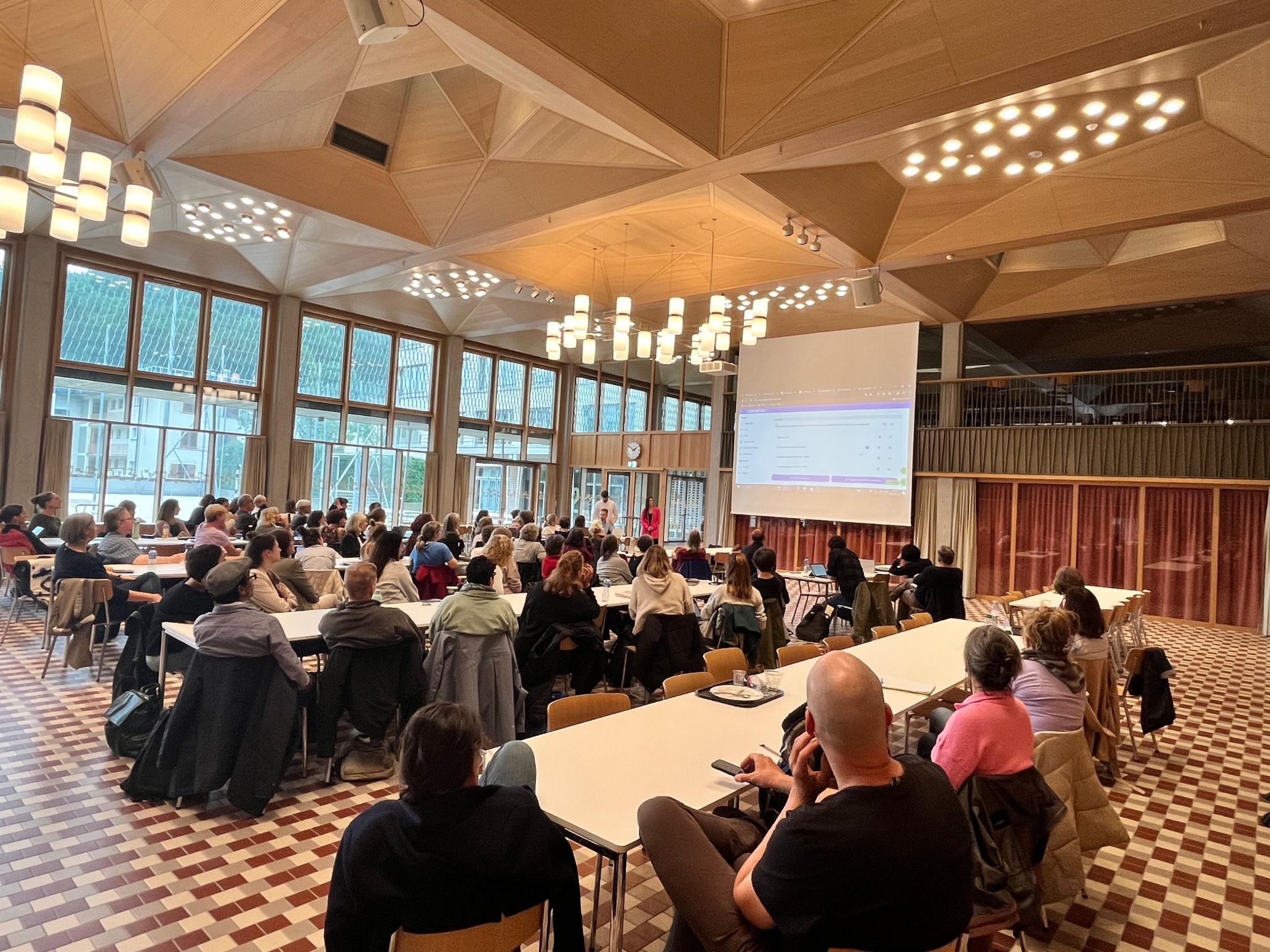
An AI tool alone does not change classroom instruction. That is why we do not leave your school to navigate the implementation process alone. We bring experience from numerous rollouts at schools and educational institutions, demonstrate concrete ideas for application, and support your school from the initial practical workshop through to the launch and evaluation of the pilot. Even after that, we remain your point of contact for questions, further development, and practical use in everyday school life.
- 1Clarify goals and current status
Together, we select one to three real-world classroom challenges.
- 2Define frameworks and rules
We clarify roles, data, models, and responsibilities.
- 3Practical empowerment
In the workshop, you will create your first learning materials and build AI competency using your own resources.
- 4Test in the classroom with support
Teachers and students gain experience while we provide support for questions and adjustments.
- 5Evaluate and embed within the faculty
Proven applications are improved, shared, and gradually extended to other areas.
From the classroom, for the classroom
Developed in Switzerland by teachers
Learn With AI was born in the classroom. Feedback from teachers, students, and educational institutions flows directly into our ongoing development. The technology adapts to the classroom, not the other way around.






“Learn With AI combines what modern educational institutions need: a solid didactic foundation, practical relief for teachers, and genuine equal opportunity for all learners.”
.png)
Michel Schlatter
ICT Teacher, Lecturer in Artificial Intelligence, Head of AI-LAB, and Founder of Learn With AI.

Timo Schlatter
CTO, Full-stack Developer, and Lecturer. Responsible for architecture, operations, and technical development.
Frequently asked questions
AI for schools and classrooms
Brief answers to the most frequently asked questions from school administrators and teachers.
Do our teachers need experience with AI?
No. You don't need to be an expert in AI or pedagogy. You provide the learning objective, target group, and material. Learn With AI comes with proven pedagogical workflows and creates a proposal that you can fully review and customize.
What distinguishes Learn With AI from a standard AI chat?
A general chat primarily provides answers. Learn With AI uses your own materials to create complete learning resources, including learning apps, learning coaches, quizzes, flashcards, courses, voice AI, and exam training. Schools and teachers control the content, behavior, and access.
Does the AI just give students the answer?
By default, Learn With AI does not simply give students the solution. Learning coaches can first ask about the solution process, pose targeted follow-up questions, and provide step-by-step hints. As a teacher, you decide how much support the AI should provide and can adjust or override this behavior at any time.
Can our own teaching materials be used?
Yes. PDFs, presentations, Word files, images, and other teaching materials can be used directly. For learning coaches and course chats, your materials are stored as a knowledge base for the AI's responses. Images, graphics, and illustrations from your documents can be displayed automatically exactly when they are helpful for the current explanation. The same materials can also be used for courses, quizzes, flashcards, and learning apps.
Does our school need additional AI tools?
For many school-based AI applications, no. Learn With AI combines AI chat, content creation, learning coaches, learning apps, quizzes, flashcards, voice AI, courses, and evaluations on a single platform. At the same time, Learn With AI can be connected to existing systems and learning platforms via various integrations and export options. Schools can therefore continue to use their existing infrastructure.
Is Learn With AI data-compliant?
Learn With AI is designed for controlled and data-compliant use in schools. Inputs are not used to train the AI models employed. Access, roles, permissions, available models, and AI budgets can be managed centrally.
Can Learn With AI grade exams?
Quizzes, practice exams, and voice AI conversations can provide automated feedback for formative assessments and exam preparation. Final assessments that carry responsibility remain the task of the qualified professionals in charge.
The most logical next step
Bring a real lesson plan
Together, we will show you what kind of learning app, coach, or exercise scenario can be created from it. Afterward, you can make an informed decision about whether Learn With AI is the right fit for your school.