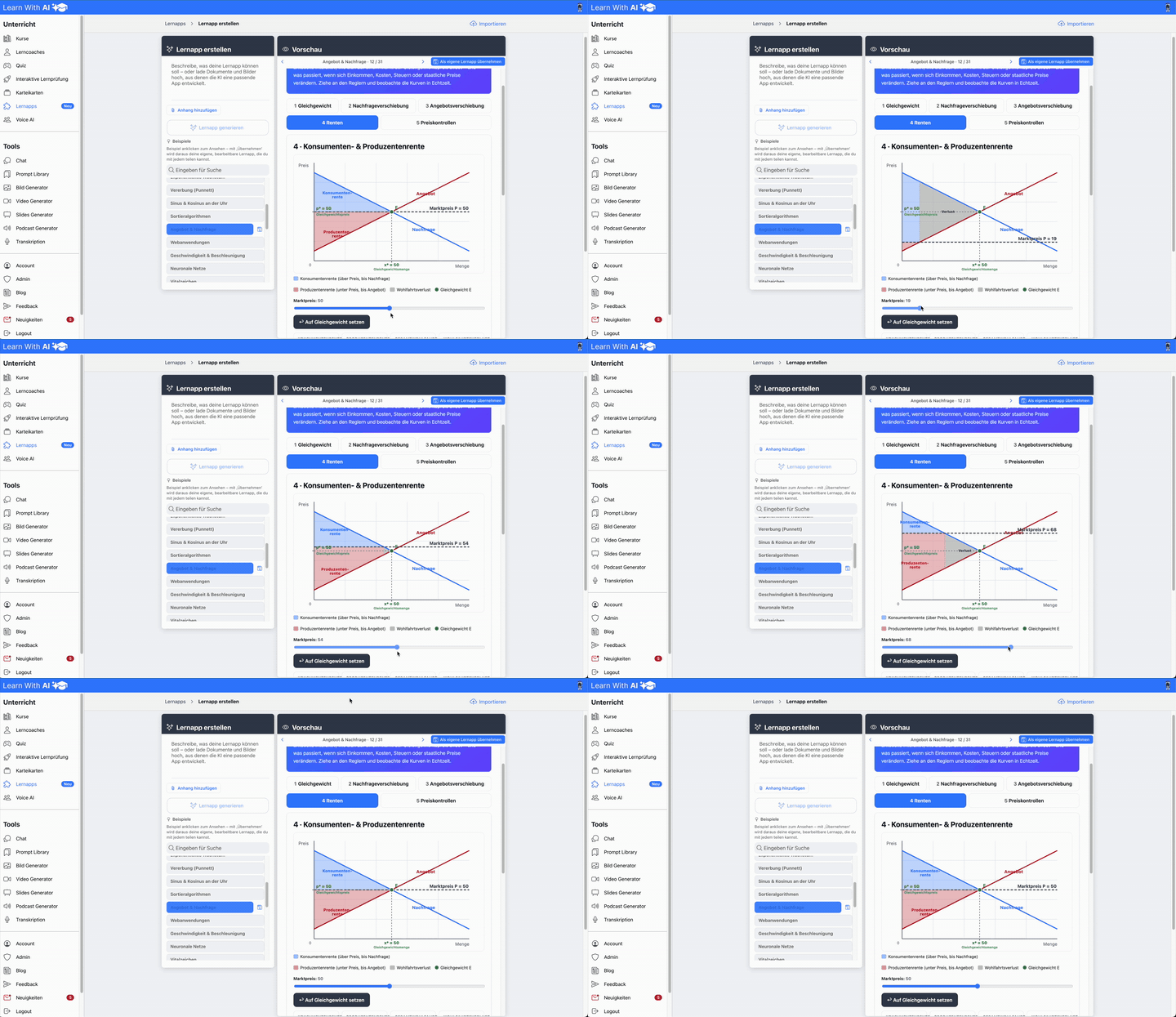


Full feature overview:
Get a quick overview of all features of Learn-With.AI
👉To the functional overview of Learn-With.AI
courses:
Learn how to create, structure and enrich courses with interactive learning elements such as learning coach, quiz, flashcards or the interactive learning test:
Learning coaches:
This is how the AI-supported learning coach works: Individual, targeted and adaptable to your lesson or learning plan.
Quizzes:
Create a quiz based on your learning materials at the push of a button. After submission, your learners will receive initial feedback from the AI.
Interactive learning test:
This is how you create an interactive test for your learners in just a few minutes.
Chat:
This is how the Learn-With.AI chat works - even handwritten notes can be read or digitized:
Index cards (new):
Create a complete set of flash cards within seconds. With AI support for explanations, intelligent repetition logic and expandable at any time at the push of a button.
Prompt library:
Access a collection of proven prompts for your lessons — or (re) create your own, shareable prompts for you and your colleagues.
Image generator:
Create creative images from text descriptions — ideal for visualizing content in class or for presentations.
Presentation generator:
Create presentation templates in seconds based on your content — including slide text and image suggestions.
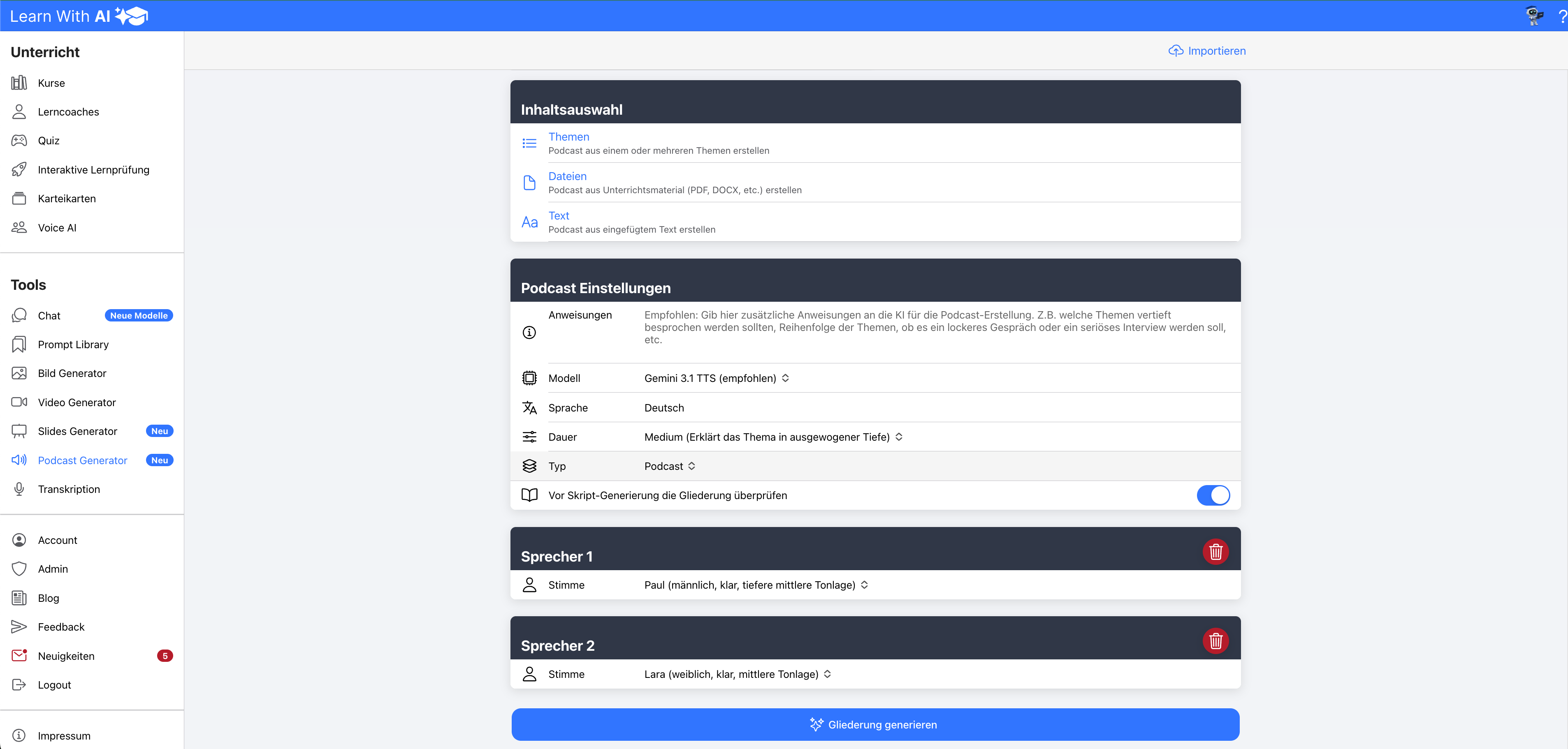
Podcast generator:
Create educational podcasts in a short amount of time. Now you can control your voice even better using instructions (new).
Transcribing:
Create a complete transcript from an audio file in a short time.
Account:
How to set up your account: light or dark mode, dyslexia mode and much more.
.png)