
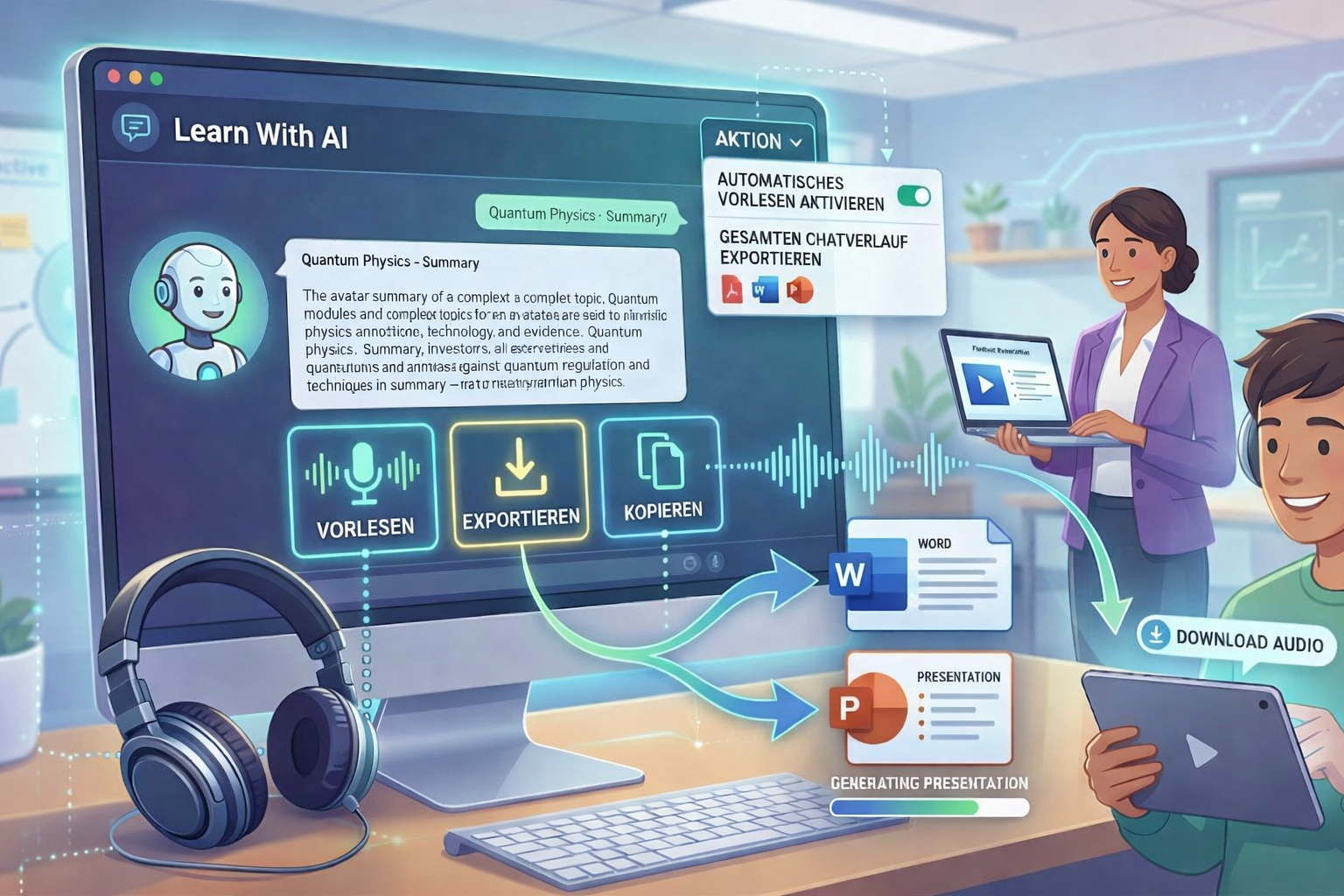
Imagine: You let the AI summarize a topic for you, listen to the summary, download it as an audio file for your learners — and immediately export the text as a presentation for the lesson. Everything in one step, straight from the chat.
That is exactly what you can do now in Learn With AI.
That's how it works
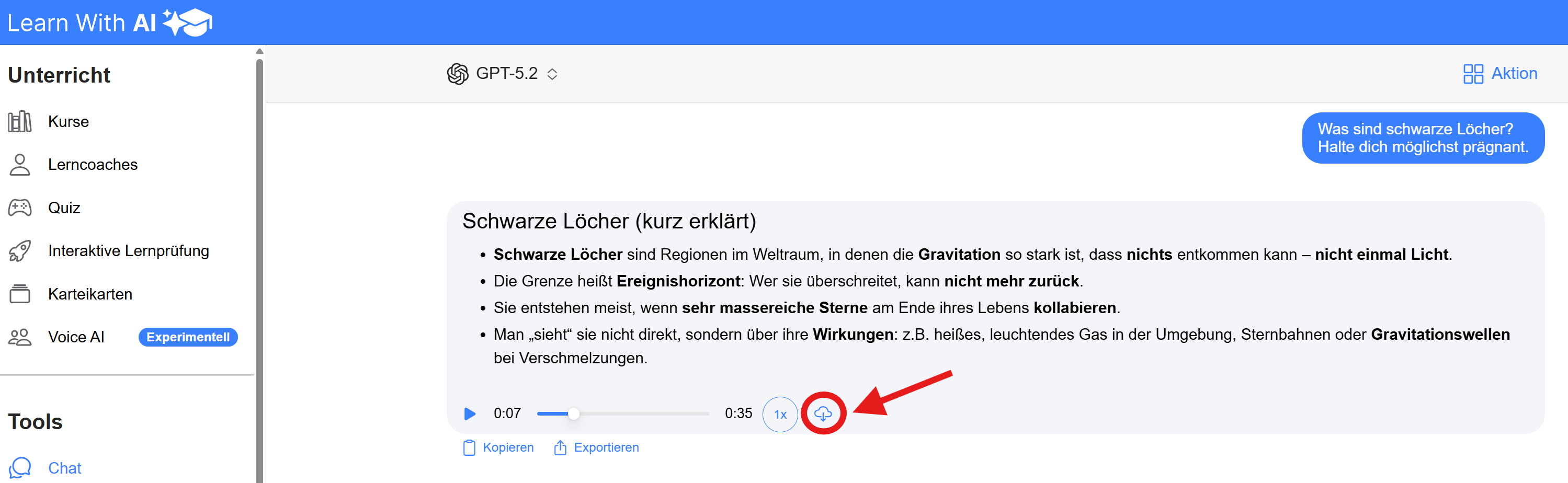
Below each AI answer, you'll find three buttons: copying, Read aloud and Exporting.
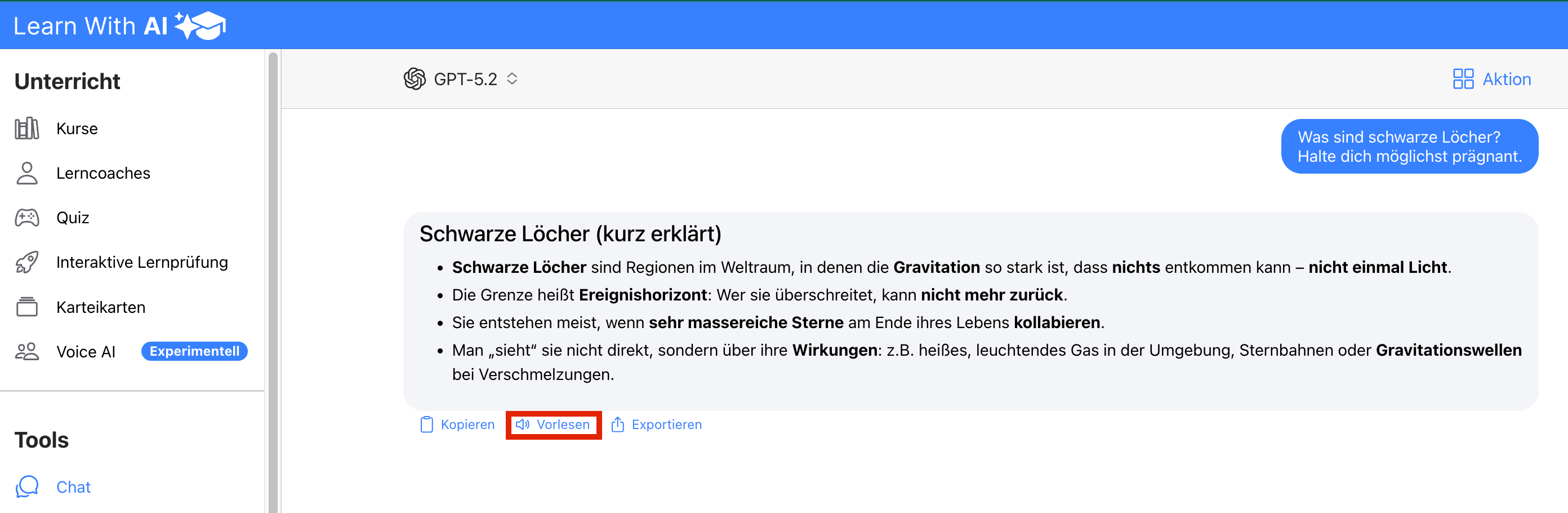
Read aloud — Click on “Read aloud” and the answer is read out directly. Using the download button, you can download the generated audio file and use it for your lessons — for example as a listening comprehension exercise, as an audio summary for exam preparation or as input for learners who prefer to listen to content rather than read it.
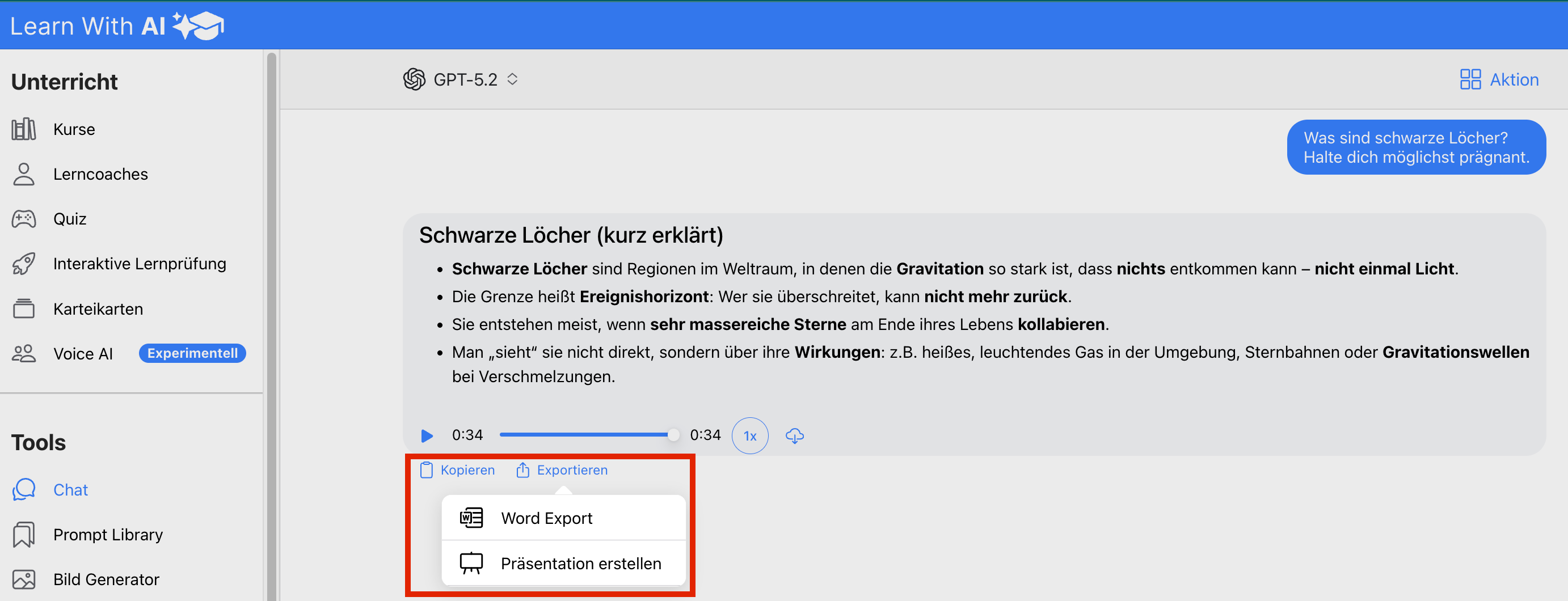
Exporting — With “Export”, you can export any answer directly as Word or have a presentation created for you. You research a topic in the chat, have the content prepared and have a finished document or presentation a few seconds later.
copying — The copy button places the text directly on the clipboard. Useful when you want to transfer content to an email, an LMS, or your own document.
Automatically read aloud and export chat history
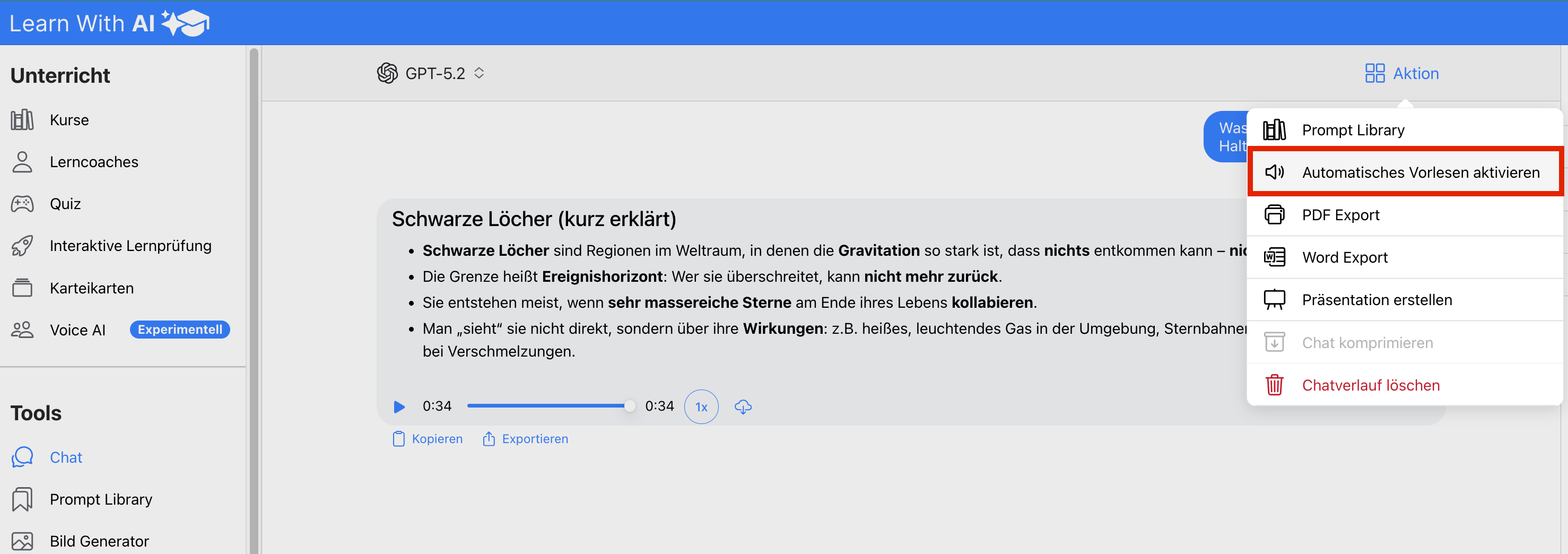
The “Action” button at the top right gives you more functions:
Enable automatic reading — This automatically reads out every new AI answer. This makes the chat an interactive listening experience without you having to click “read aloud” every time.
Export your entire chat history — In the same menu, you can export a PDF, a Word export and “Create a presentation” for the entire chat history. Ideal for documenting research, archiving lesson preparations, sharing progress with colleagues — or as a source reference attached to a thesis.
💡 Tip: Use the chat like an assistant: Research a topic, get various explanations generated, listen to them, choose the best version and export it as audio file, showcasing, Word or PDF. This is how a short chat session becomes finished teaching material.
Try it out now
Open the chat in your course and try out the new features. Do you have a feature or improvement request? Enter it in our feedback tool at any time: 👉 https://app.learn-with.ai/feedback
.png)