
Enter new feature requests in Learn-With.AI:
Do you have an idea how to make Learn-With.AI even better? Then share it with us and the community! Under https://learn-with.ai/feedback You can easily submit new feature requests.
All submitted ideas are visible to the community and can be upgraded. The more upvotes a proposal receives, the higher the chance that we will implement it — transparently and collaboratively.
How to create a feature request
- Navigate to https://learn-with.ai/feedback
- First, check whether your feature request has already been submitted by another user
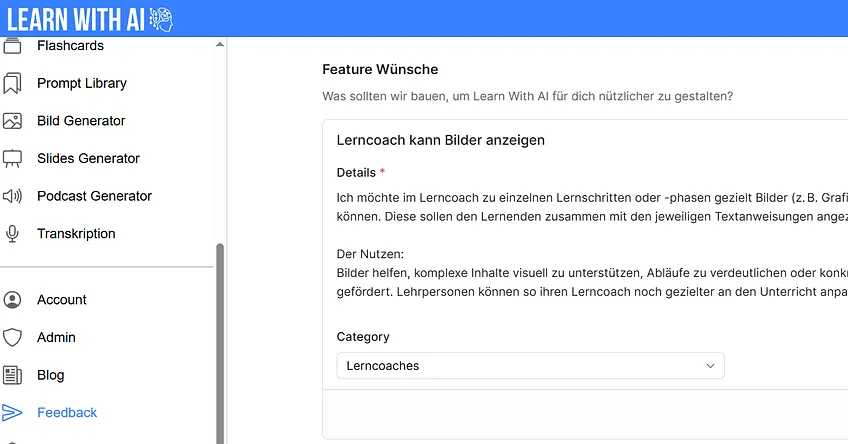
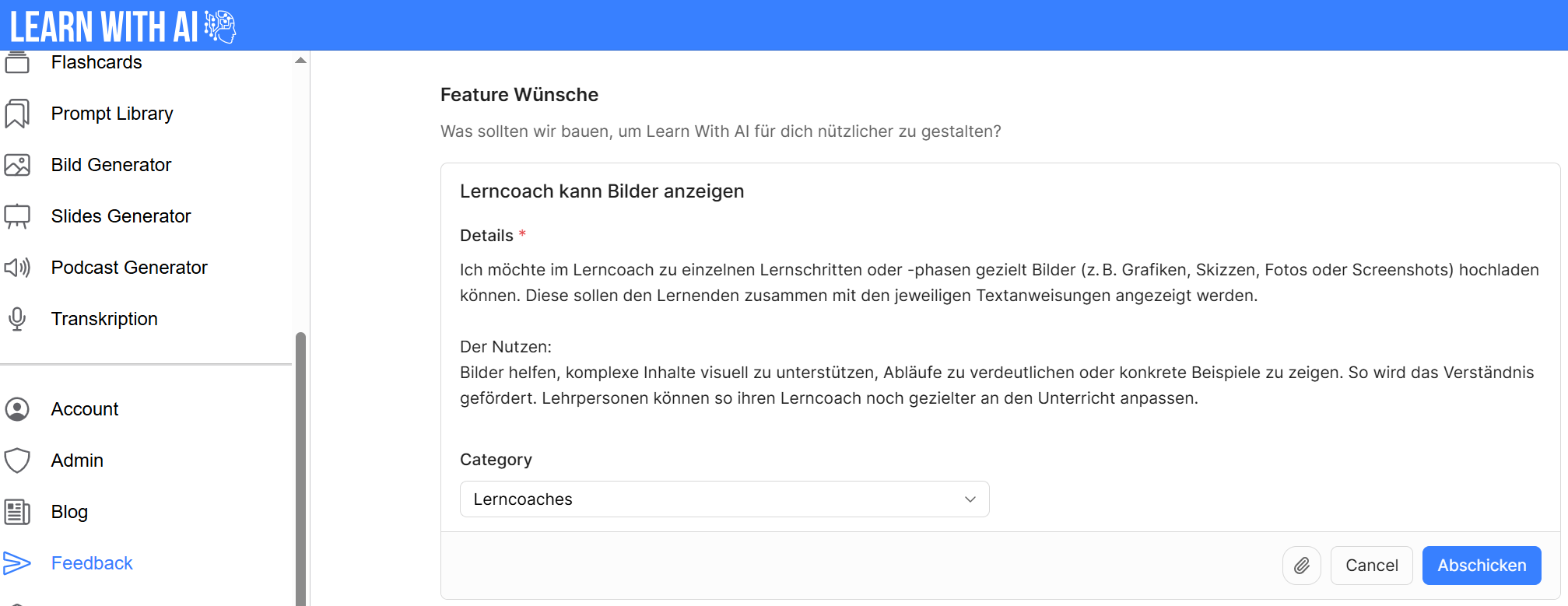
- Give your wish a meaningful title (below: “Learning coach can display pictures”)
- Describe in the details as precisely as possible what is to be implemented and what benefits it brings
- Press “submit”
Make feature requests more relevant
It's not just our own ideas that are important — supporting other suggestions also helps us to further develop Learn-With.AI together. On our feedback platform (https://learn-with.ai/feedback), you can search through all submitted feature requests and with a Upvote Mark which you also find useful.
Here's how it works:
- Browse through the existing entries for functions that also seem important to you
- Click on the arrow icon (▲) next to the title of the feature request to support it (marked as a red circle below)
- The more upvotes a proposal has, the more likely we are to review its implementation — in the spirit of joint prioritization
- You can also leave comments to further flesh out the suggestion or add to your perspective

.png)