
Learn With AI turns your teaching materials or PDFs into an interactive learning app in seconds, complete with clear explanations, interactive graphics, key takeaways, and a built-in quiz. This is exactly what the new learning apps make possible in Learn With AI.
The essentials at a glance
- Easy to use: Describe what you want your learning app to do in a few sentences, or simply upload your teaching materials or PDFs.
- Everything in one app: Interactive infographics, clear explanations, topic-specific models, key takeaways, practical examples, and quizzes – all in one place.
- Structured in steps: Every learning app is divided into clear learning steps that are individually tailored to your topic.
- Choose any topic: Create a learning app on any topic.
- Created in seconds: Your input is transformed into a personalized learning app in no time at all.
- Ready-made examples: Use a variety of pre-built learning apps as templates and customize them to suit your needs.
Table of contents
- What are learning apps?
- How to create your first learning app
- Settings and preview
- What a learning app can do
- Examples to use as your own learning apps
- Your feedback matters
- Try it out now!
What are learning apps?
A learning app is an interactive learning application based on a topic of your choice or your uploaded teaching materials. A personalized learning app is created from this in just a few seconds.
Instead of just reading content, learners experience the topic interactively: they explore clear graphics and models, receive easy-to-understand explanations, see the most important key points at a glance, and test their knowledge directly with integrated quizzes.
A learning app combines explaining, understanding, and testing in a single application. This allows learners to absorb knowledge faster, understand it better, and retain it long-term.
Video could not be loaded.
How to create a learning app
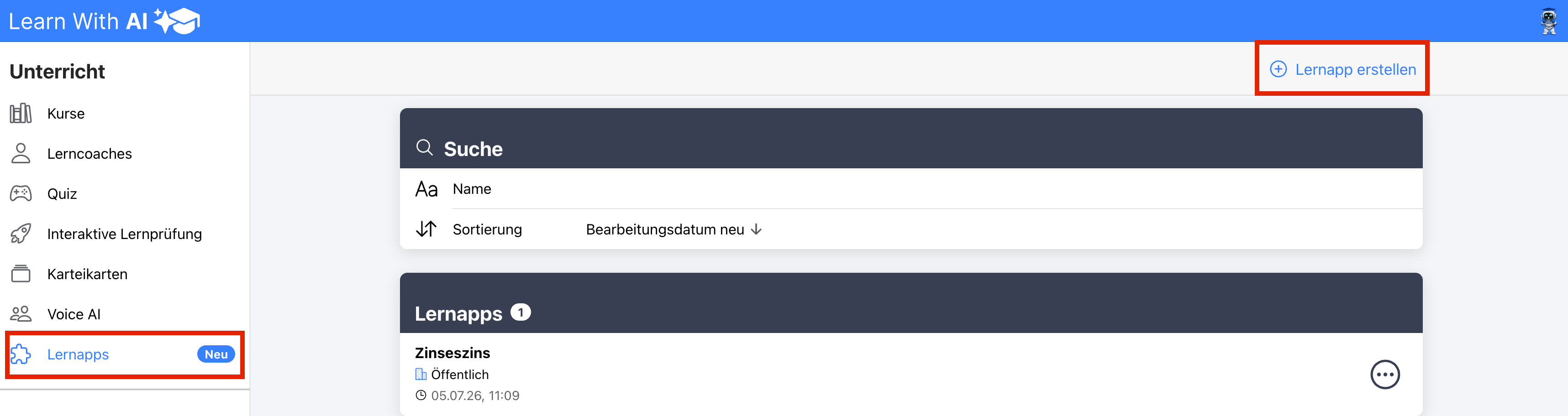
Open the "Learning apps" section in the sidebar and click the +icon "Create learning app".
You now have two options, which can also be combined:
- Prompt: Describe in one sentence what your learning app should do, for example: "Create a learning app about Ohm's Law covering the most important basics."
- Upload files: Upload your teaching materials, files, or images. Learn With AI will automatically create a personalized learning app from them.
Within a few seconds, Learn With AI generates a didactically structured learning app. You can easily share the learning app with your students via a link using the "Share" button.
Example prompt
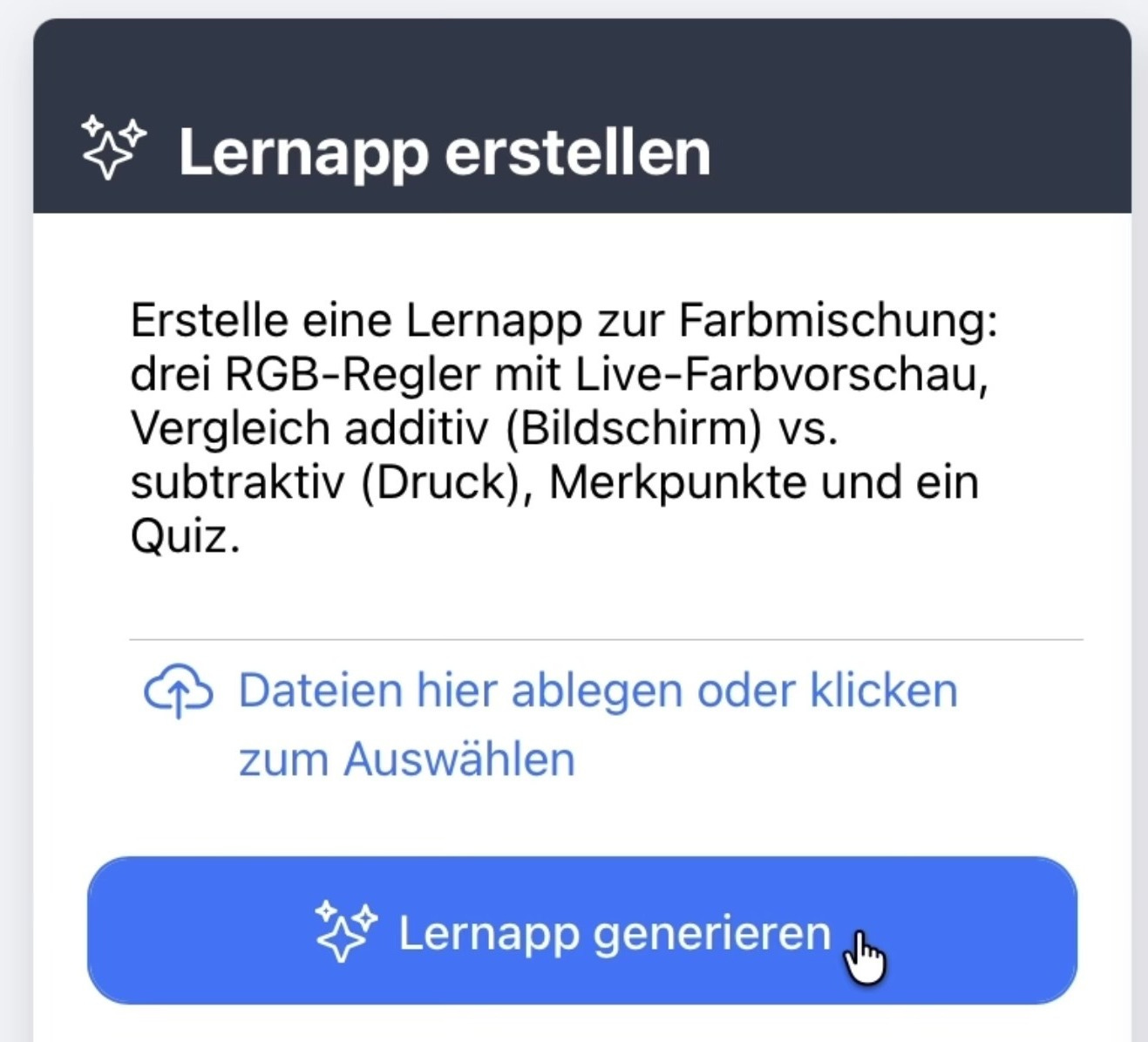
Result:
Settings and preview
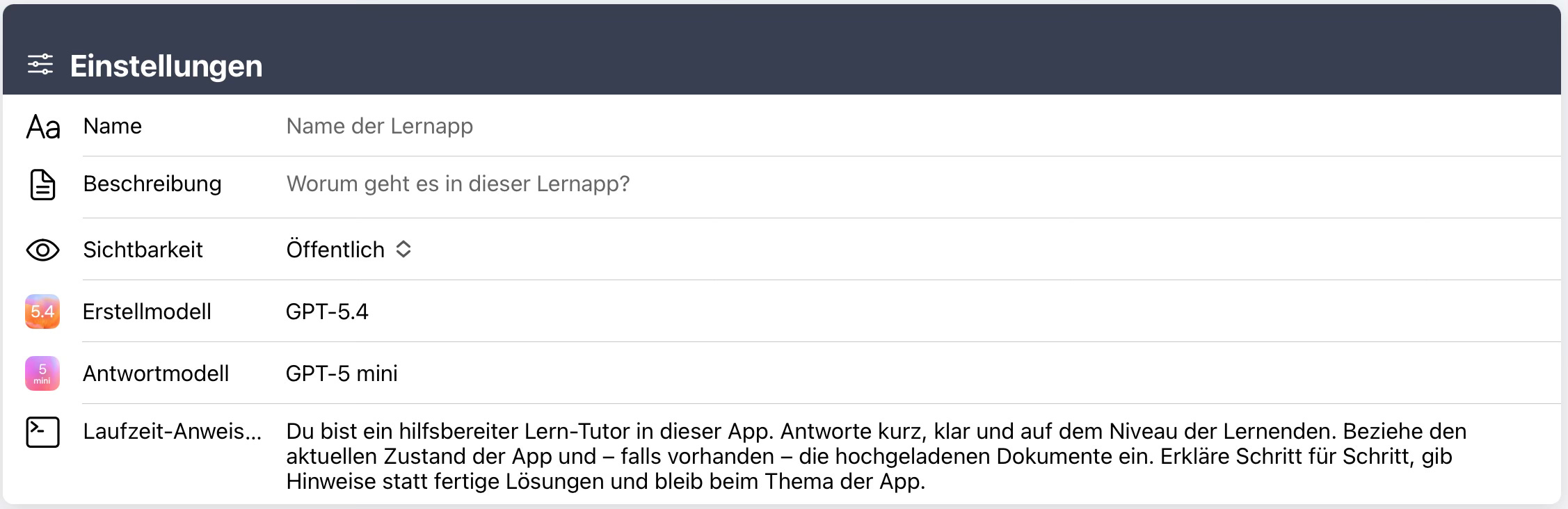
After your learning app has been generated, you will switch to edit mode. On the right, you can see a preview of your learning app. You can try it out and test it directly.
In the lower section, you will find the settings. There, you can:
- give your learning app a name,
- add a description,
- and give your learning coach instructions on how it should behave.
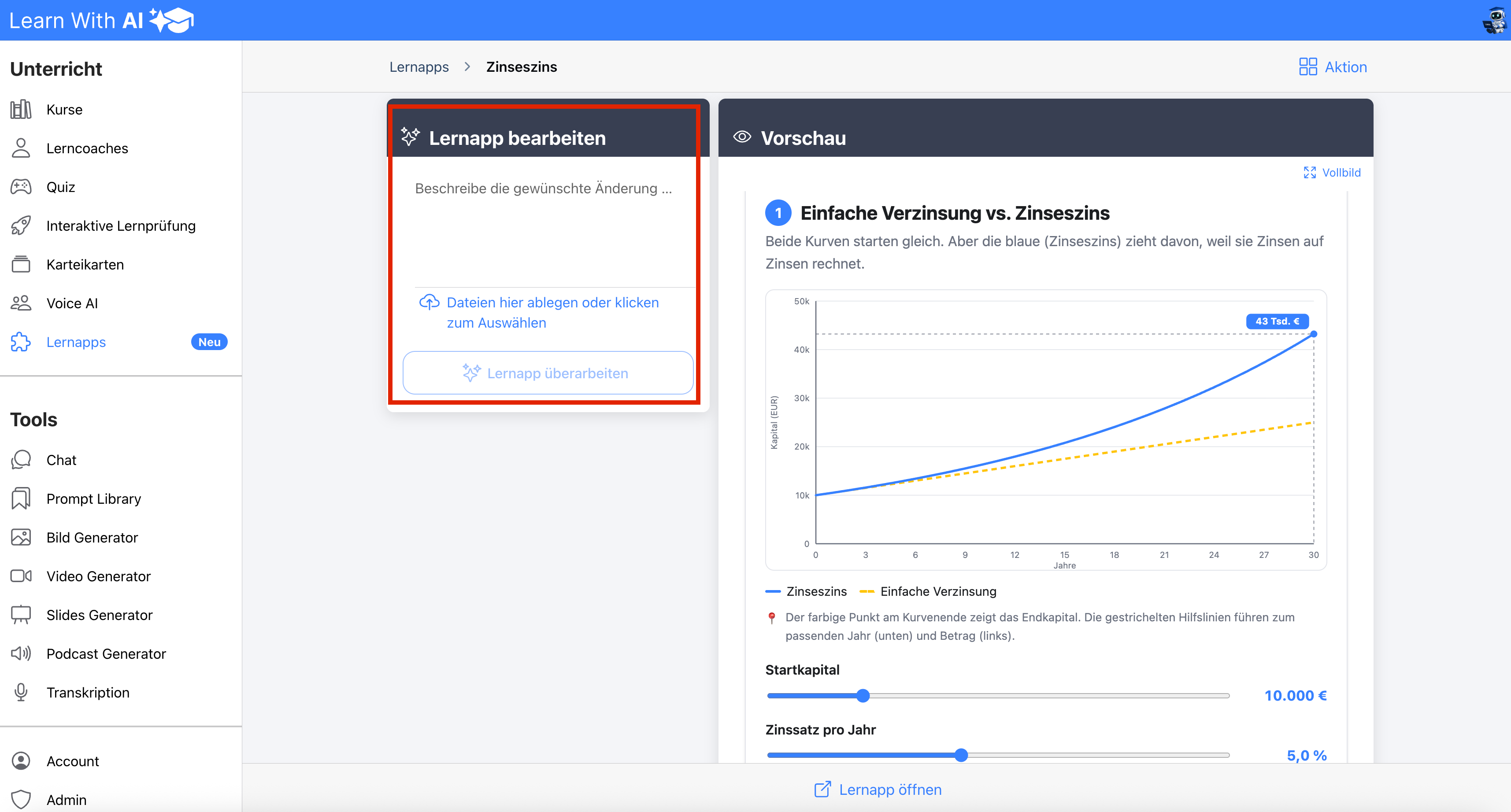
Revise learning app
If there is anything you don't like after generation, you can describe what should be changed. The learning app will be adjusted accordingly, so that step by step, you create exactly the learning app that fits your lesson.
What a learning app can do
A learning app doesn't just make content visible; it makes it tangible. Instead of static texts or images, learners can discover connections for themselves, experiment, and understand them directly.
Interactive visualizations
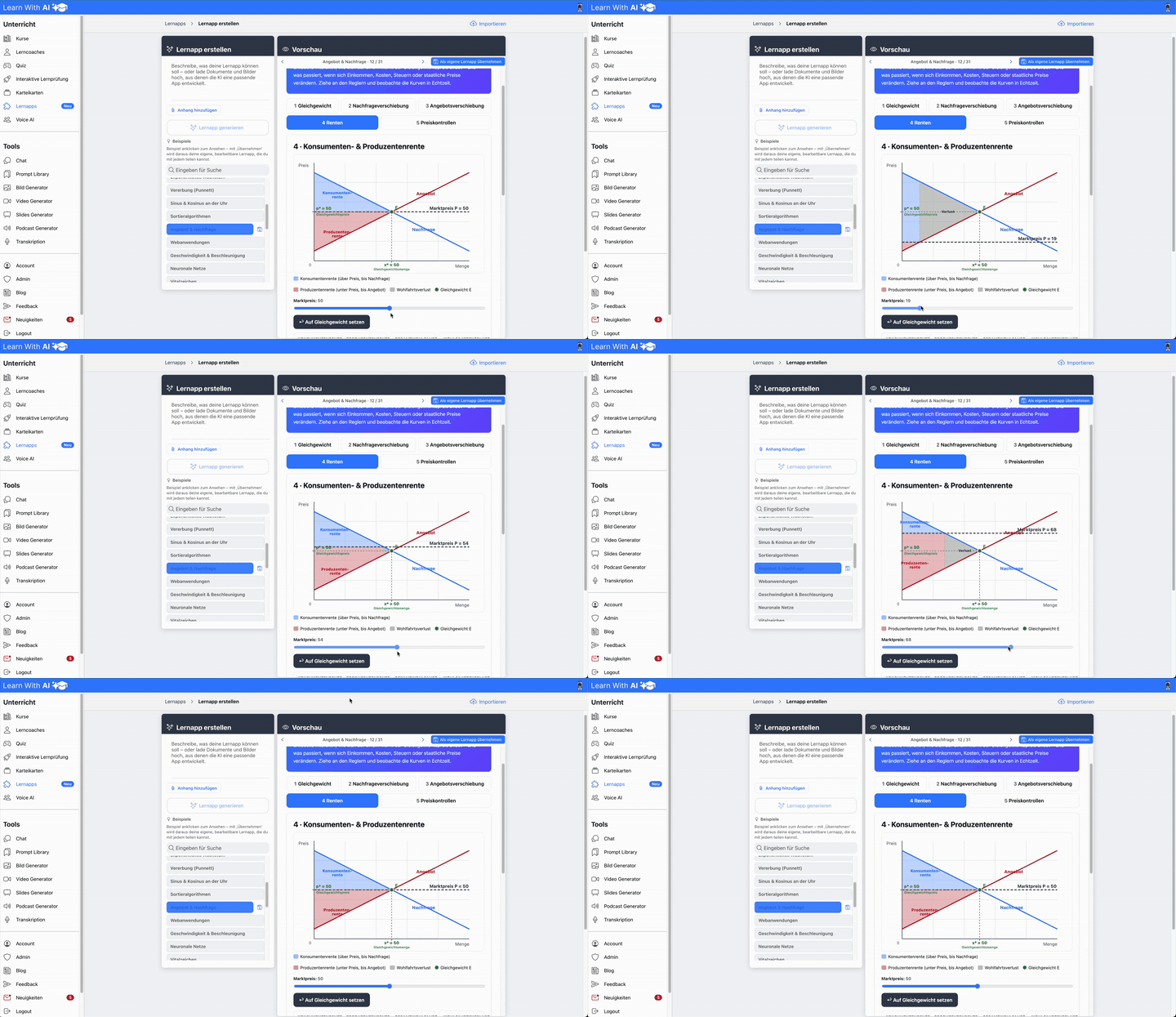
Wherever possible, content is presented as interactive graphics or models. You can adjust parameters using sliders, buttons, or input fields, with the effects visible immediately. This makes even complex topics intuitively understandable.
Clear explanations
Every learning app combines interactive visuals with clear explanations and key takeaways. This helps learners understand not just what is happening, but why.
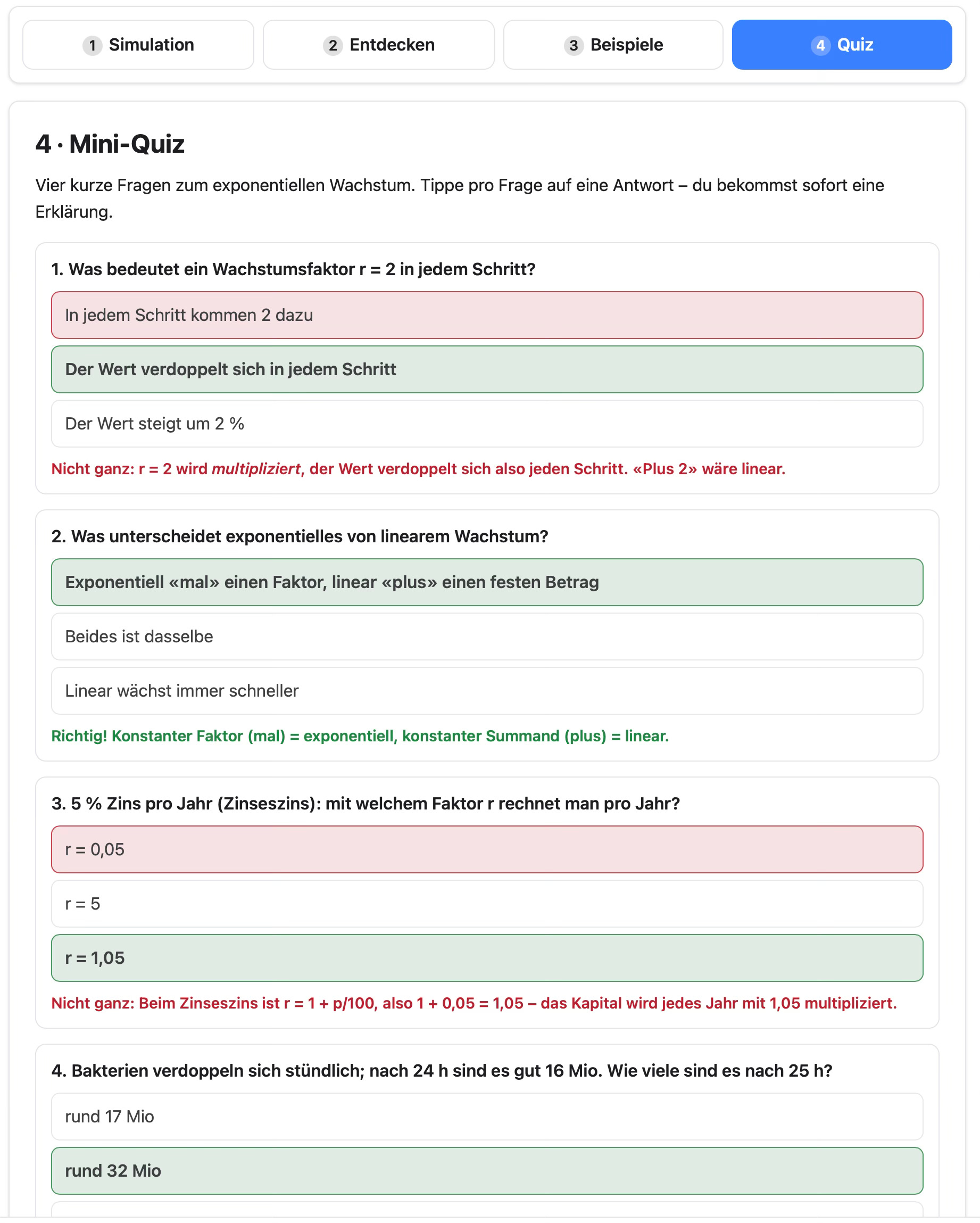
Quiz with instant feedback
The integrated quiz tests understanding directly within the learning app. Answers are evaluated instantly and can be retried as often as needed, making it ideal for reinforcing what has been learned.
AI learning coach
Every learning app includes an AI learning coach. Learners can ask questions at any time and receive answers tailored to the app's current content, providing support exactly when it is needed.
A learning app combines understanding, experimentation, and application in a single tool, creating an active and lasting learning experience.
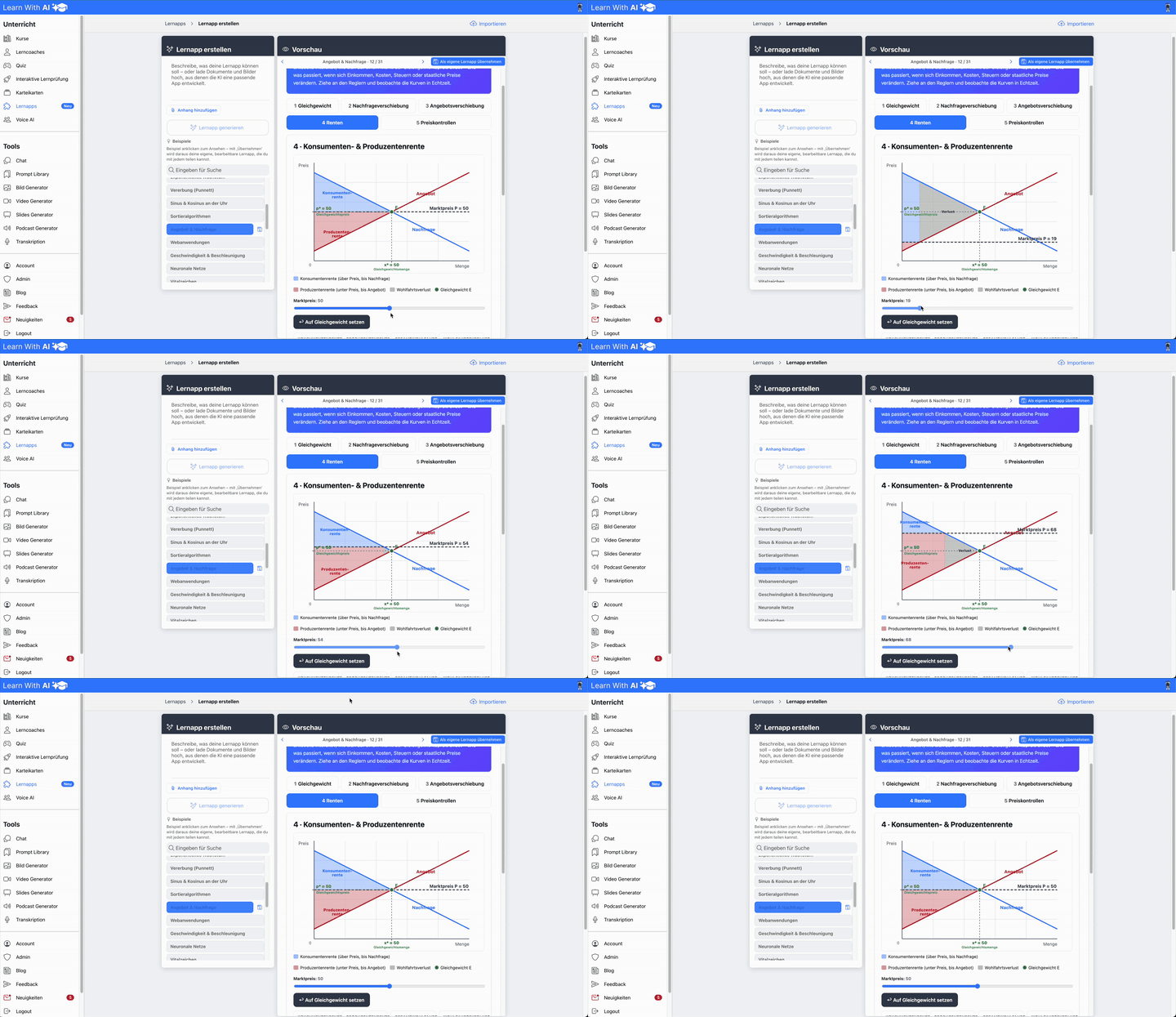
Interactive example: Consumer and producer surplus
Example quiz on exponential growth:
Examples to use as your own learning app
Looking for inspiration to see what is possible? In the section below the prompt, you will find numerous ready-made learning apps covering a variety of topics.
You can adopt any of these learning apps as your own with a single click and then customize them to your liking. Use these examples as a quick start or as inspiration for your own learning app.
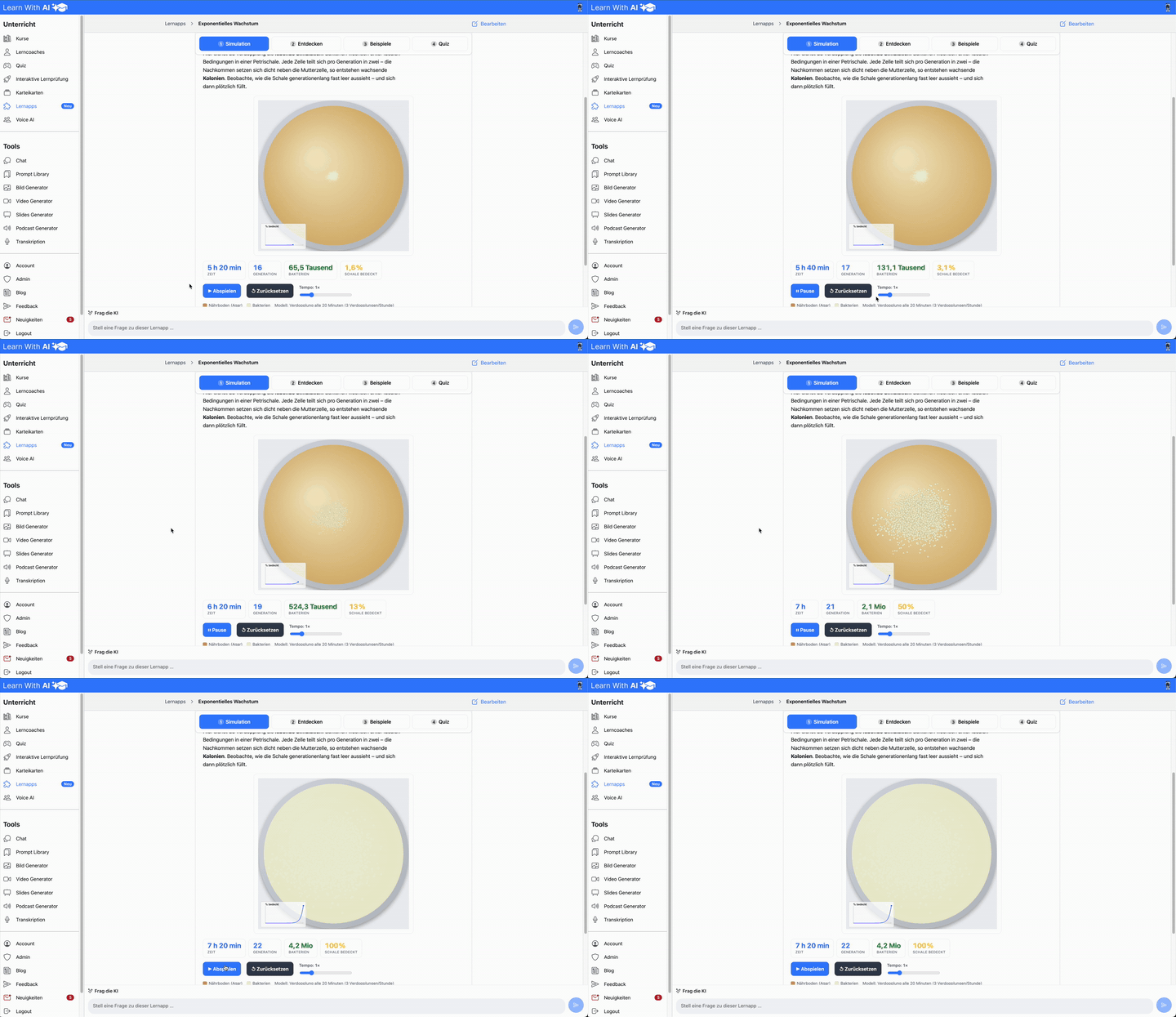
Inspiration: Petri dish, exponential growth, neural networks, pH scale, and much more.
Video could not be loaded.
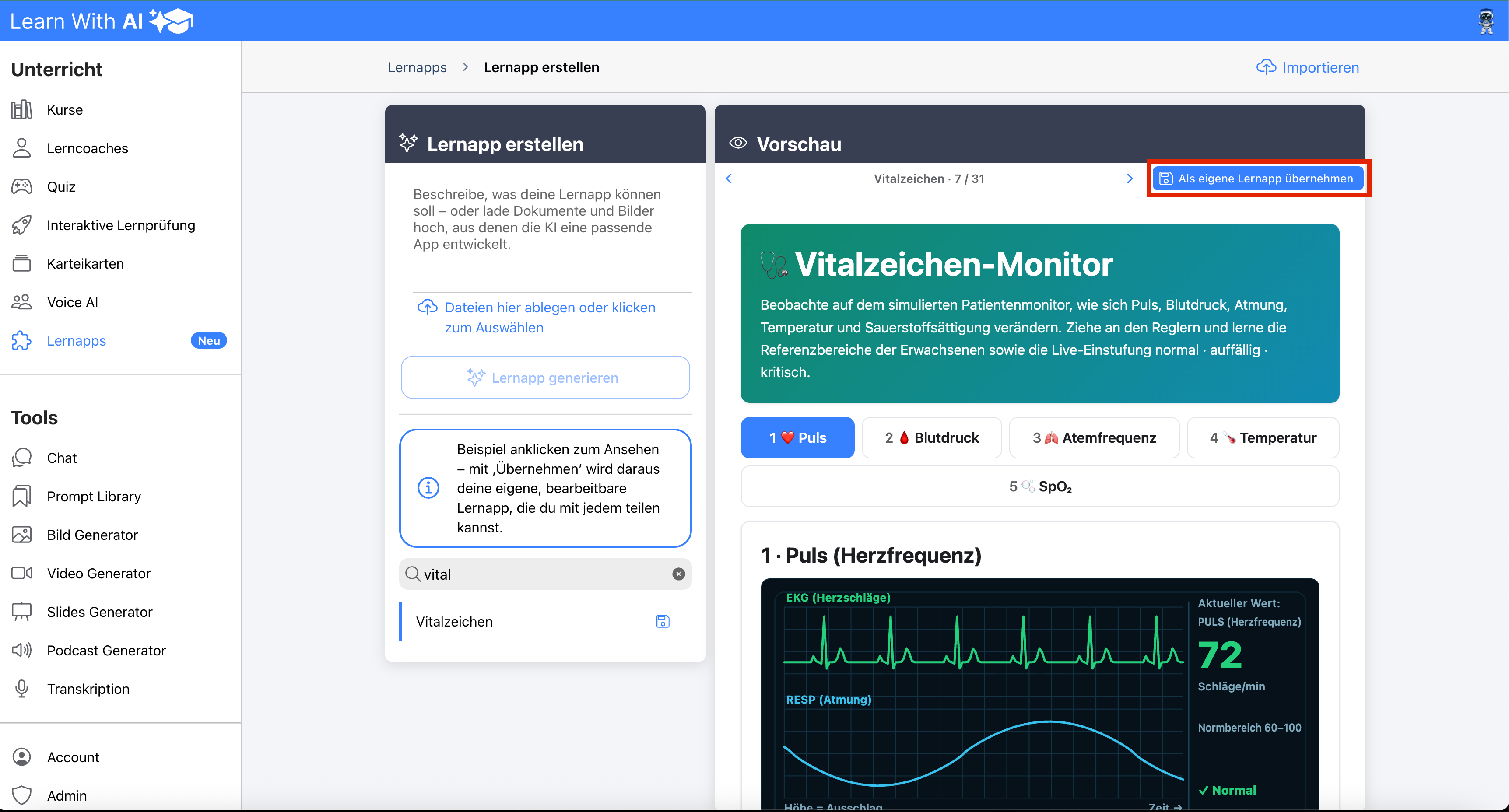
How to adopt an existing learning app:
- Select the desired example
- Click “Save as my learning app” in the top right corner
- The learning app has been copied to your account, and you can now share it or continue editing it.
Your feedback matters
These learning apps are just the beginning. We are continuously developing them to better fit your daily teaching routine, and we rely on your feedback to do so.
Is a feature missing, or do you have a suggestion for improvement? Simply use the feedback tool in Learn With AI. This way, your ideas and needs go directly into the further development of the platform.
Try it out now
Your next learning app is just one sentence away. Open the “Learning apps” section in the sidebar of Learn With AI, describe your topic or upload your teaching materials, and watch as the AI turns your idea into an interactive learning app in just a few seconds.
Subscribe to Learn With AI and stay up to date!
More examples:
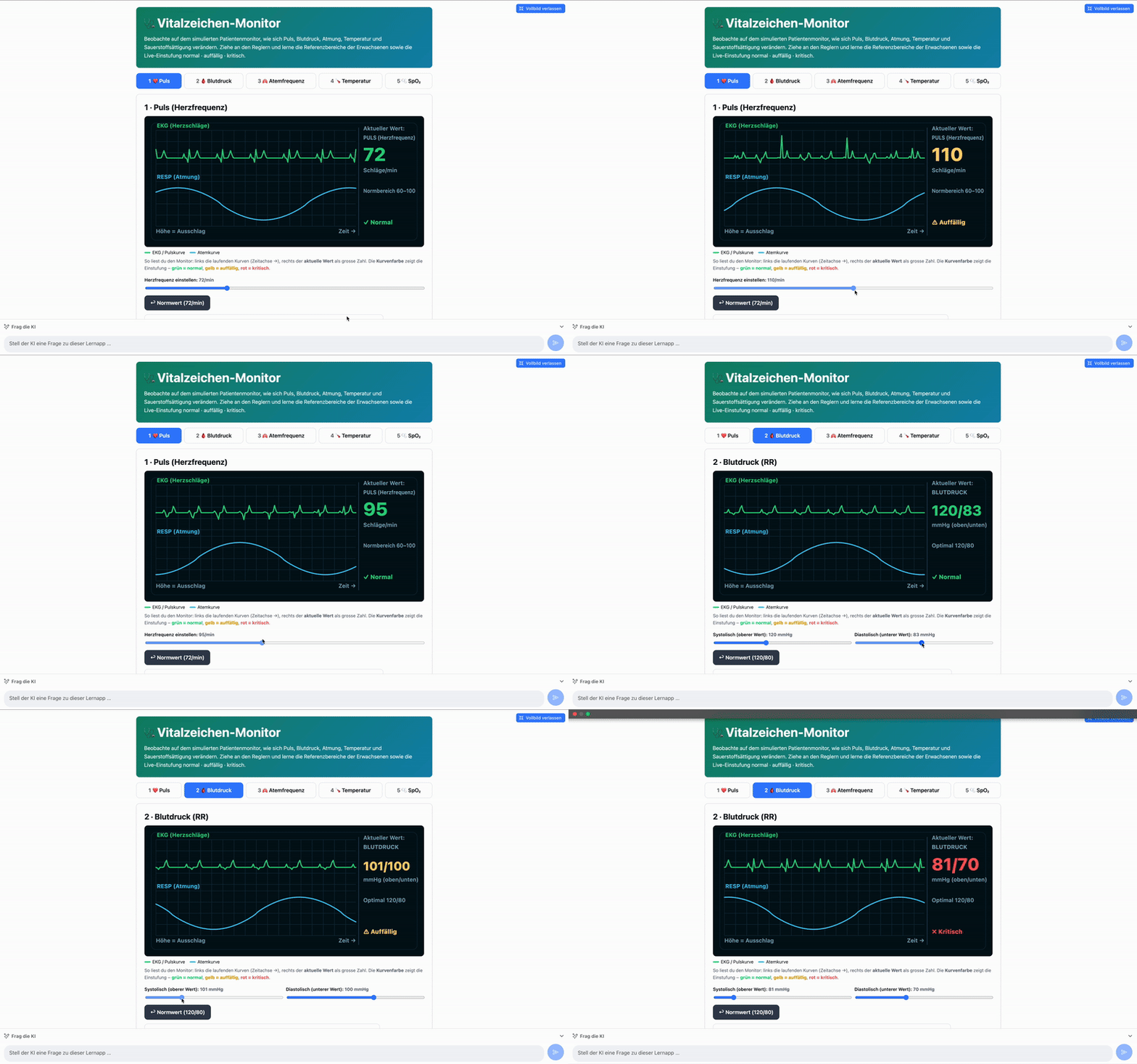
Vital signs monitor:
Simulation of exponential growth using a petri dish:
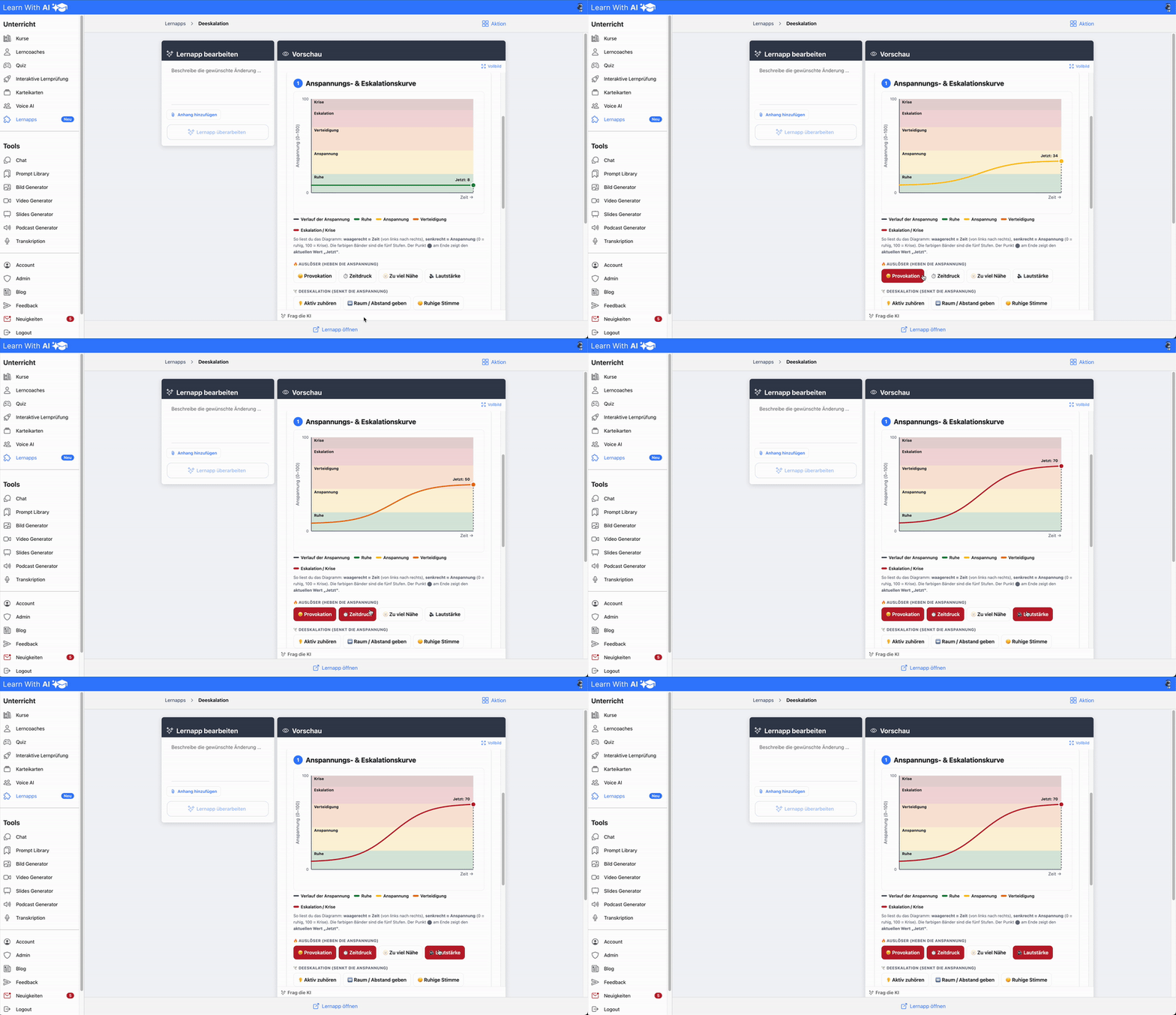
Tension and escalation curve:
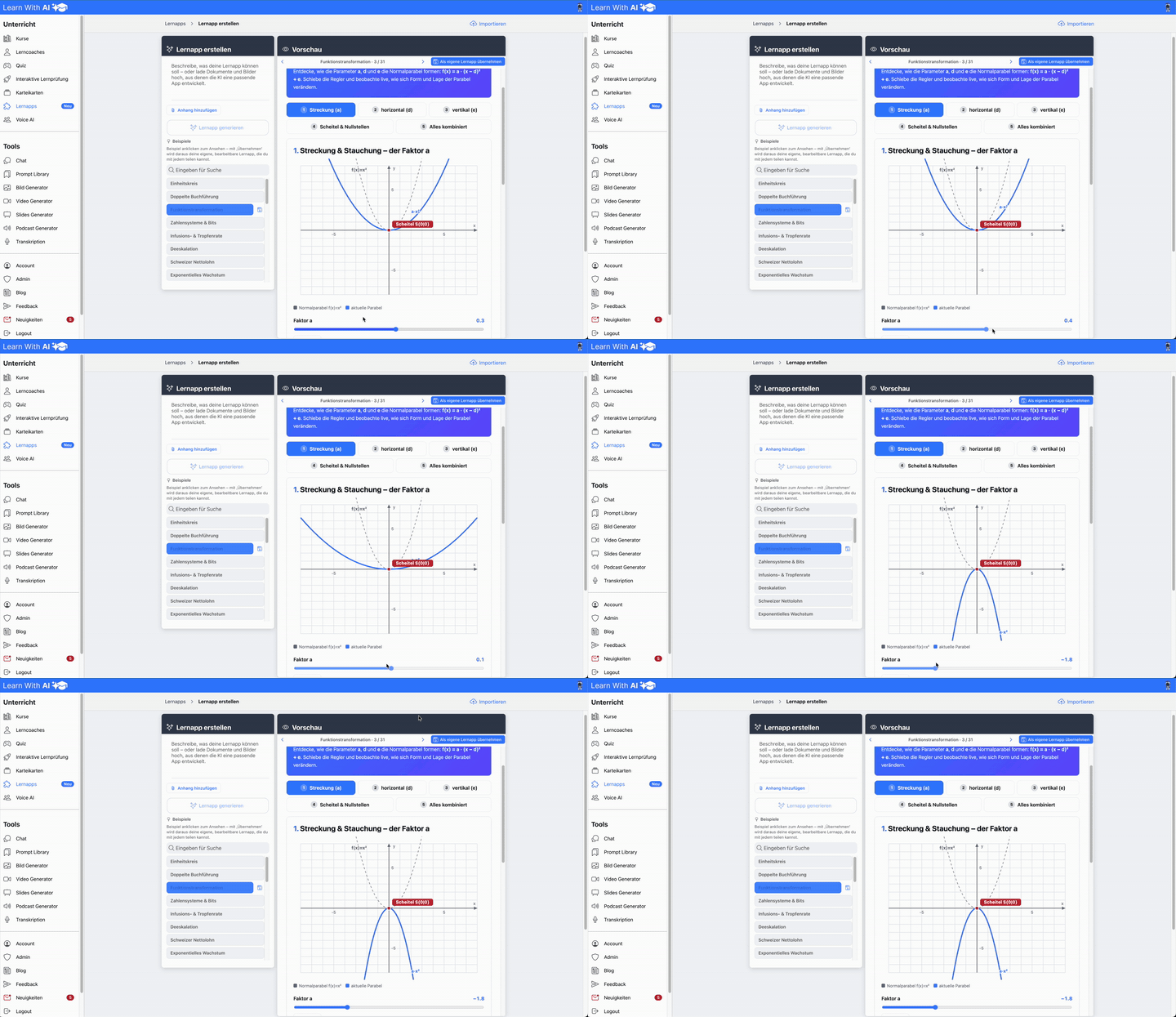
Function transformation
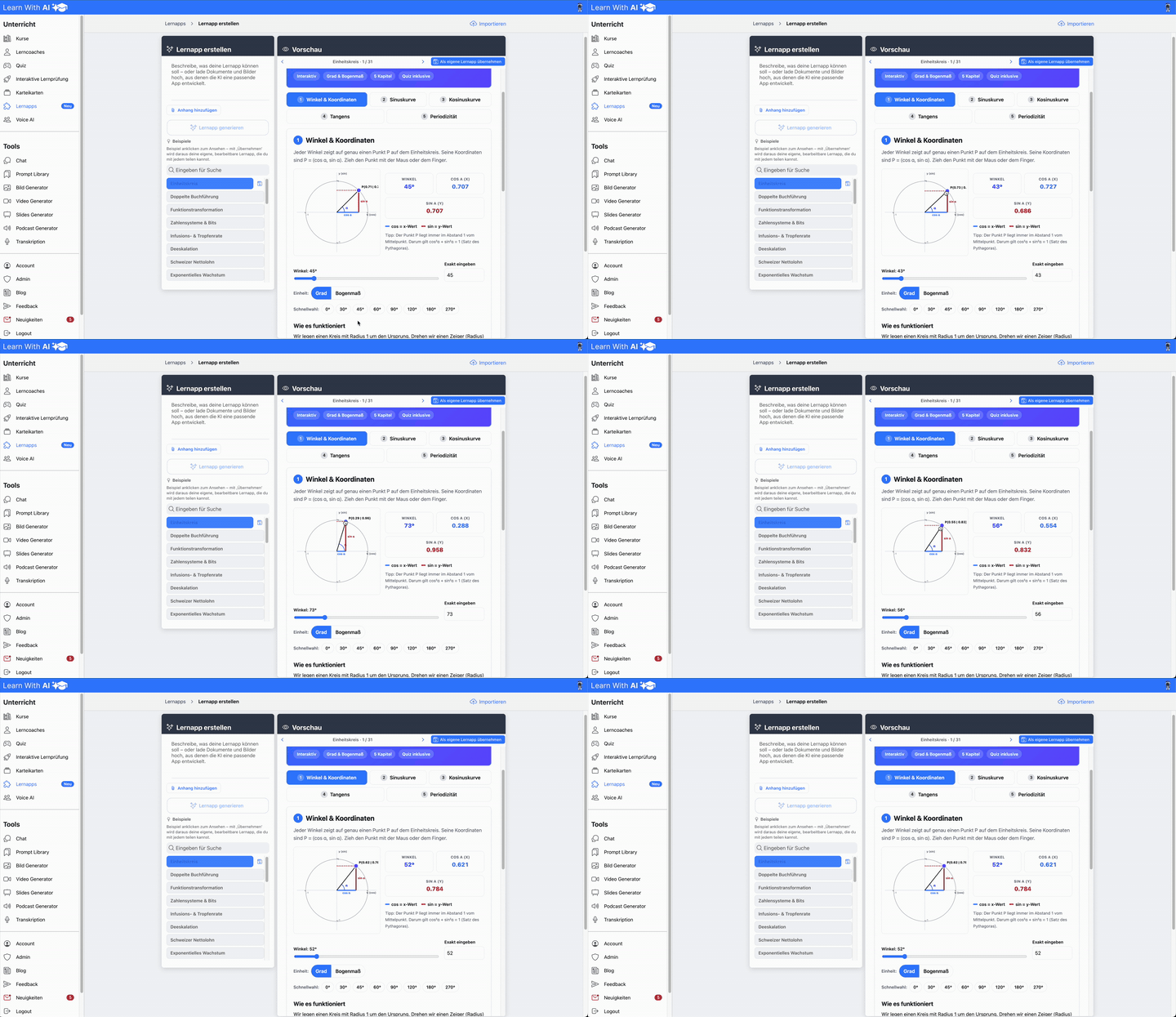
Unit circle:
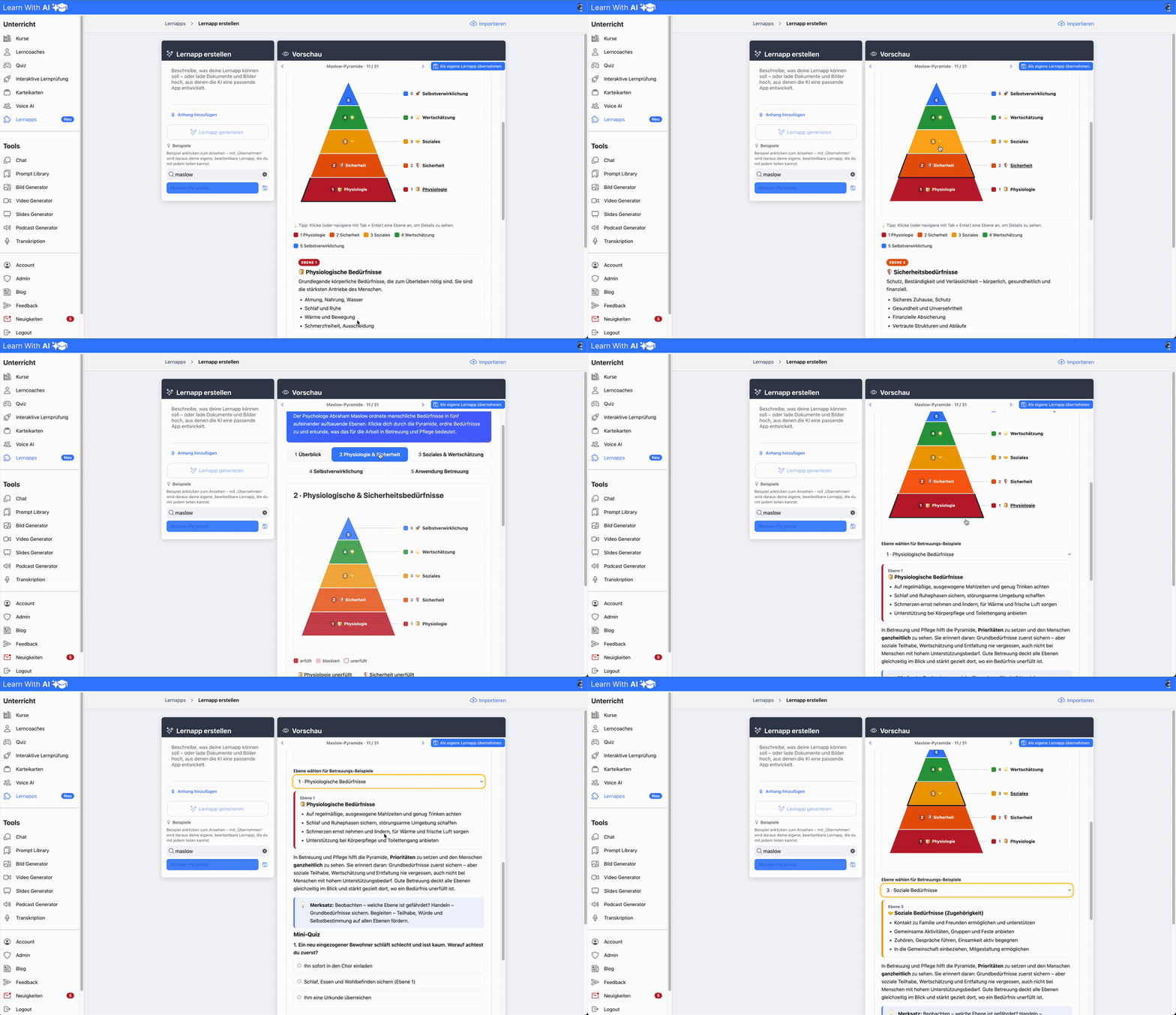
Maslow’s hierarchy of needs:
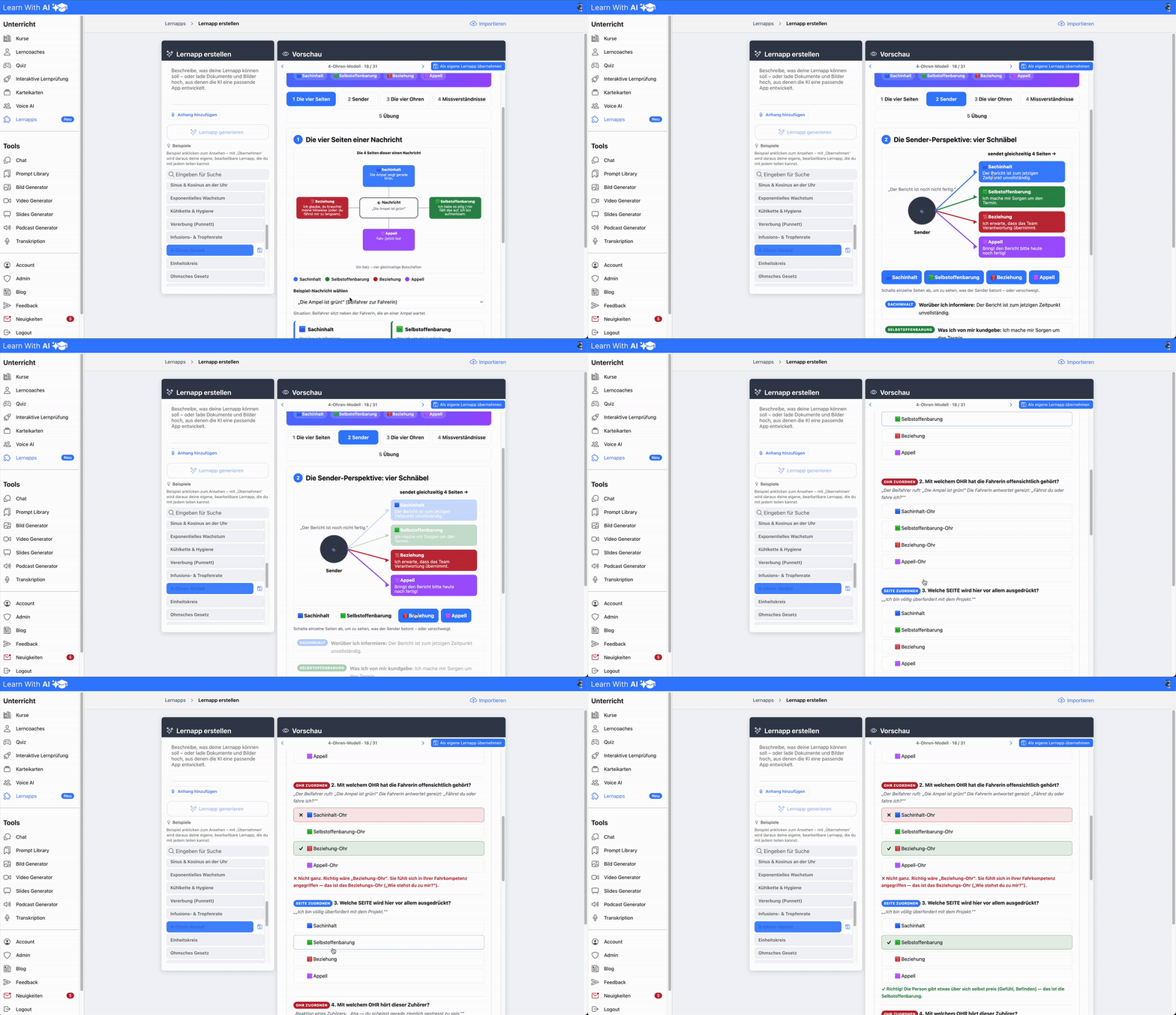
Four-sides model
.png)