
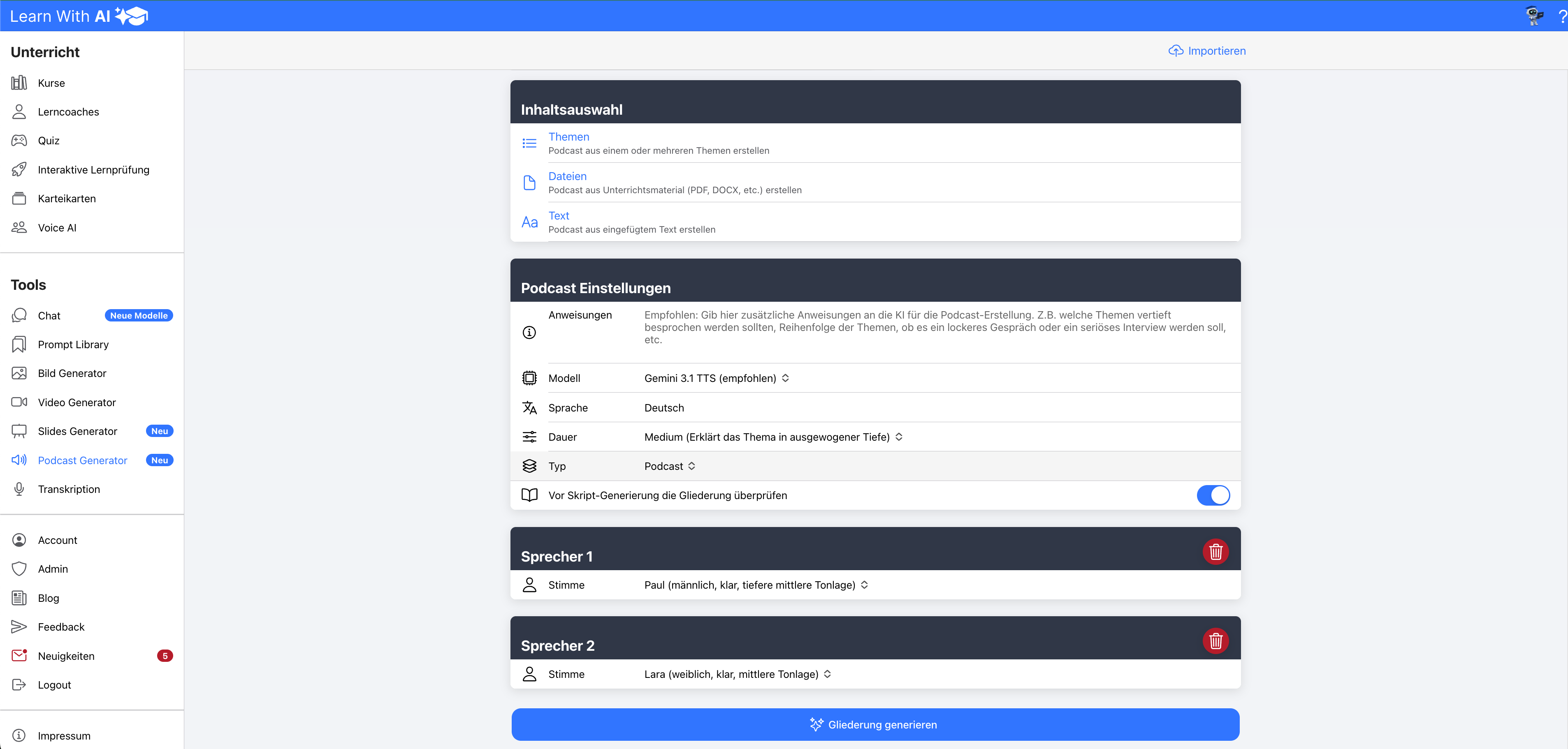
Imagine taking your teaching material, a topic, or a text and turning it into a podcast in just a few minutes – with real voice actors, in the format of your choice, and with truly great sound quality.
That's exactly what the newly revamped podcast generator in Learn With AI. It's ideal for summaries, revisions, diverse learning environments, or as audio material for on-the-go.
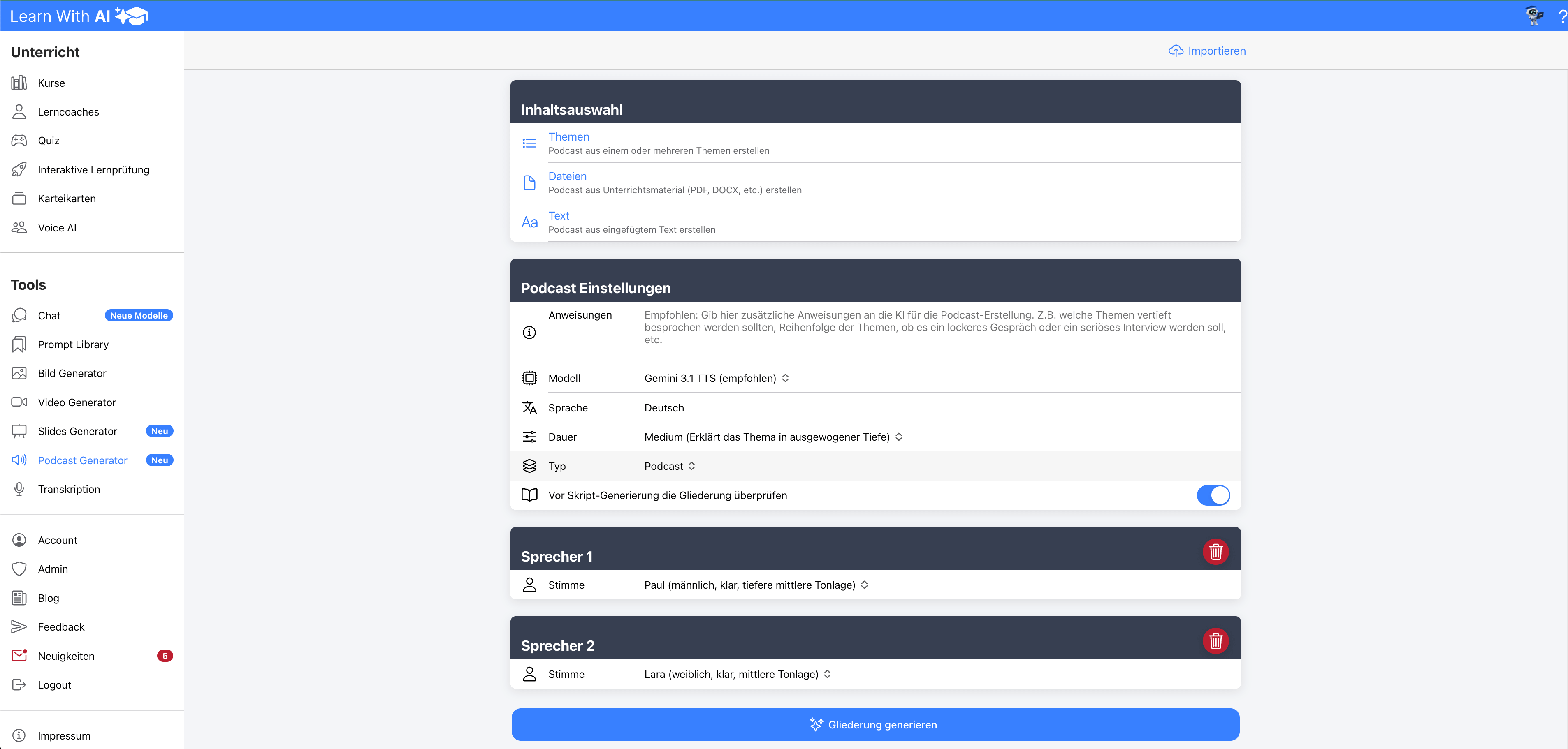
Key Features at a Glance
- Three input options: Teaching material (PDF, DOCX, etc.), one or more topics, or your own text
- Various formats: Podcast, interview, dialogue, monologue, or story
- Many voices: female and male voices with different characteristics
- Audio Tags: Control emotions, pace, and emphasis precisely
- Outline first: First, an outline is created, which you can review and adjust – only then is the fully formulated script generated from it
- Greatly improved audio quality
- Download in common audio formats
- Tip: Create a listening comprehension quiz from the transcript
Listen to the post here:
Table of Contents
- Step 1: Choose Content – Teaching Material, Topic, or Text
- Step 2: Set Format and Length
- Step 3: Select Different Voices
- Audio Tags: Control Emotions and Emphasis
- Step 4: Create Outline
- Step 5: Script Generation
- Step 6: Generate Podcast
- Step 7: Download
- Tip: Quiz from the Transcript for Listening Comprehension
- Try it now
Step 1: Choose Content – Teaching Material, Topic, or Text
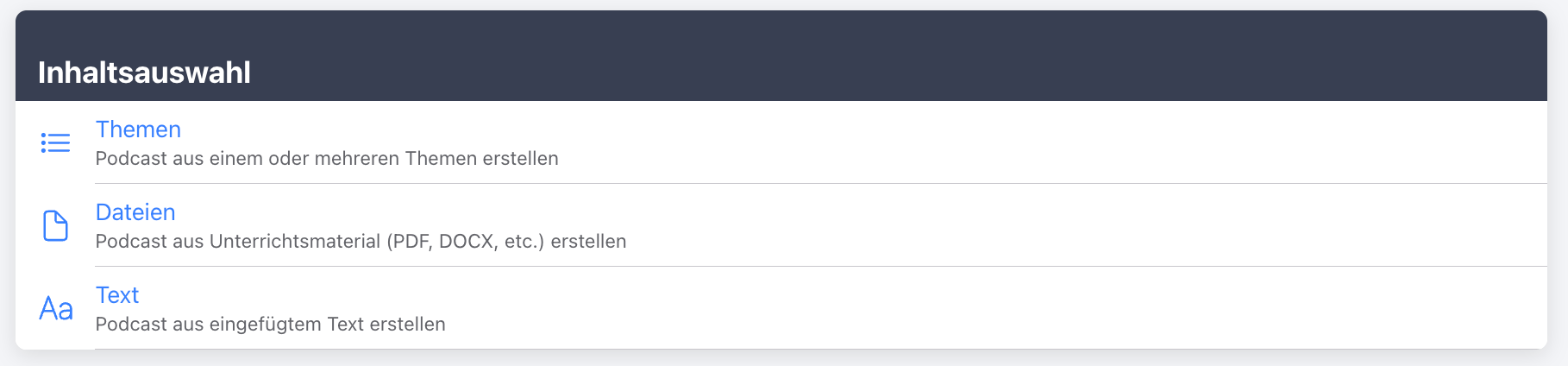
You start with the question: What should the podcast be based on? Learn With AI offers three options for this:
- From Teaching Material: Upload a file, for example, a PDF, a Word document, or a presentation. Learn With AI automatically processes the content.
- From one or more topics: Simply enter a topic, such as "Photosynthesis" or "The French Revolution". You can also combine multiple topics.
- From pasted text: Paste your own notes, an article, or a learning text directly.
Additionally, you set the language and can specify in the 'further notes' field what the AI should pay particular attention to (for example, target audience, school level, or key areas).
Step 2: Set Format and Length
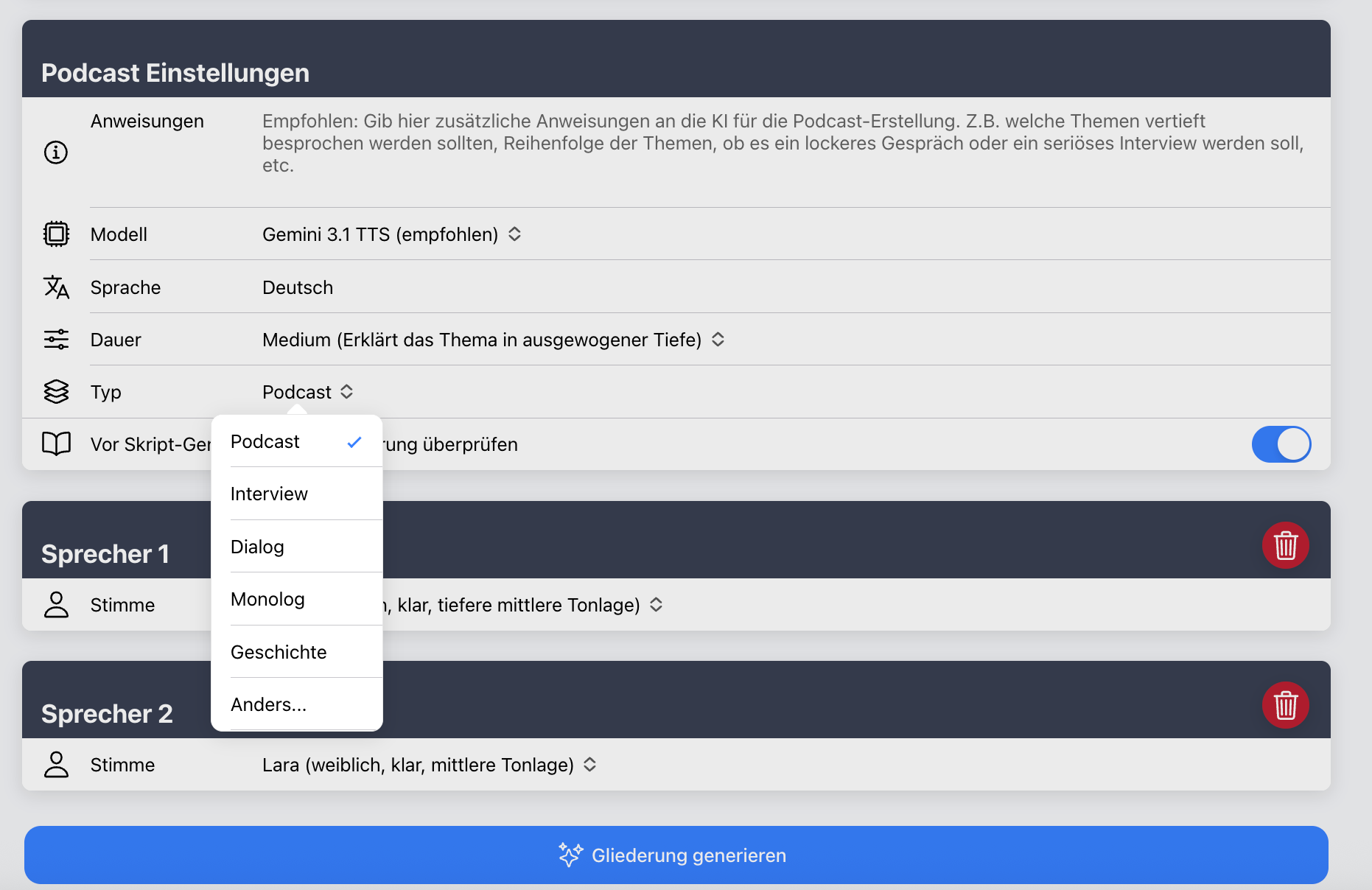
Next, you select the format. Available options are:
- Podcast – classic hosted podcast
- Interview – Q&A discussion
- Dialogue – conversation between two people
- Monologue – a single speaking voice
- Story – narrative format
You also set the length: Short (compact), Medium (balanced) or Long (detailed). This ensures the podcast suits the learning situation – from a quick overview to in-depth exploration.
Step 3: Select Different Voices
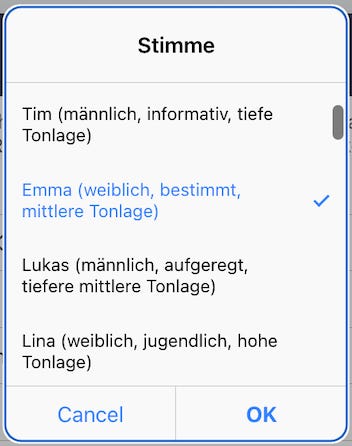
You can add multiple speakers and assign a unique voice to each. Numerous female and male voices with distinct characteristics are available. Three examples:
- Emma – clear and confident, ideal for hosting and explanations
- Marco – lively and energetic, perfect for informal discussion formats
- Tim – calm and informative, ideal for factual content and explainer pieces
For example, you can give a dialogue two clearly distinguishable voices or make an interview with a host and guest sound realistic.
Step 4: Create Outline
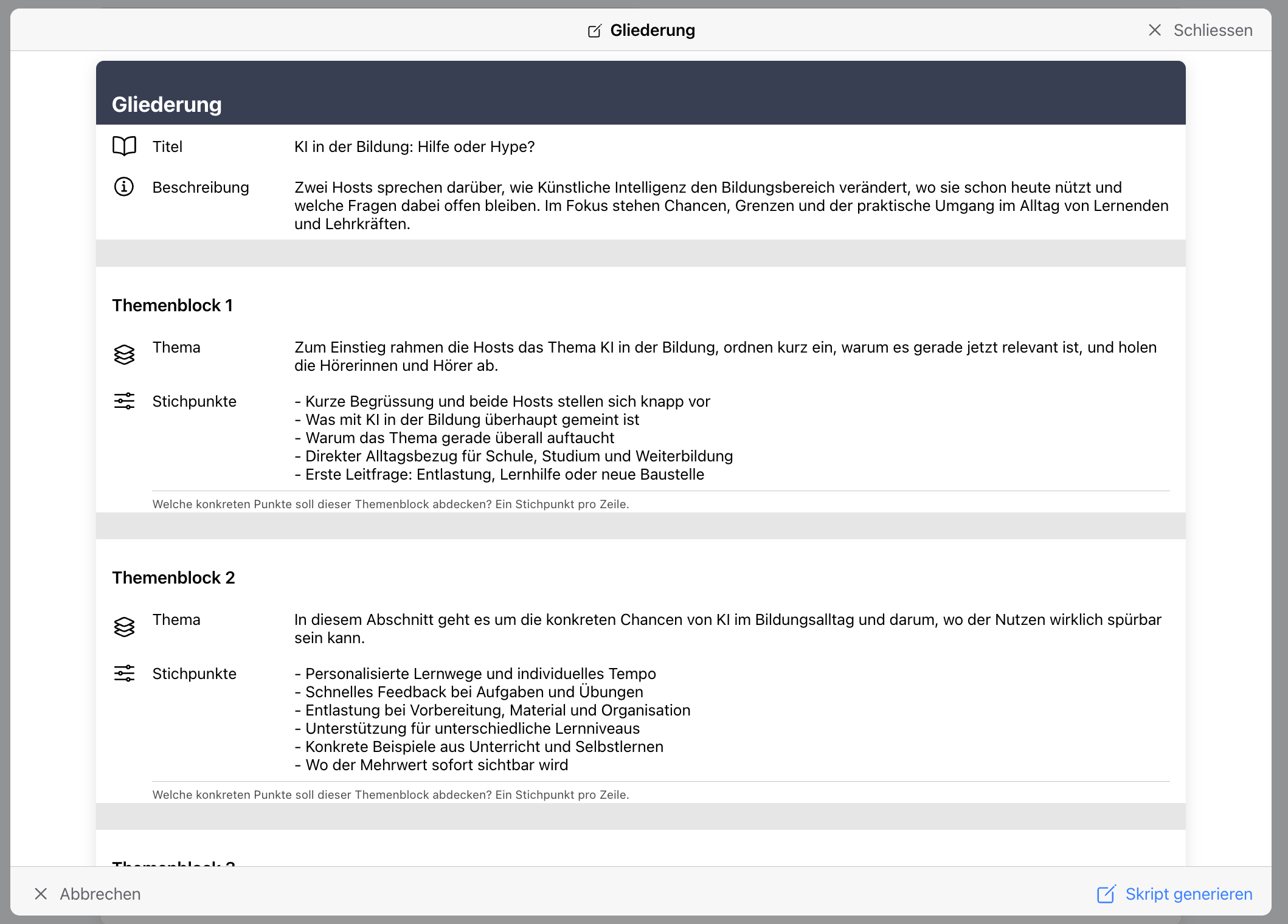
Before any audio is produced, Learn With AI first creates an Outline – in other words, the structure of the podcast. It includes the title, description, scene, and individual sections with their respective content focuses.
The outline is not yet a script, but rather the content blueprint. You see it before proceeding: You can adjust individual sections, add to them, or ask the AI to specifically revise the outline. This ensures the content is accurate before it's fully written out.
Step 5: Script Generation
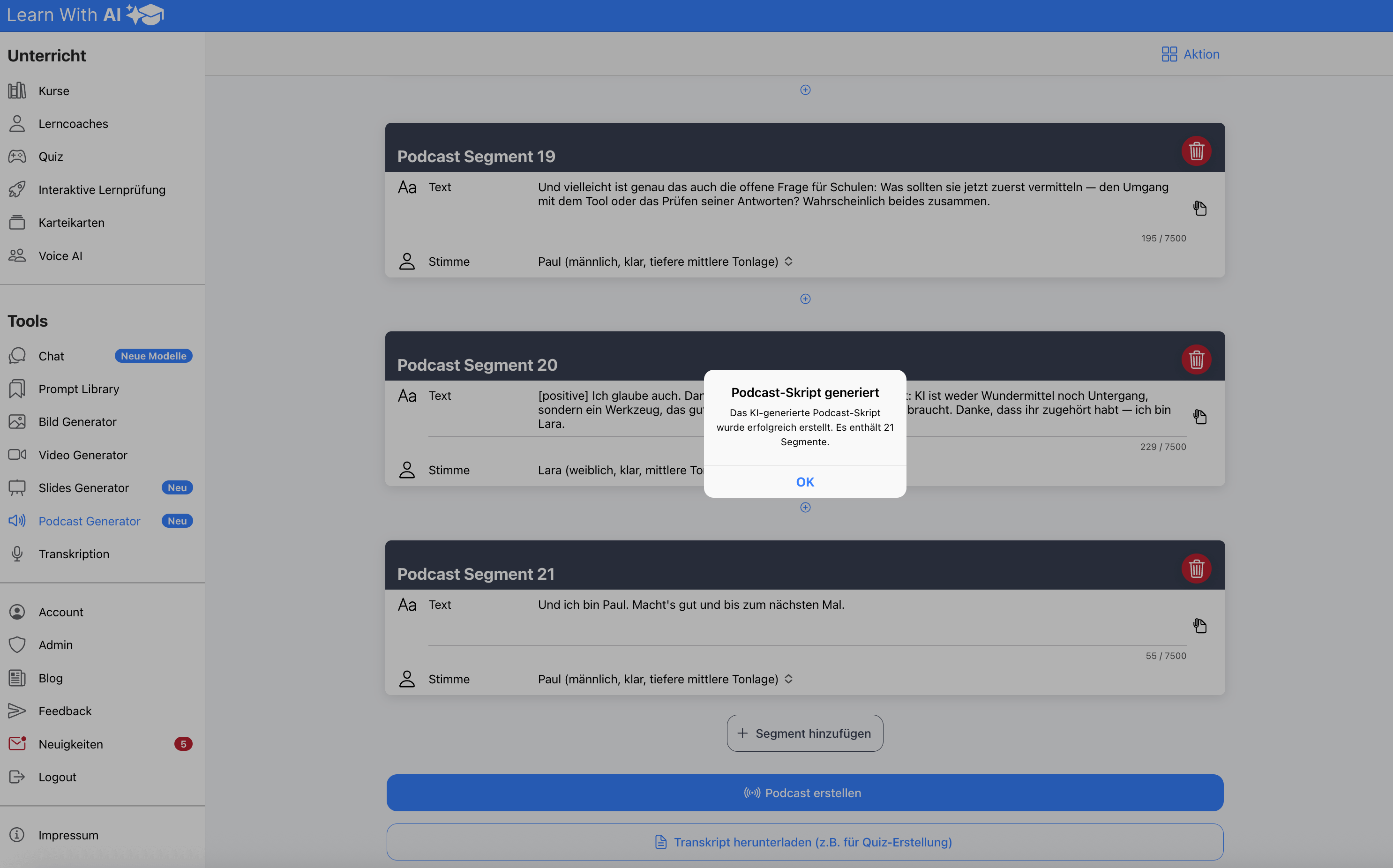
Once the outline is approved, Learn With AI generates the Script – the complete, fully written script with individual lines for each speaker. Here, the bullet points from the outline are transformed into real dialogues and narrative passages.
This way you maintain full control: review the outline first, then the fully drafted text – rather than ending up with a finished podcast that doesn't align with your content.
Step 6: Generate Podcast
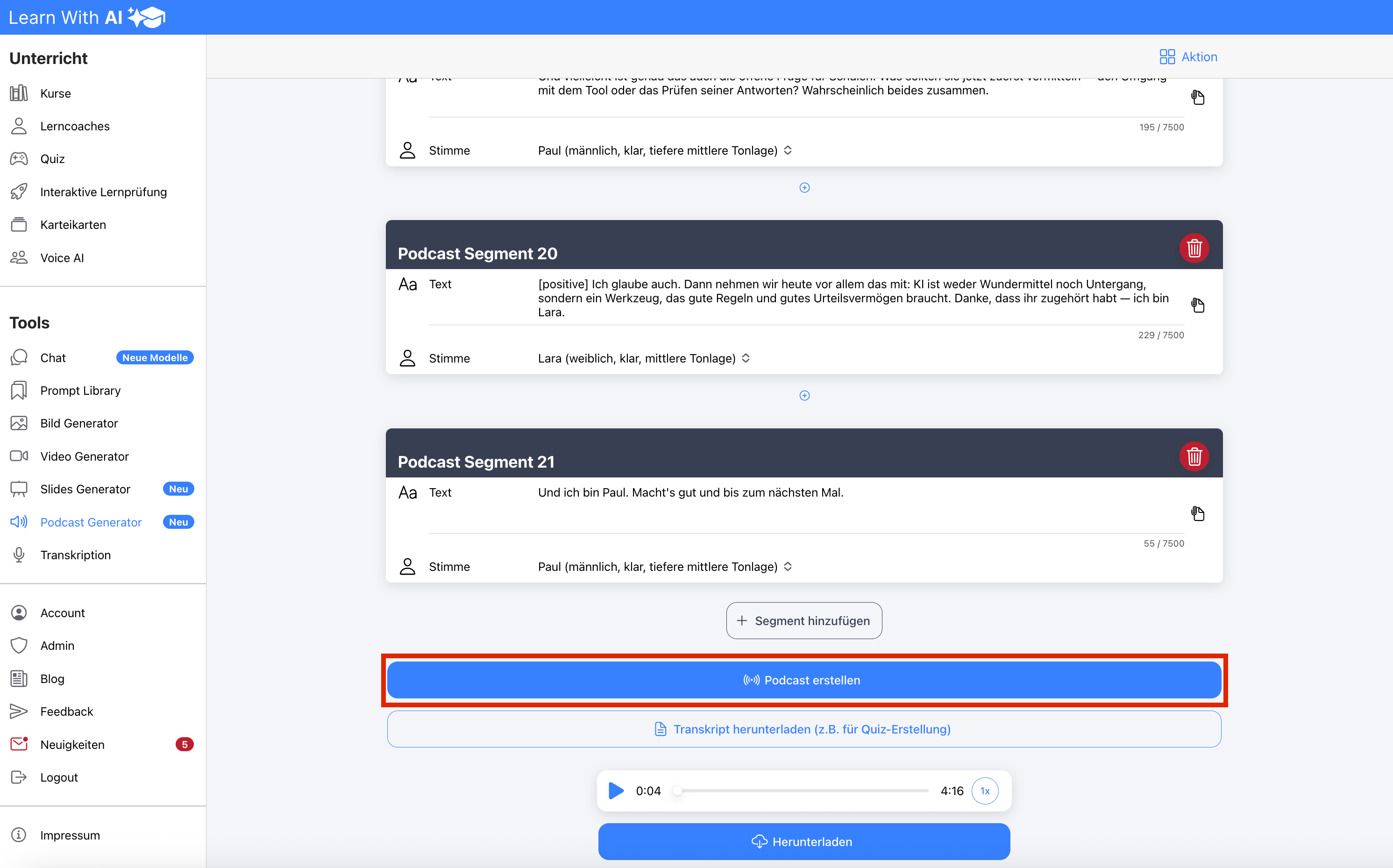
Once the script is correct, you generate the podcast. Learn With AI vocalizes the text with the selected voices. The audio quality has been significantly improved and sounds more natural than before.
Step 7: Download
You can download the finished podcast and use it in class, on the learning platform, or offline. Common audio formats available for export include MP3 and WAV .
💡 Tips:
Listening Comprehension Quiz from the Transcript
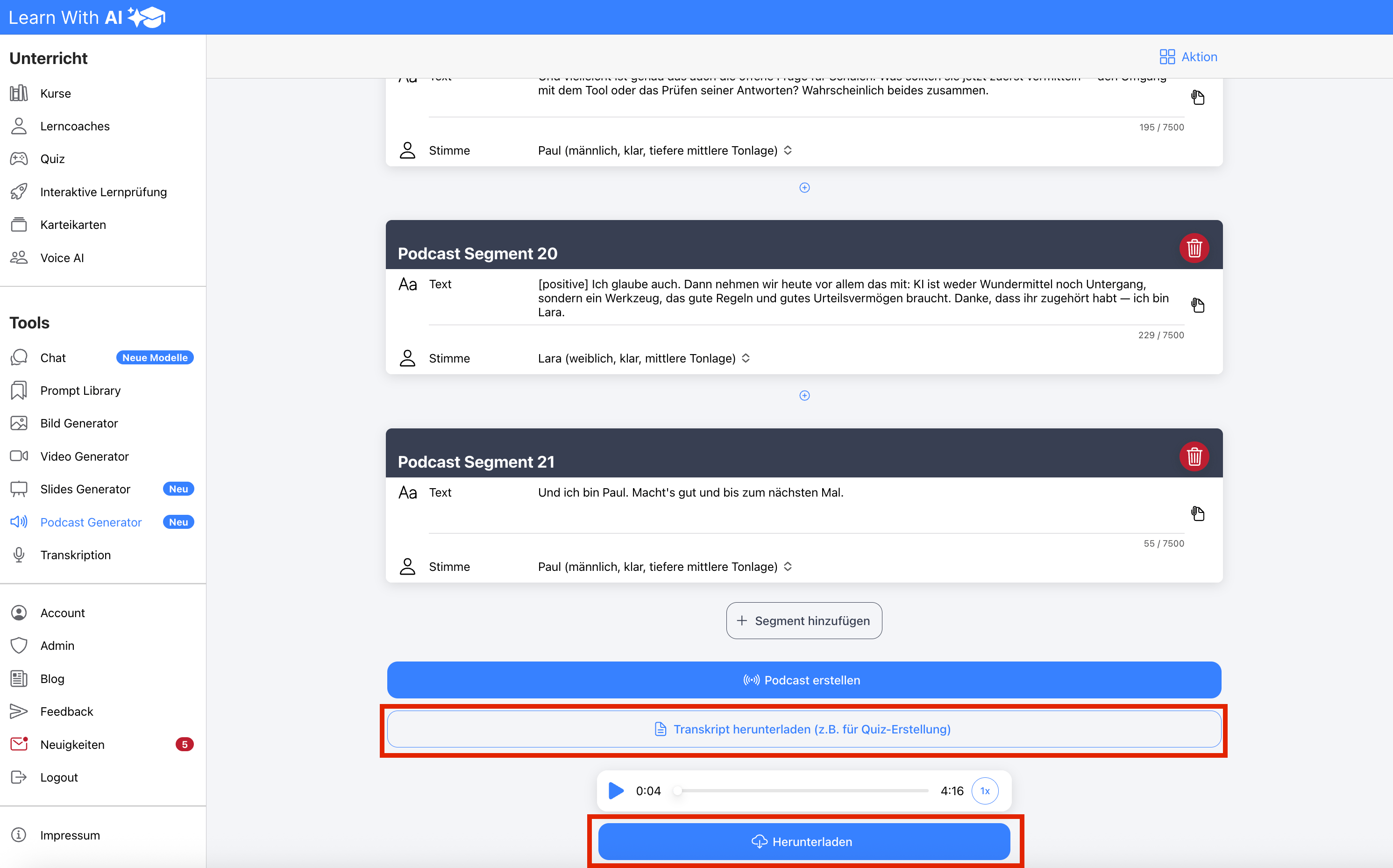
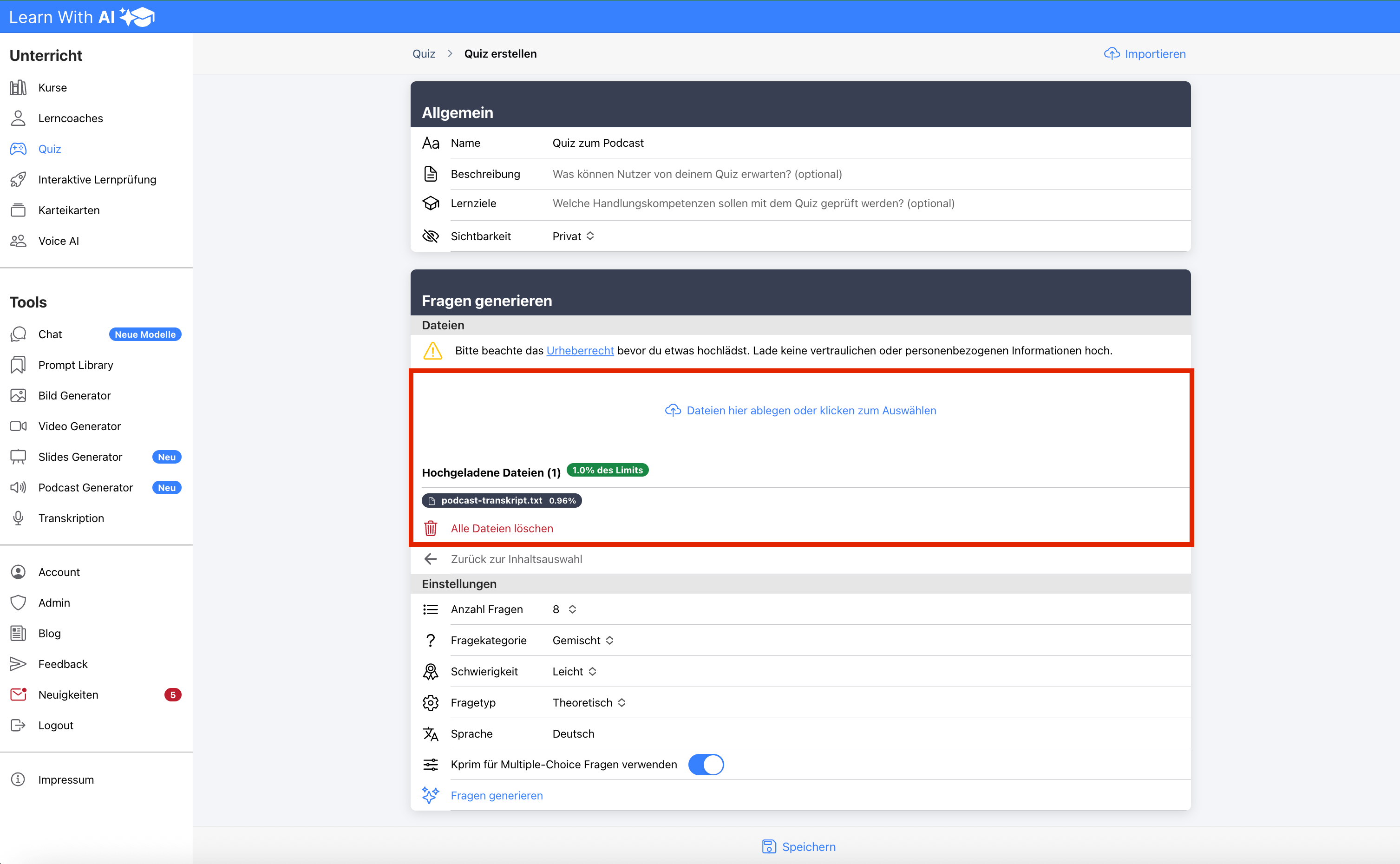
A particularly effective use: Have your learners listen to the podcast and then create a quiz from the transcript . To do this, download the transcript text and use it as the basis for quiz generation in Learn With AI.
This way you specifically check listening comprehension: Learners listen to the podcast and then answer questions about its content. This transforms passive listening into active learning assessment – ideal for language classes, factual topics, or review sessions.
Audio Tags: Control Emotions and Emphasis
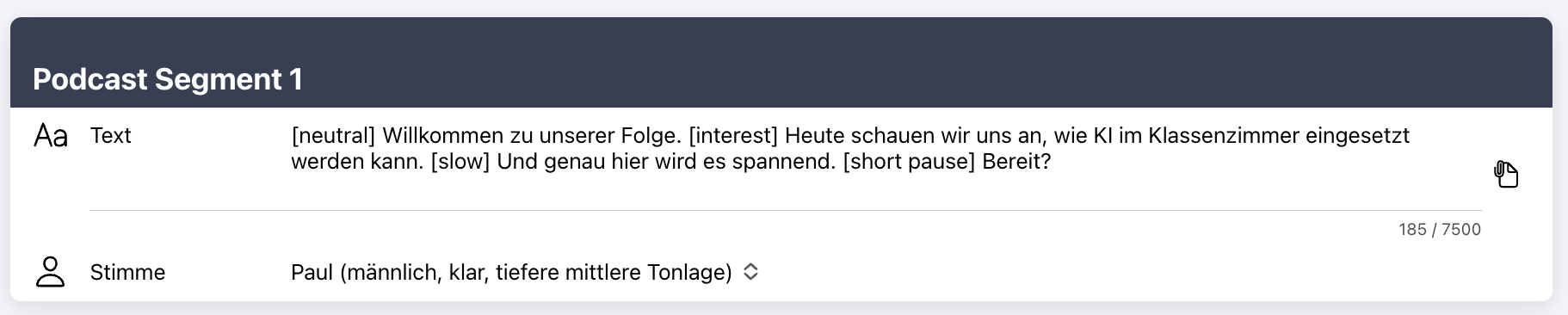
With audio tags, you control how a sentence is spoken – including emotion, pace, volume, and pauses. The tags are inserted directly into the text and apply from the point where they are placed.
Available tags include [interest], [excitement], [laughs], [whispers], [slow], [quiet] or [short pause].
Example:
[neutral] Welcome to our episode. [interest] Today, we're looking at how AI can be used in the classroom. [slow] And this is where it gets exciting. [short pause] Ready?
This makes the podcast sound more lively and natural – instead of being read monotonously, it sounds like a real conversation.
Try it now
The new Podcast Generator is already available in Learn With AI . Choose your learning material, a topic, or a text, select suitable voices, and create your first podcast in minutes.
.png)