
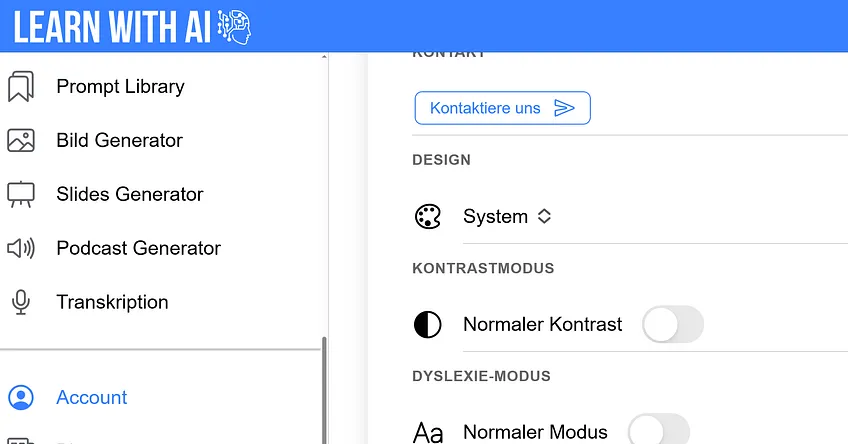
For digital learning to work for everyone, an interface is needed that can be flexibly adapted to different needs. Learn-With.AI now offers three new options that are particularly helpful for students with special needs — but also for teachers who want to personalize their learning environment.
🧠 Dyslexia mode
Making reading easier — for learners with reading difficulties
Dyslexia mode uses a specially developed font that clearly distinguishes letter forms. This makes reading noticeably easier — and less stressful — for people with poor reading and spelling.
Perfect for:
- Students with dyslexia
- younger students with even more uncertain reading skills
- anyone who prefers a calm and clear text presentation
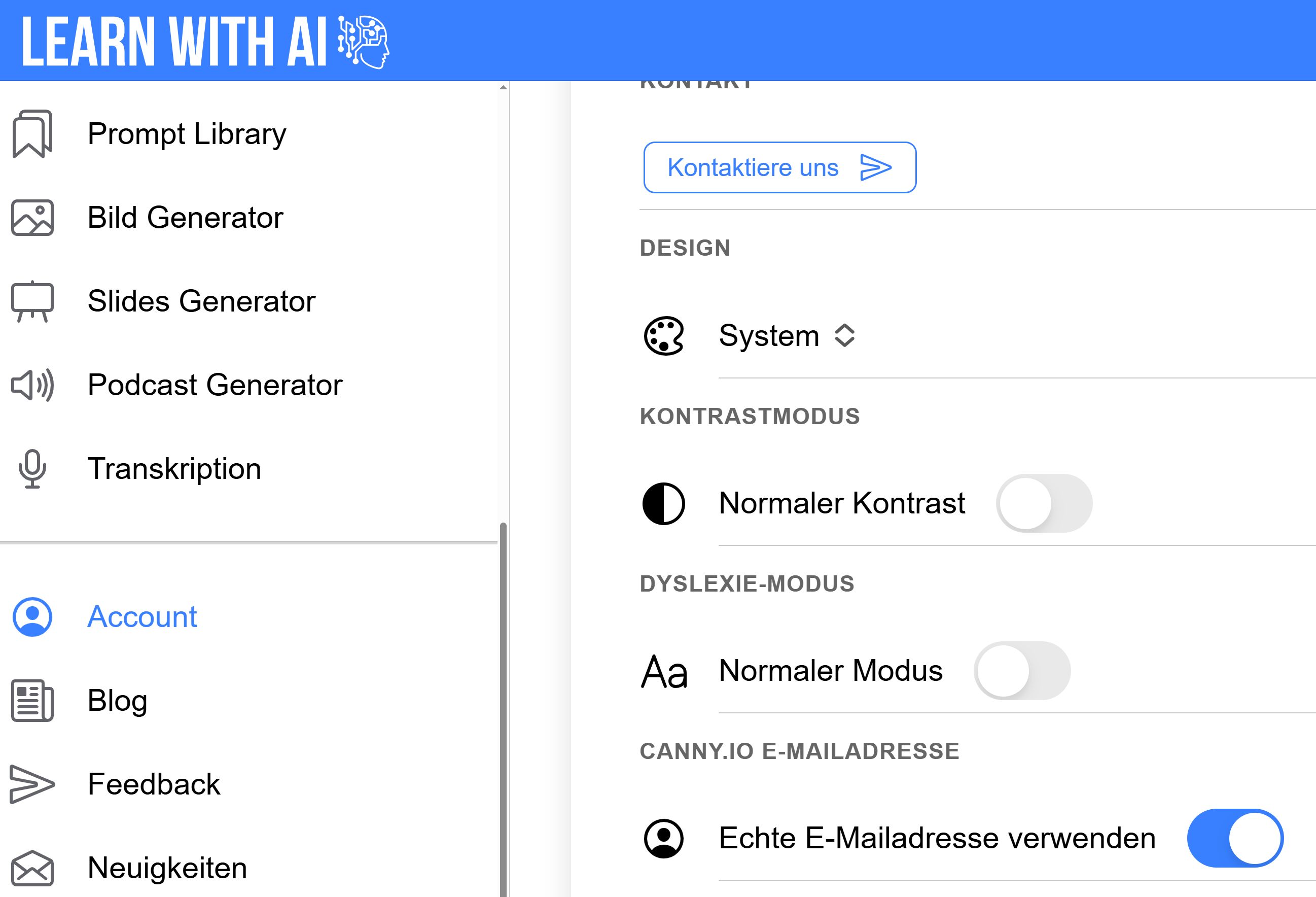
🔧 Attitude: Account → Activate dyslexia mode
🌑 Contrast mode
Better vision in difficult lighting conditions
By clicking on “High contrast”, texts and control elements are more clearly differentiated from each other. This is particularly helpful in classrooms with poor lighting or for people with impaired vision.
Selectable between:
- Normal contrast (standard presentation)
- High contrast (dark font on a light background with stronger outlines)
🔧 Attitude: Account → Contrast mode
🎨 Design mode (light/dark/system)
The way it fits best — light, dark or automatic
Do you prefer a dark interface to be easy on the eyes — or would you prefer a bright screen for maximum clarity? No problem In the design menu, you can choose between brighter, darker and system-controlled Change display.
Particularly helpful:
- when working on the screen for a long time
- to avoid eye strain
🔧 Attitude: Account → Design → desired mode
💬 Feedback welcomed!
Do you have any other ideas on how we can make Learn-With.AI even more accessible or customizable? Share them with us directly:
👉https://learn-with.ai/feedback
.png)