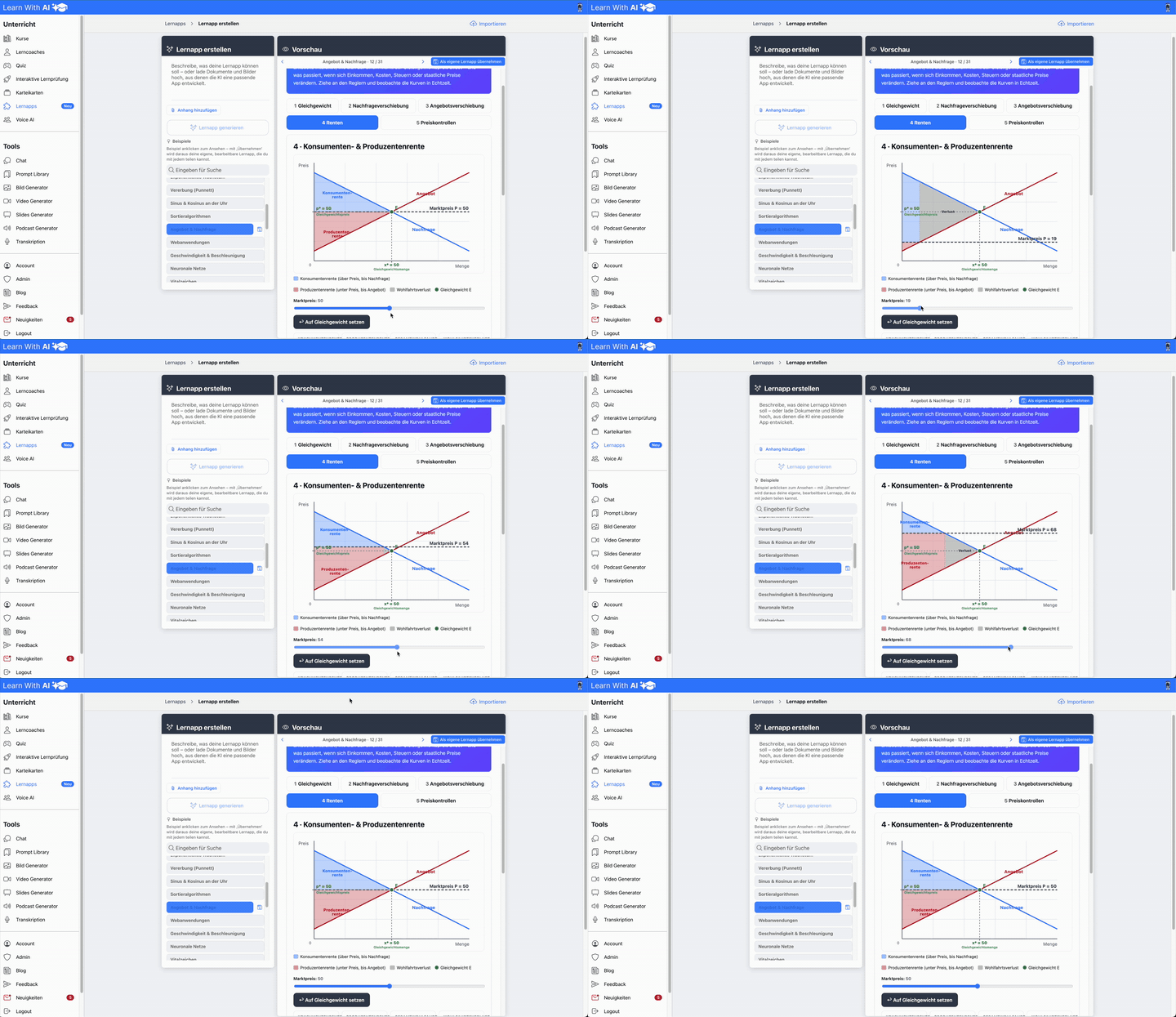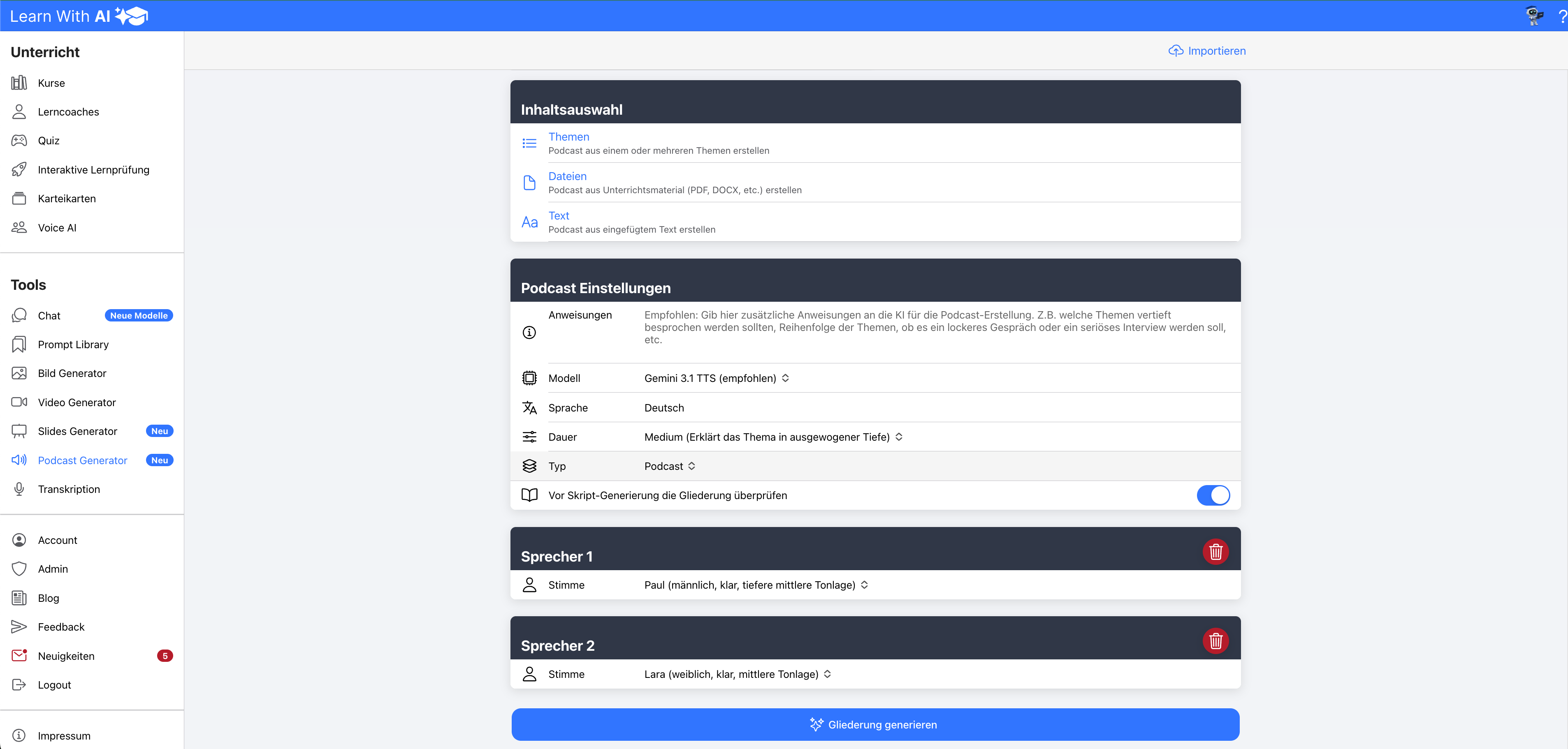


Imagine creating a learning coach, preparing lesson content or working directly in chat and being able to choose which AI model best suits your task.

New to you in Learn With AI In addition to the OpenAI models, Mistral AI and Google Gemini available.
This gives you more choice and allows you to decide which model you want to use, depending on the task.
The most important things in brief
- New AI models
- Mistral AI: European AI with a focus on data protection and transparency.
- Google Gemini: AI models from Google that can work with YouTube videos, audio, and various files, among other things.
- Chat and learning coaches: The models are available in chat and when creating learning coaches.
- Model overview: About “Learn more” You will be taken to an overview of all available models and functions.
- Learn with AI Agent: Answer questions and help you create content directly on the platform.
- New podcast generator: Greatly improved audio quality and various formats such as podcast, interview, story, monologue or dialogue.
- Presentation generator Pro: Several templates can be selected, your own master slides can be uploaded and suitable images are automatically generated for the slides.
- Improved image generation: Significantly stronger text rendering in images.
Listen to the post here:
Mistral and Gemini are now available
In addition to the OpenAI models, in Learn With AI, you can now also Mistral AI and Google Gemini use.
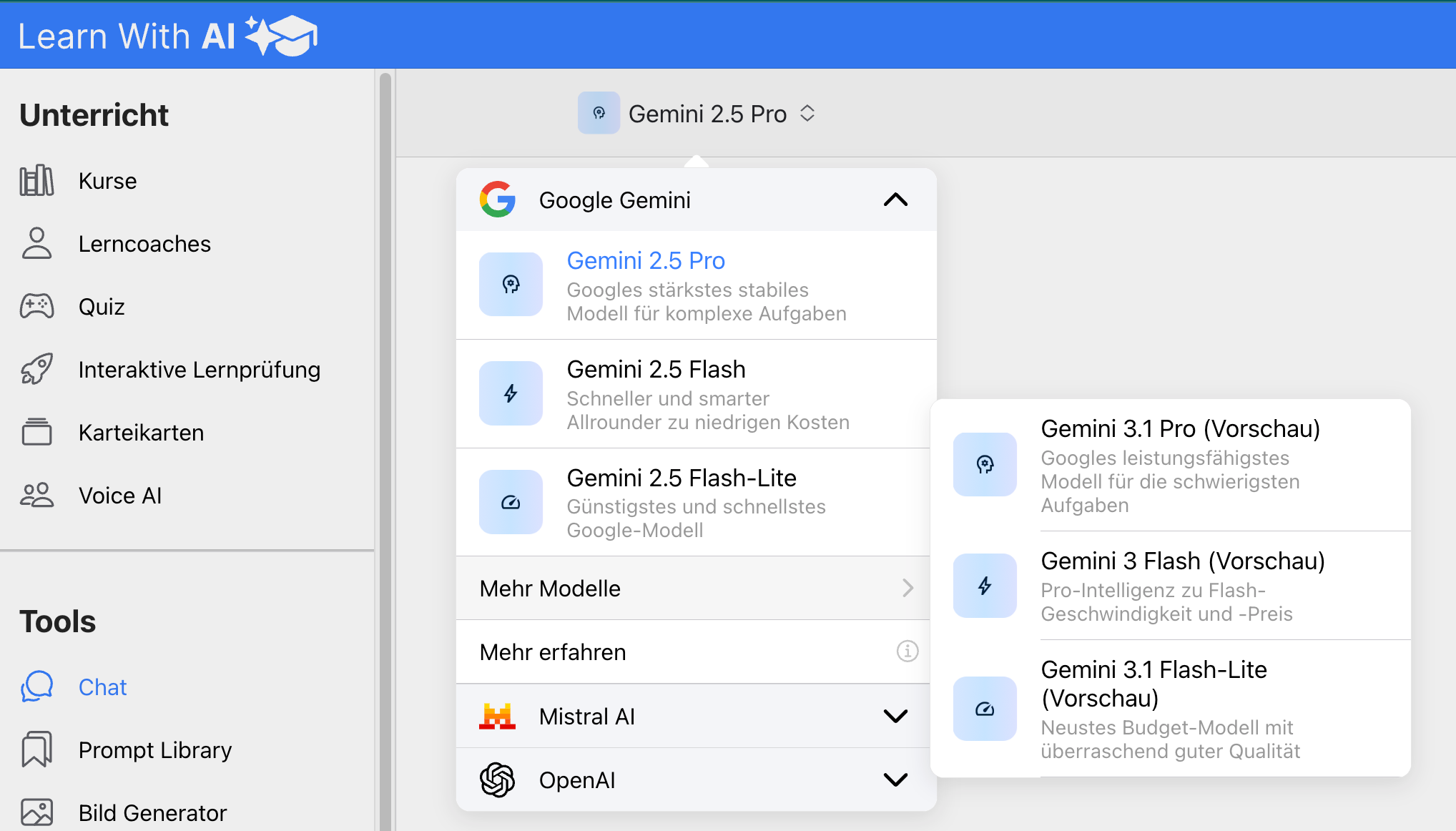
mistral Is a European AI provider with a focus on data protection and transparency. Gemini brings Google's AI models directly to Learn With AI.
The models are available both in chat and when creating learning coaches. So you can not only select a model in normal chat, but also decide which model a learning coach should work with.
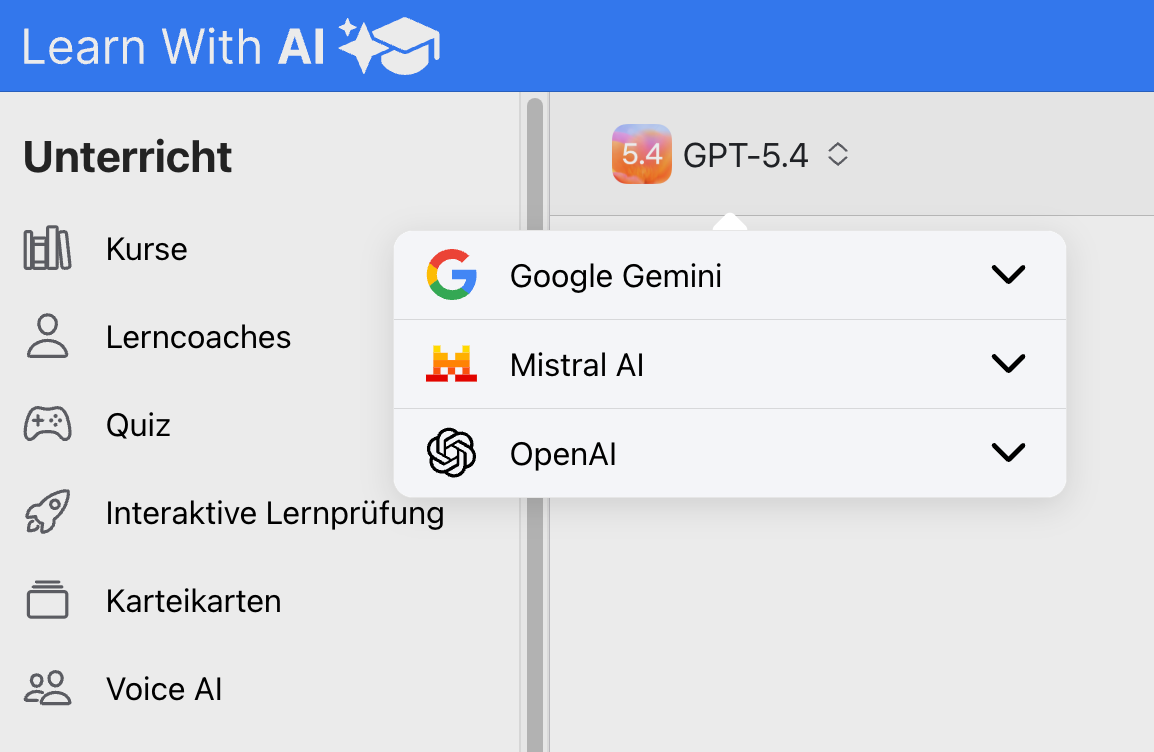
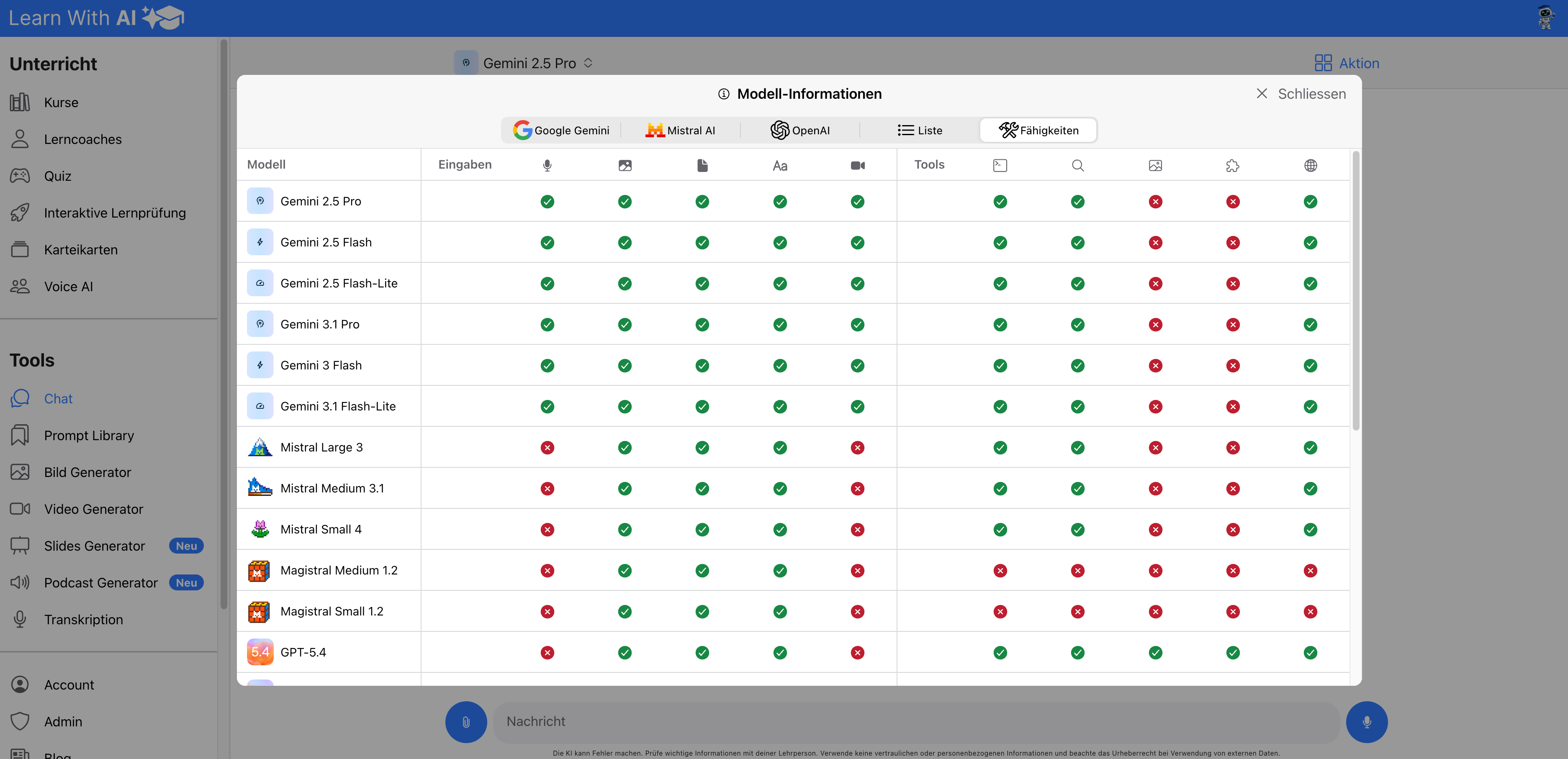
Learn more: Which models can do what?
Not every model supports the same features. Some models are particularly good at working with files, others are better for quick answers, more complex tasks, or specific tools.
That's why you'll find a model overview right away in Learn With AI. To do this, click in the model selection “Learn more”.
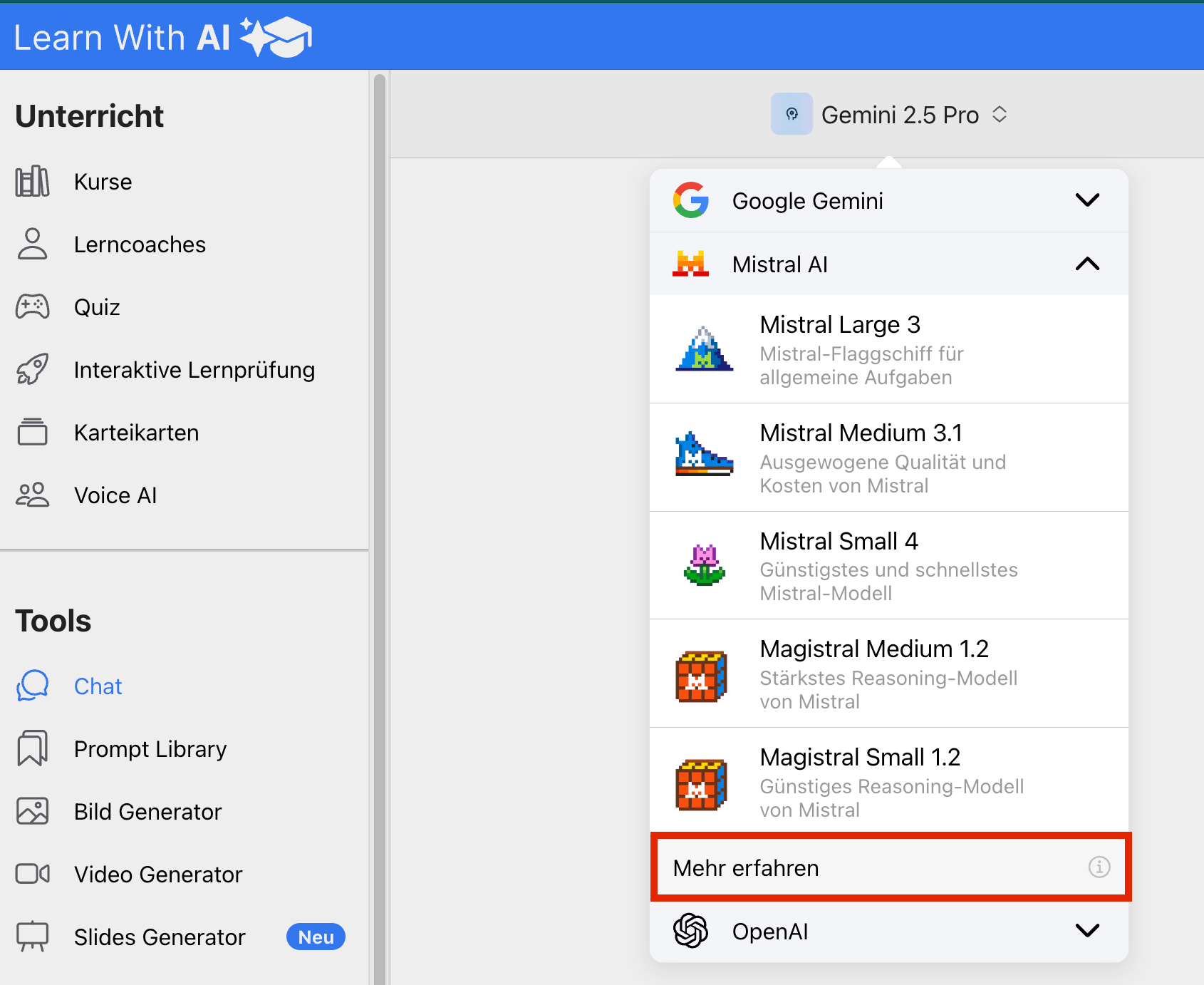
There you can see which models are available and which functions they support.
What you should know about Gemini
Among other things, Gemini can with you uploaded videos, audio, YouTube videos and various files work. This is useful if you want to reuse learning content from different sources.
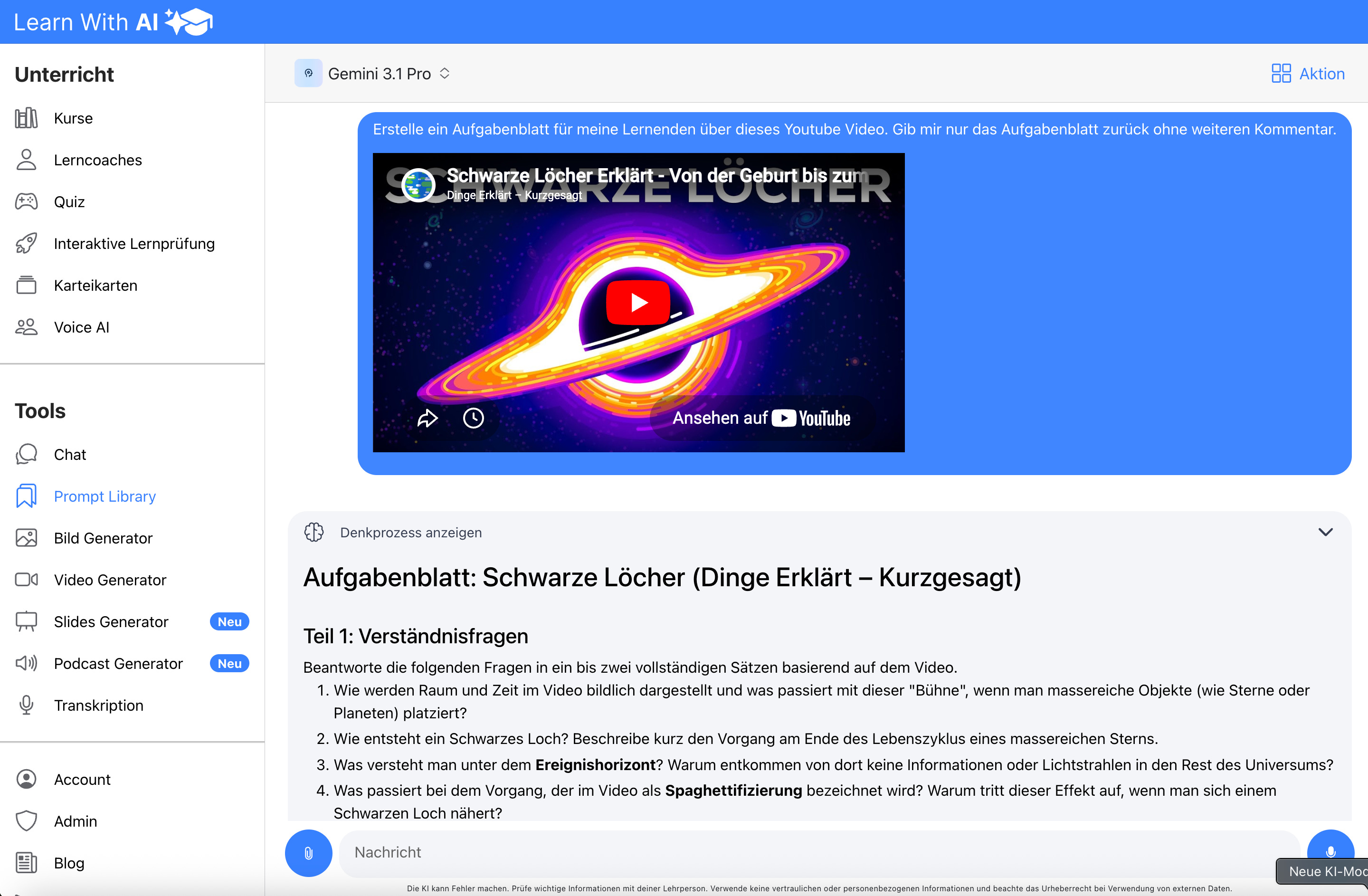
Note: Always check the copyright before using external content.
Only Gemini 2.5 Pro and the 3 Series models can create PDF files. The 3-series models can already be selected, but preview models are currently still available.
What you should know about Mistral
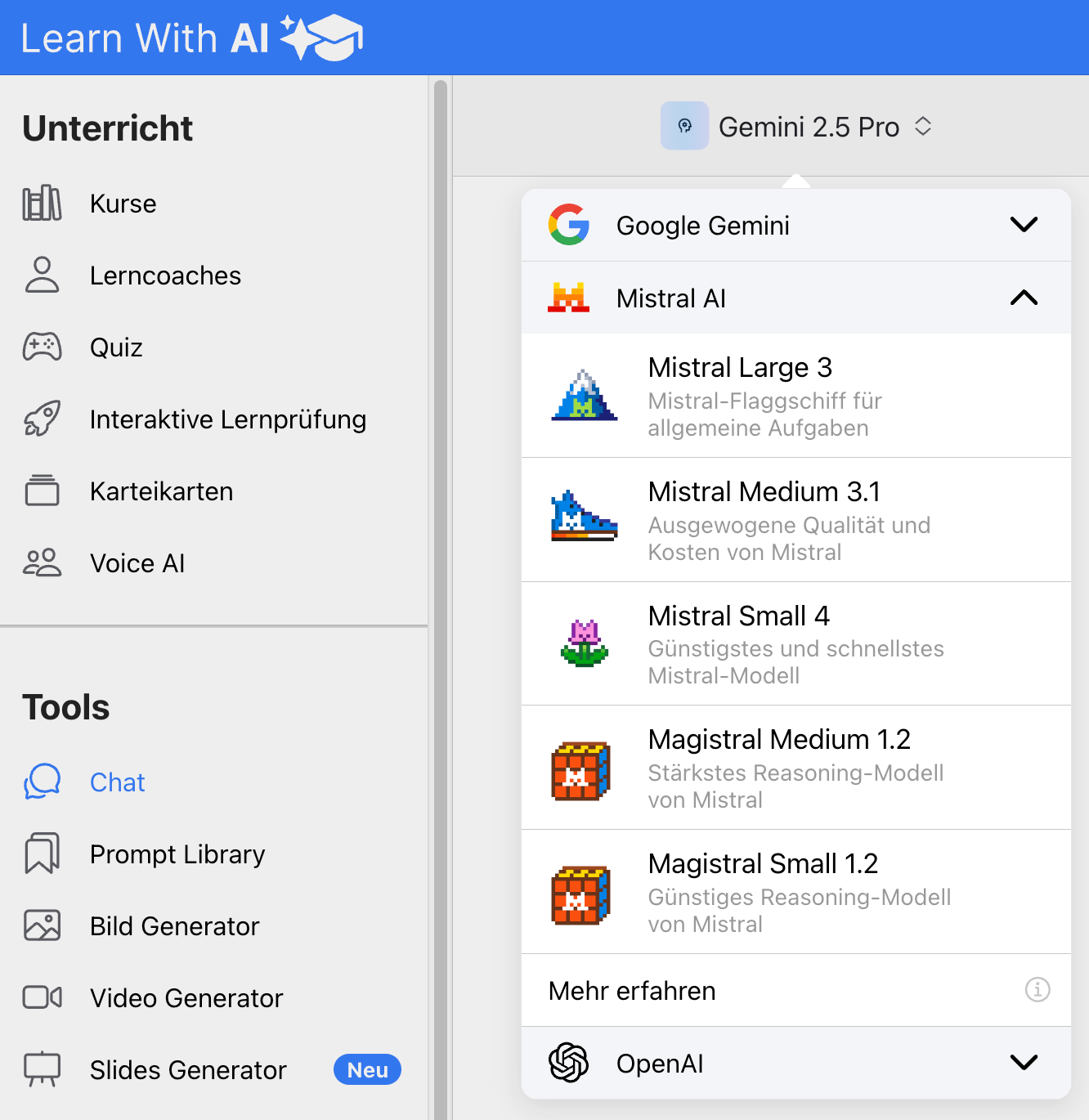
Mistral AI Is a European AI provider with focus upon Data protection, transparency and quick response times. Especially when processing uploaded files Mistral impresses with its high speed
Mistral Small 4 is the latest Mistral model in Learn With AI and offers a configurable level of thinking. The highway models are Mistral's reasoning models. They are intended for tasks where step-by-step thinking is important.
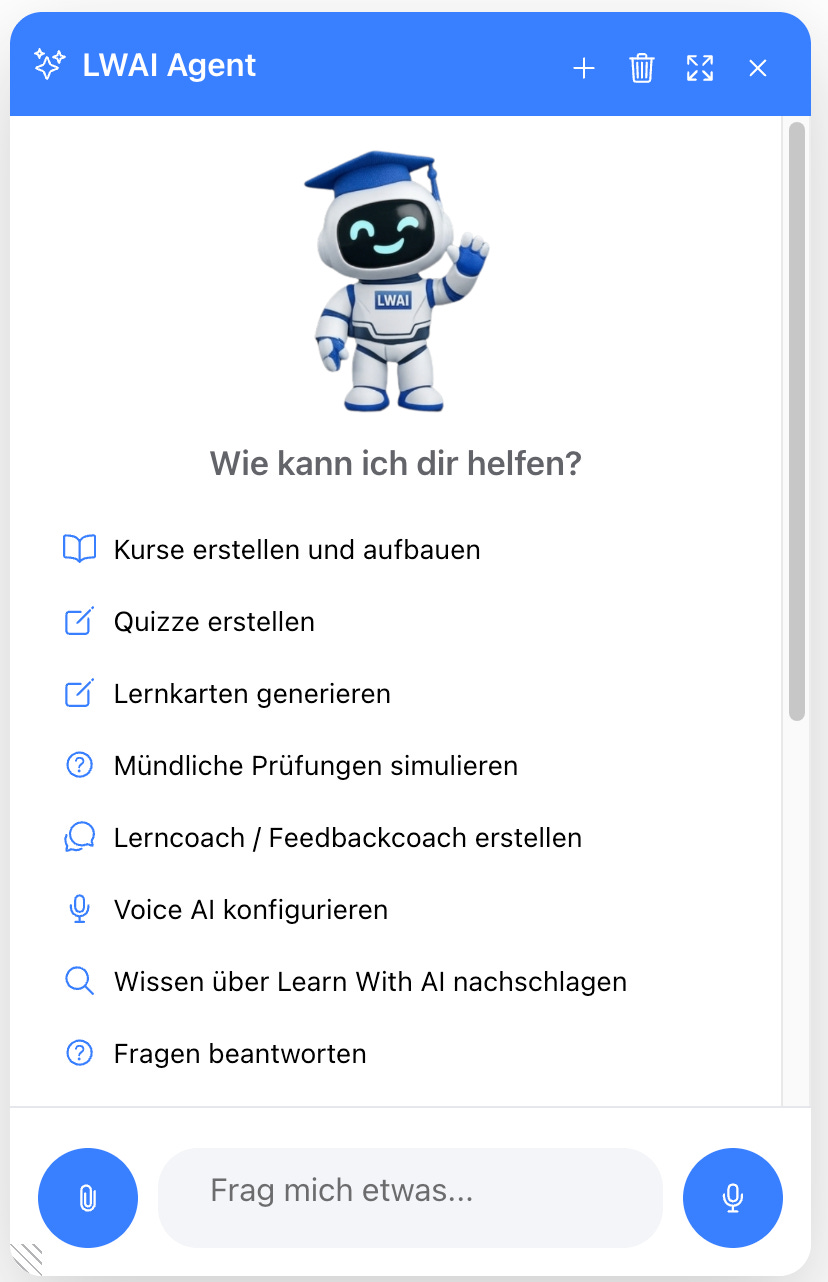
Learn with AI Agent
The Learn With AI Agent supports you directly in the platform. It answers questions and helps you create content.
He can do almost anything in Learn With AI for you: create courses, generate quizzes, prepare flashcards, create learning coaches, or configure Voice AI.
New podcast generator
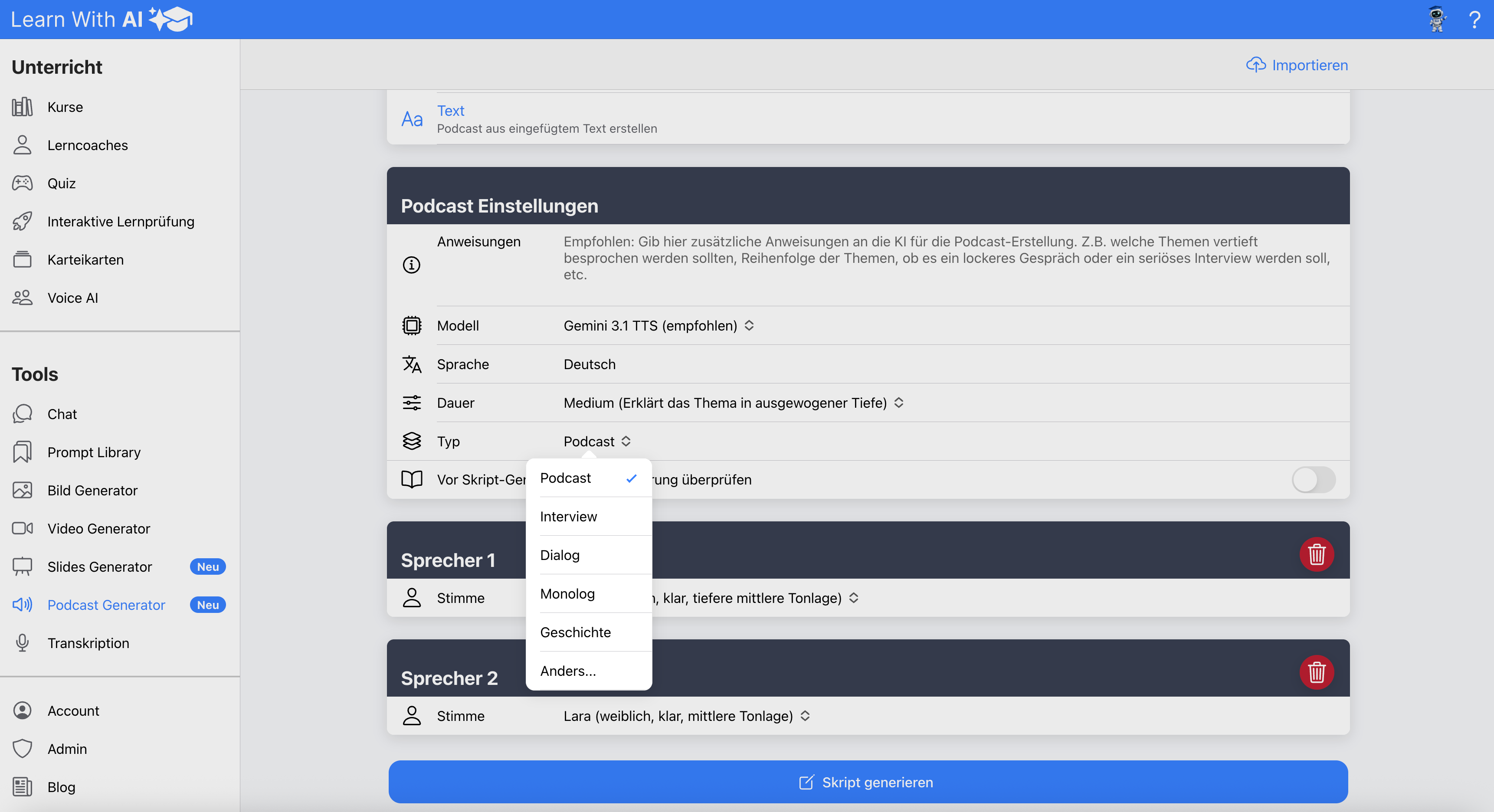
The podcast generator has been significantly improved in terms of audio quality. You can now also select different formats, such as podcast, interview, story, monologue, dialogue and other variants.
This makes it even easier for you to convert learning content into audible formats, for example for repetitions, summaries or varied learning settings.
Presentation generator pro
With the new Presentation Generator Pro, you can create presentations much more flexibly. You can choose from several templates, upload your own master slides and have suitable images generated directly for the slides.
Improved image generation
Image generation has also been improved. In particular, text rendering in images has become significantly stronger. This helps, for example, with learning posters, visualizations, teaching materials or simple graphical representations with readable text.
Try it out now
The new features are already available in Learn With AI available.
Just open the chat, create a learning coach or try the Learn With AI Agent off directly in the platform.
.png)