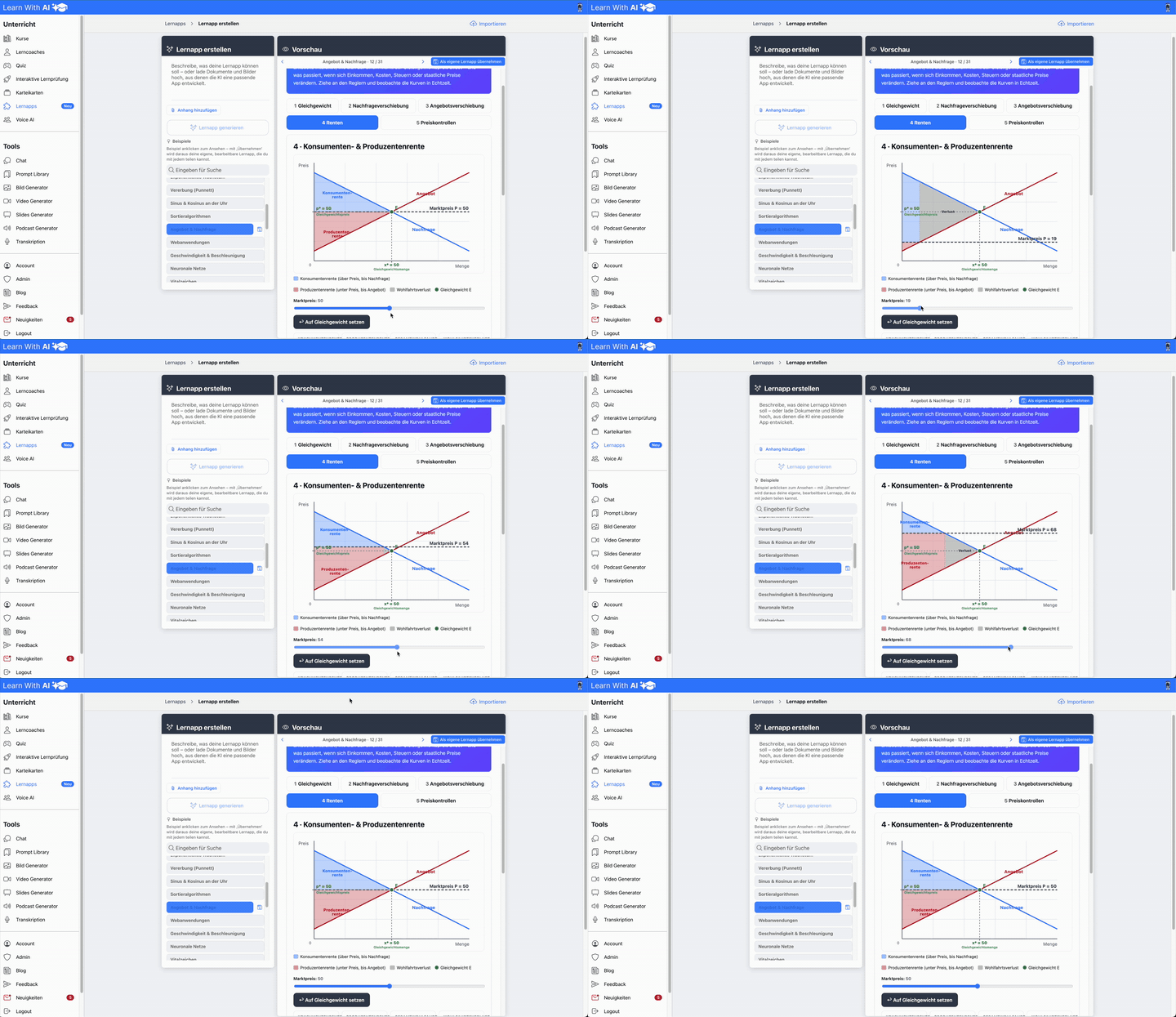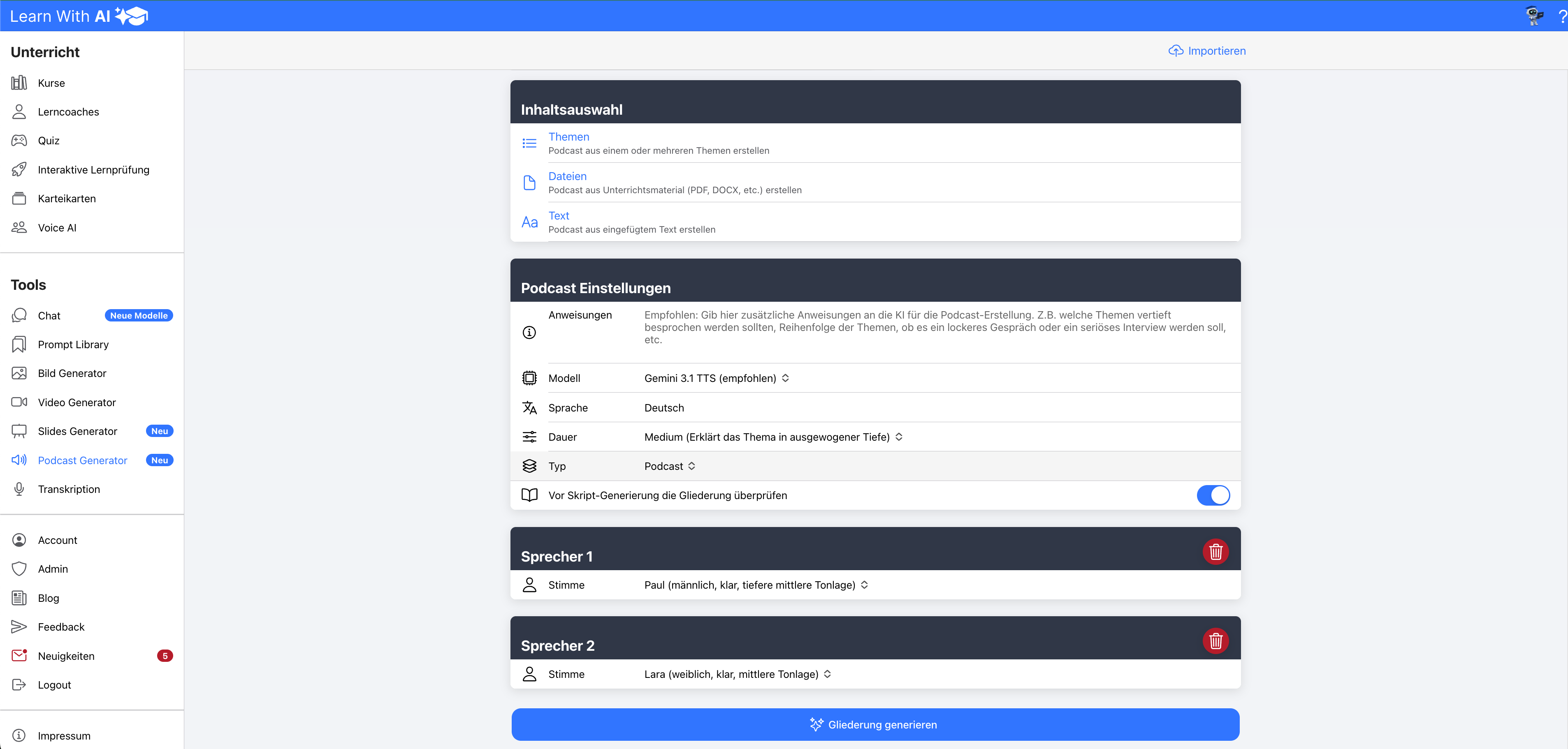

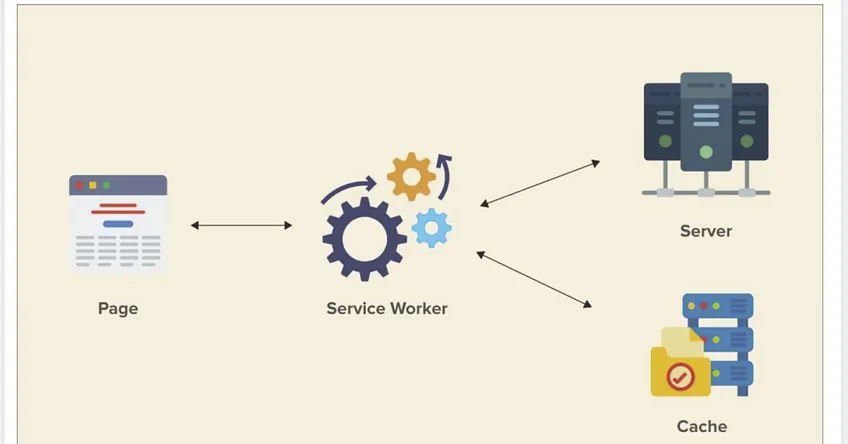
In addition to interactive learning content such as learning coaches, flashcards, interactive learning exams and quizzes, the following content can now also be added to course blocks:
- files
- pictures
- Audio/Podcasts
- Text including formatting (e.g. for task descriptions or instructions)
- YouTube videos
pictures
Use the file upload to upload images that should be displayed directly in the course content.
example:
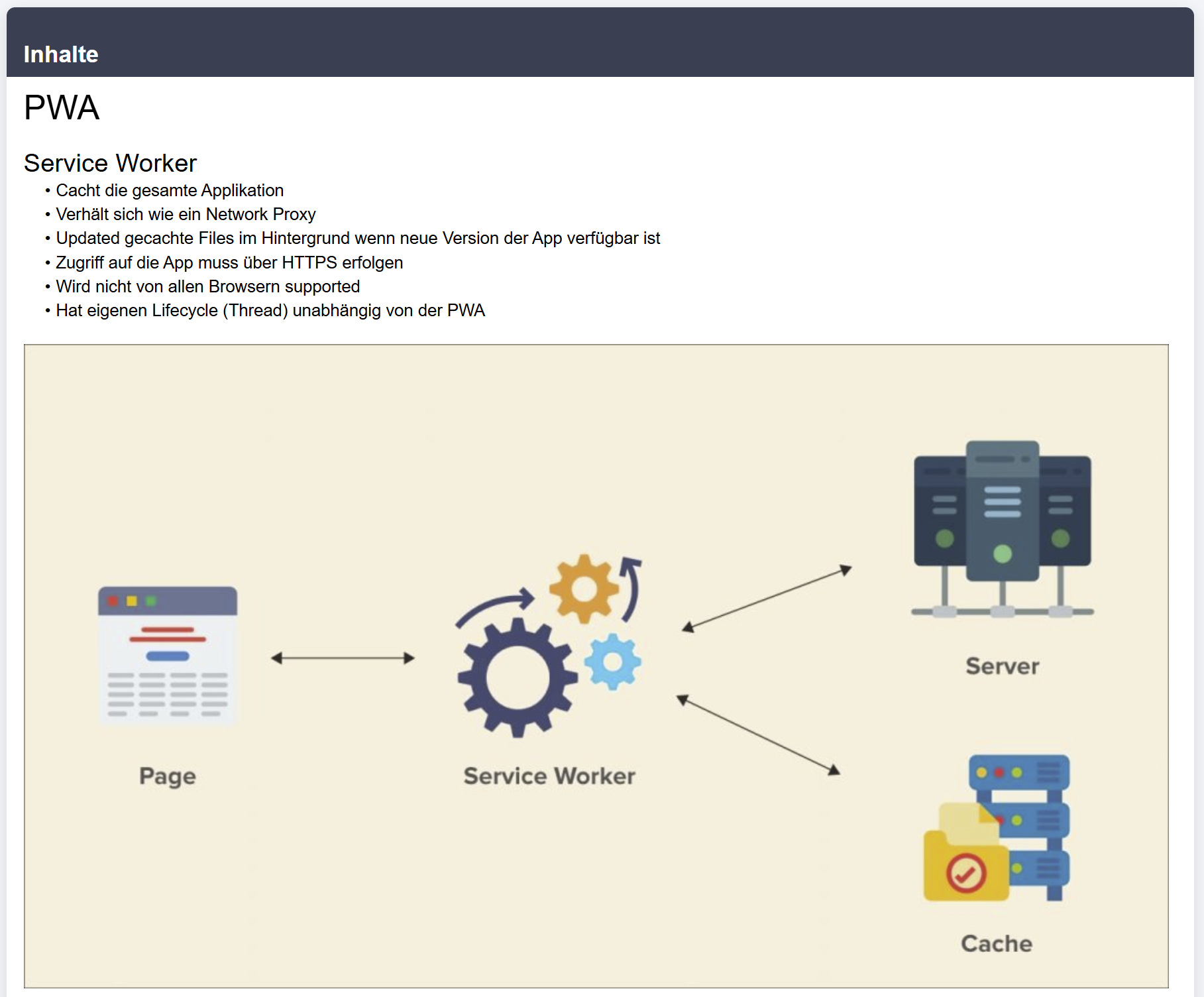
audio
Use file upload to upload audio files, such as podcasts, which can be played directly in the course.
example:
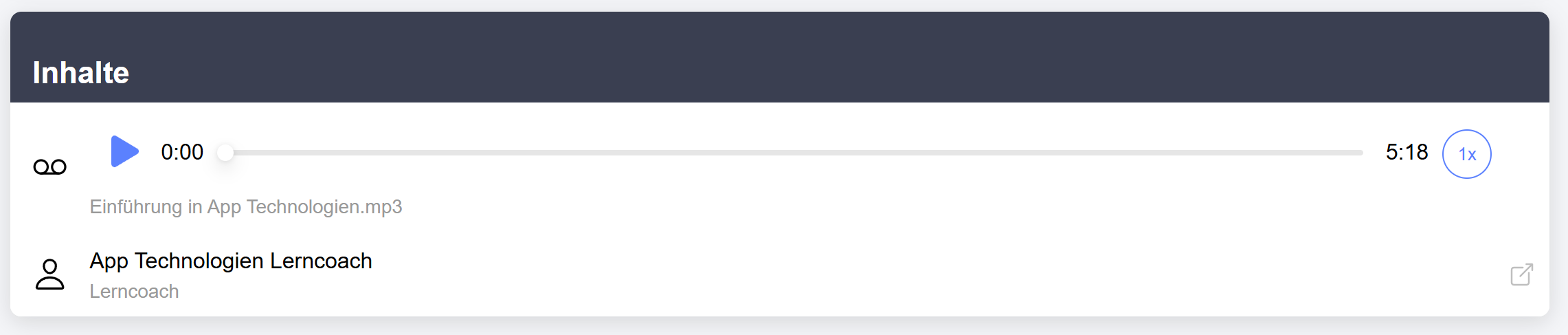
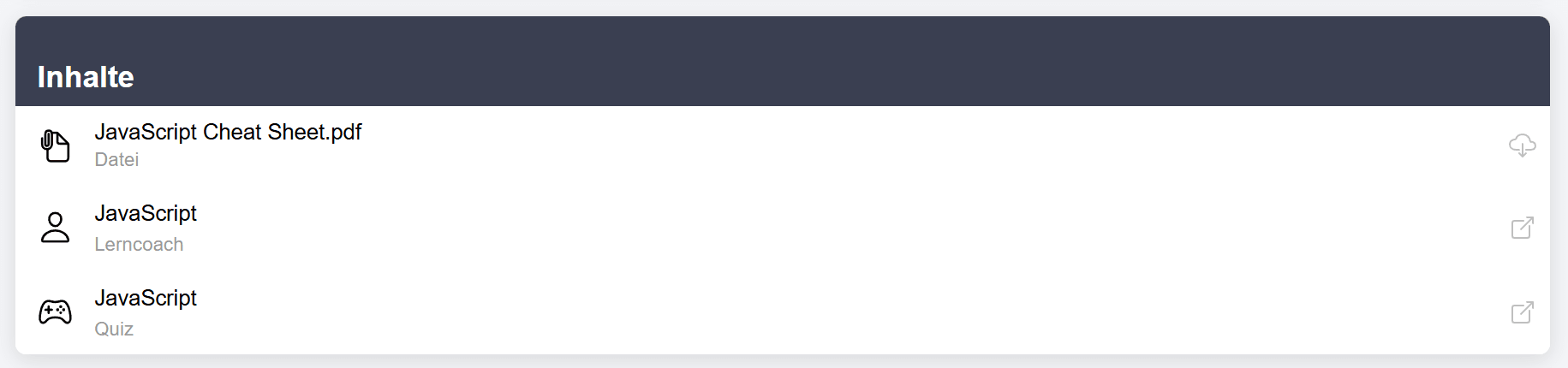
files to download
Use the file upload to upload other files that should be available as downloads in the course.
example:
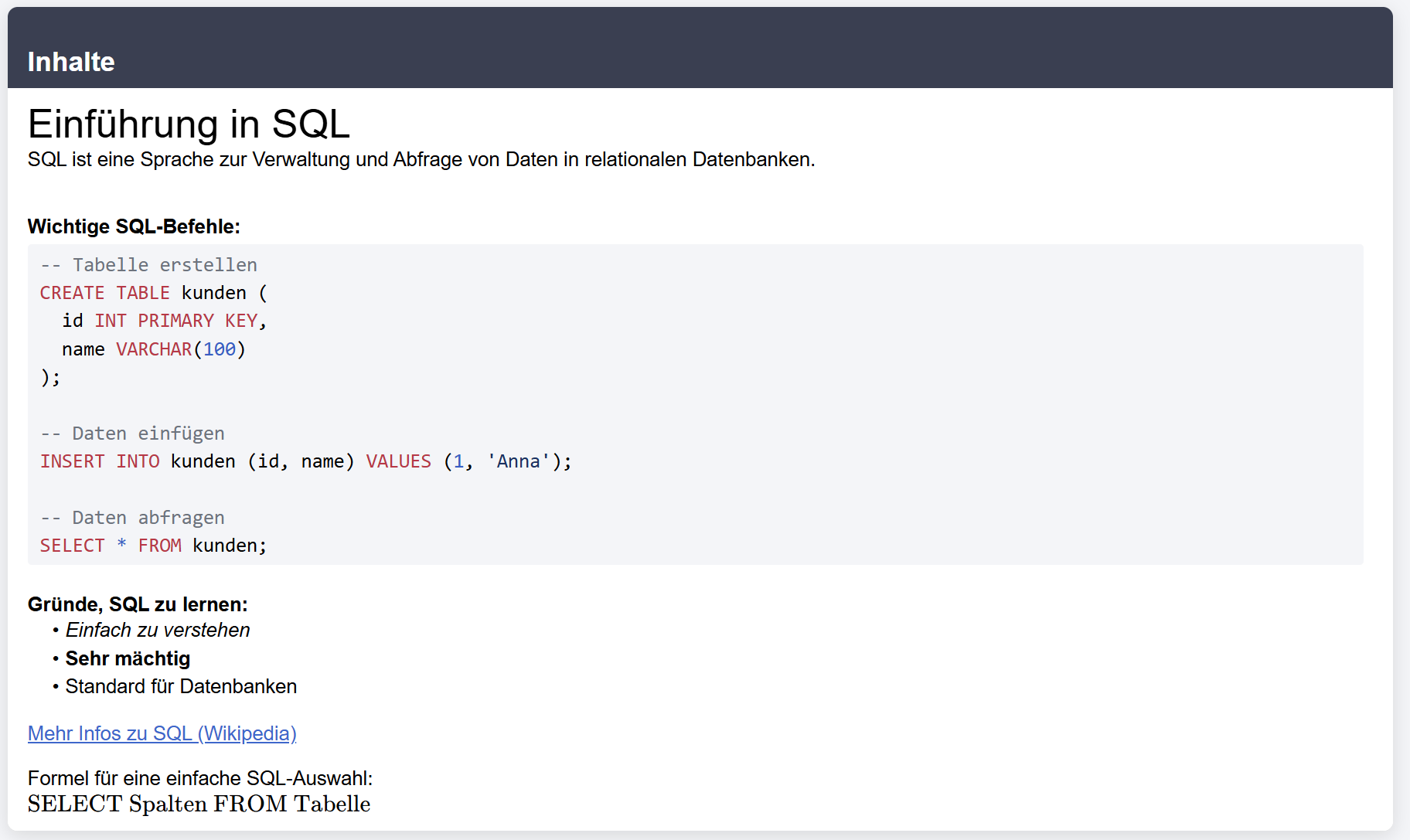
texts
Use the versatile text editor to design texts with various styles and content. In addition to standard formatting, you can also include code blocks with syntax highlighting, LaTeX formulas, and videos from various sources.
example:
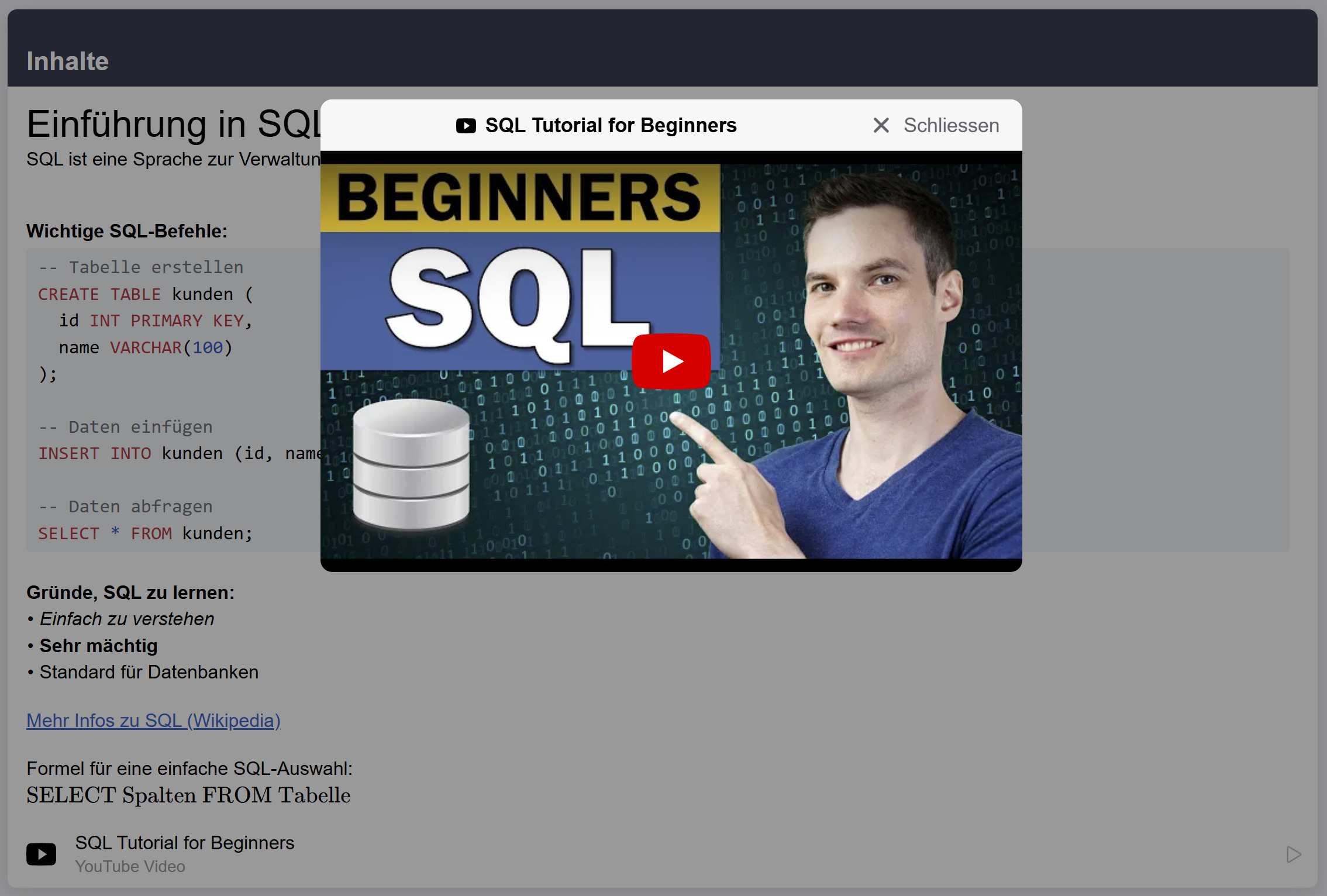
YouTube videos
Add a YouTube video to the course, which can be viewed directly in the course in a popup.
example:
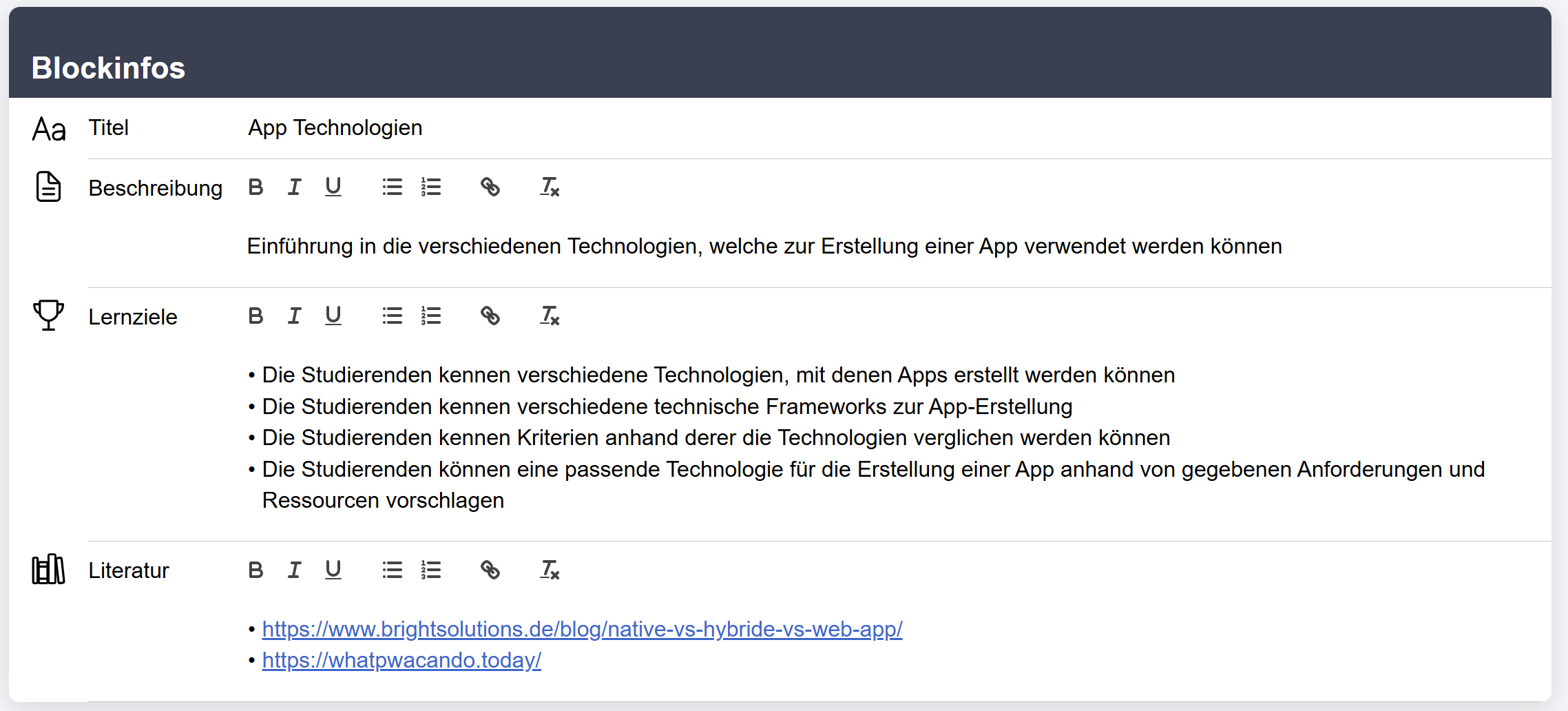
New formatting options for texts
You can now embellish the texts of the following fields in courses and course blocks with selected stylistic devices:
- description
- Learning objectives
- literature
example:
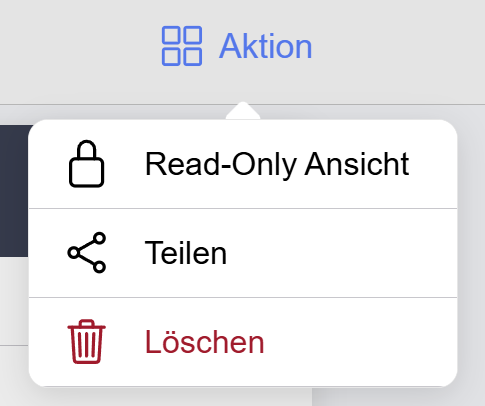
Readonly view
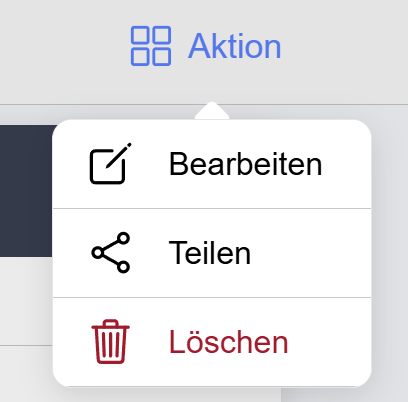
When you can edit a course, you're in edit view by default. If you would like to take on the learners' view, you can switch to read-only view via the context menu in the top right corner:
You can then return to edit mode via the Edit button in the same context menu:
Have fun and best regards
Your Learn-With.AI team
.png)