
With Voice AI into Learn-With.AI Do you create your own talking AI agents, which are specifically tailored to subject, language level and learning objectives.
Learners practice speaking freely in realistic dialogues and situations — anytime, as often and from anywhere. Perfect for language lessons, role-playing games from everyday working life or as targeted preparation for oral exams.
What's new?
🗣️ Talking AI agents
You can create voice AI agents with natural voices that speak freely with learners.
⚙️ demeanour eIneasily configurable
About a Prompt Determine how your agent behaves: as an interlocutor (e.g. in English or French), as an audit expert or as a customer.
📚 Ready-made templates available
You can get started right away: In Learn-With.AI Do you have various Sample agents available — about a English Tutor, German teacher, Professeur de français, Professor of Spanish, Japanese tutor, Exam AI or even a angry bank customer for role-playing games. Each template can also be used as a basis for your own scenarios.
🔗 Can be used directly
Your learners simply open the link or access the Voice AI agent via Learn-With.AI — activate the microphone, speak, learn.
💡 Voice AI application ideas
Voice AI can be used in a variety of ways in teaching — from Foreign language learning and language practice up to realistic oral learning exams.
- 🌍 Learn languages — Train foreign languages with immediate feedback
- 🎭 role-playing — realistic dialogues in various everyday situations.
- 💬 communication trainings — Improve conversation and expression in a targeted manner.
- 🎤 Practice job interviews — Train application dialogs and receive feedback.
- 📞 Telephone trainings — train active listening and spontaneous reaction (including in foreign languages).
- 🧾 Simulate customer conversations — practical for support, sales or advice.
- 🕵️ Train conflict talks — master difficult situations confidently.
- 🧠 Oral learning exams — authentically simulate oral examination situations, e.g. to prepare for final exams.
🧠 That's how it works
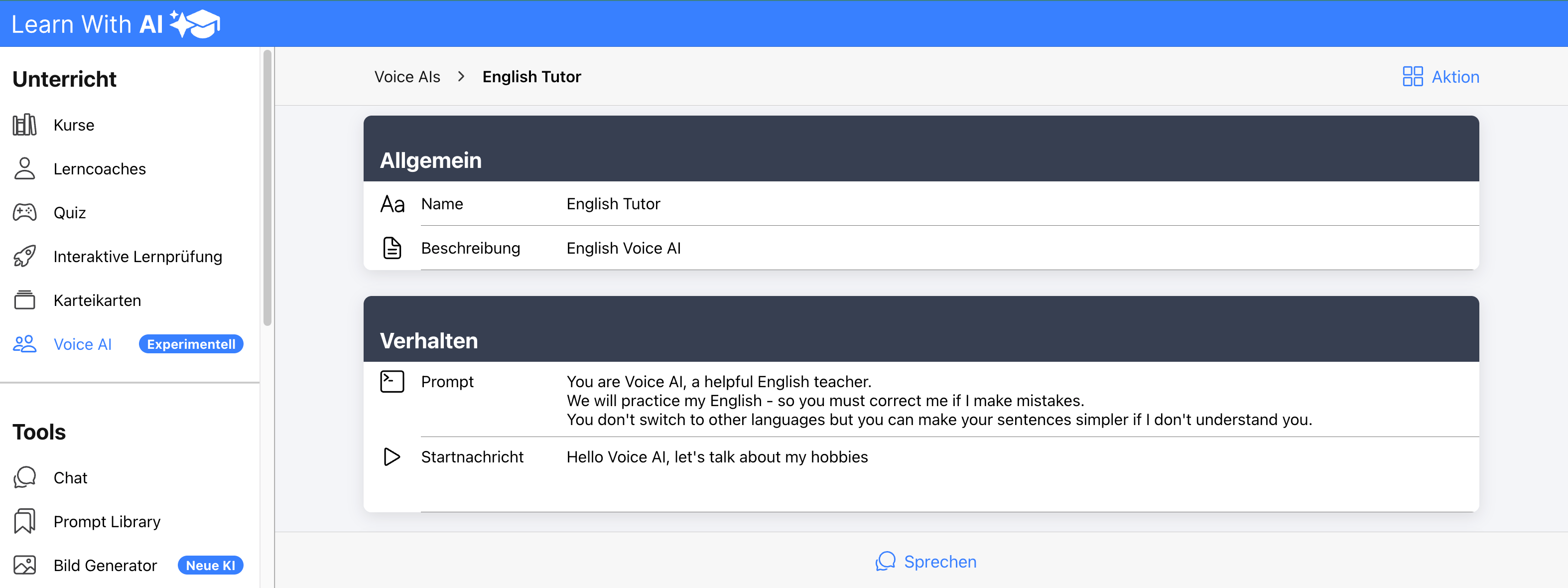
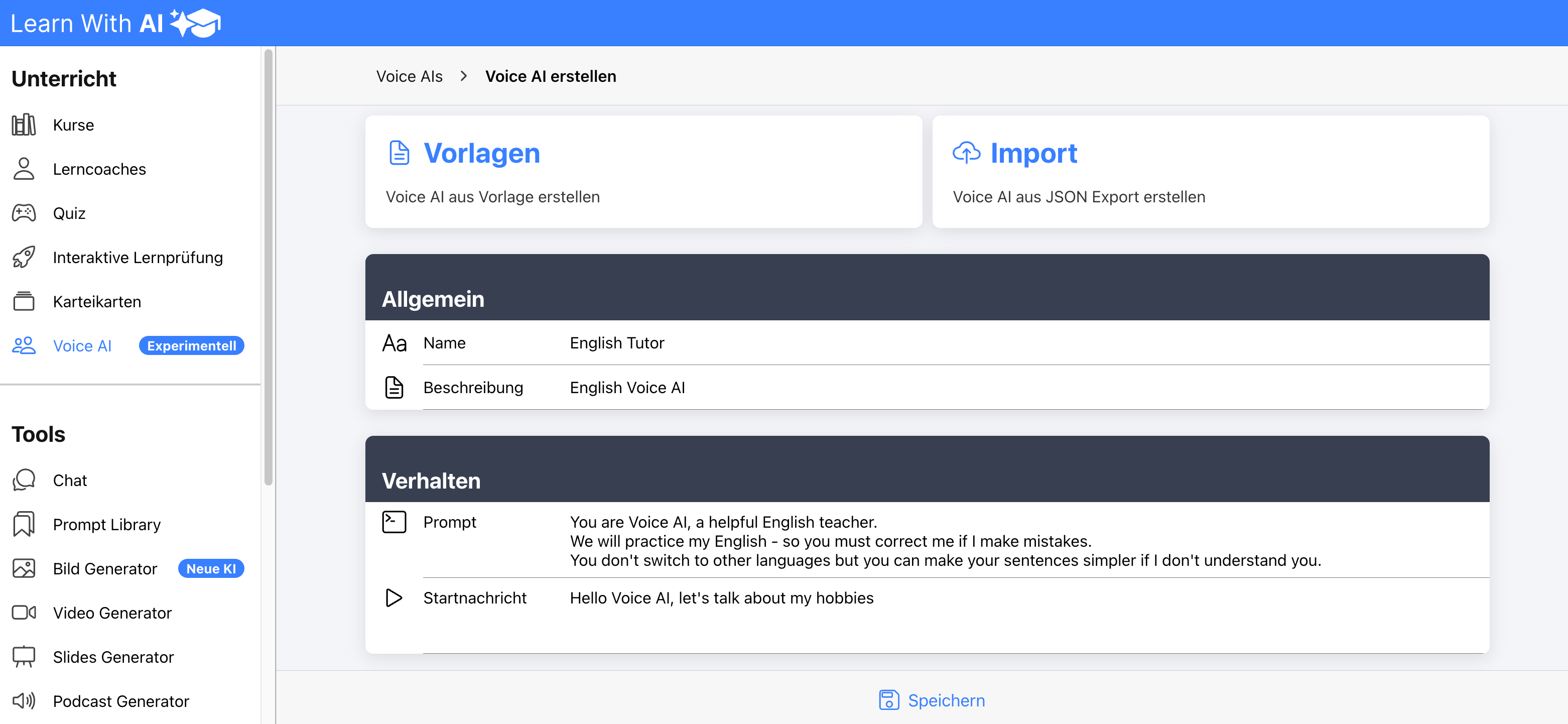
- Open the section in the menu Voice AI (experimental).
- Give your voice AI a names and a description.
- Define the behavior with a clear Prompt (for example, “You are a helpful English teacher...”).
💡 Tip:
You can provide additional knowledge that your AI needs for the respective task directly in the prompt. Because the AI speaks in real time, it is currently unable to search documents. Be sure to keep the context concise. It is best to have the AI summarize longer content in a compact way beforehand.
- Select the AI model (e.g. GPT Realtime), a voice And the desired Creativity (0.8 recommended).
- Set the voice recognition one — automatically or manually — depending on the lesson situation.
ℹ️ Note: Voice detection determines whether the AI automatically recognizes when you've finished speaking, or whether you want to manually record and send your messages. We recommend the manual method for most scenarios, as this gives learners longer time to think.
- Click on Save and test your voice AI
- Copy the link and share it with your learners, or add voice AI to your Learn-With.AI course — done! Your personal voice AI is ready to use.
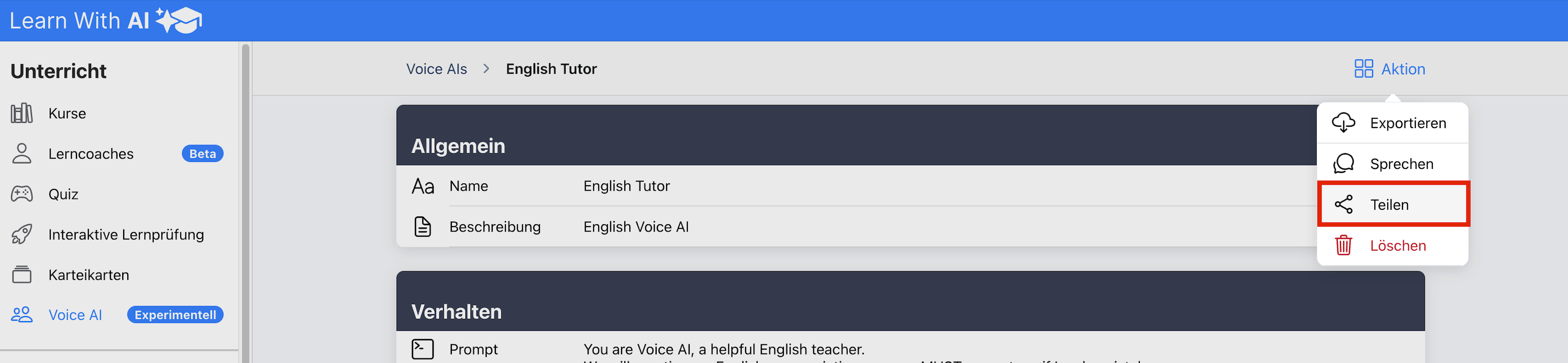
💡 Tip:
You can create different voice AI's — e.g. for languages, sales calls, customer service or exam preparation.
Each agent reacts exactly as you define on the prompt. To do so, simply click on “Create Voice AI.”
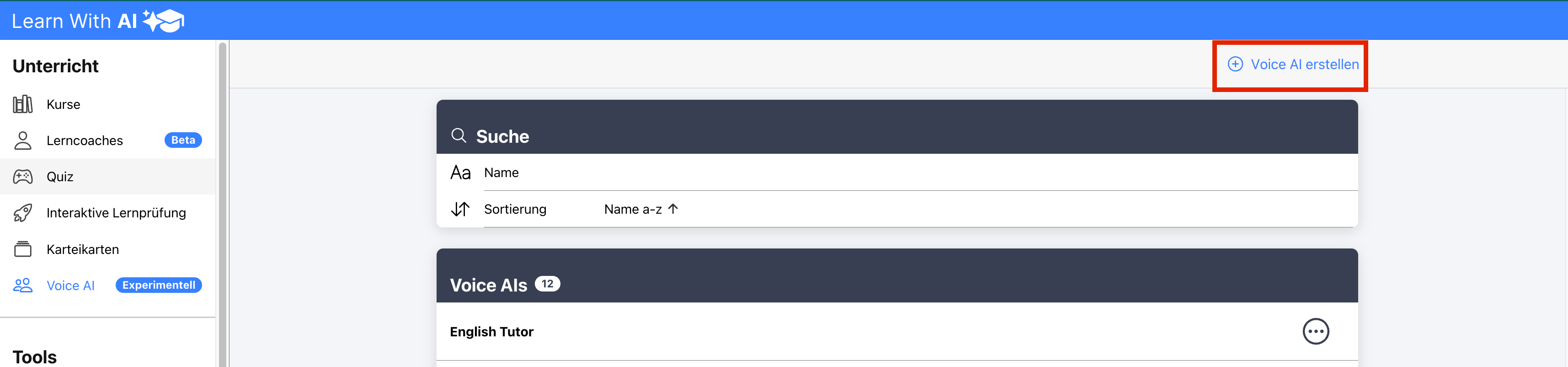
💡 Tip 2:
Learners can easily send you the interview transcript via PDF:

Note:
Voice AI is still experimental at the moment. About your feedback We would be delighted. We are constantly making improvements.
.png)