What's new?
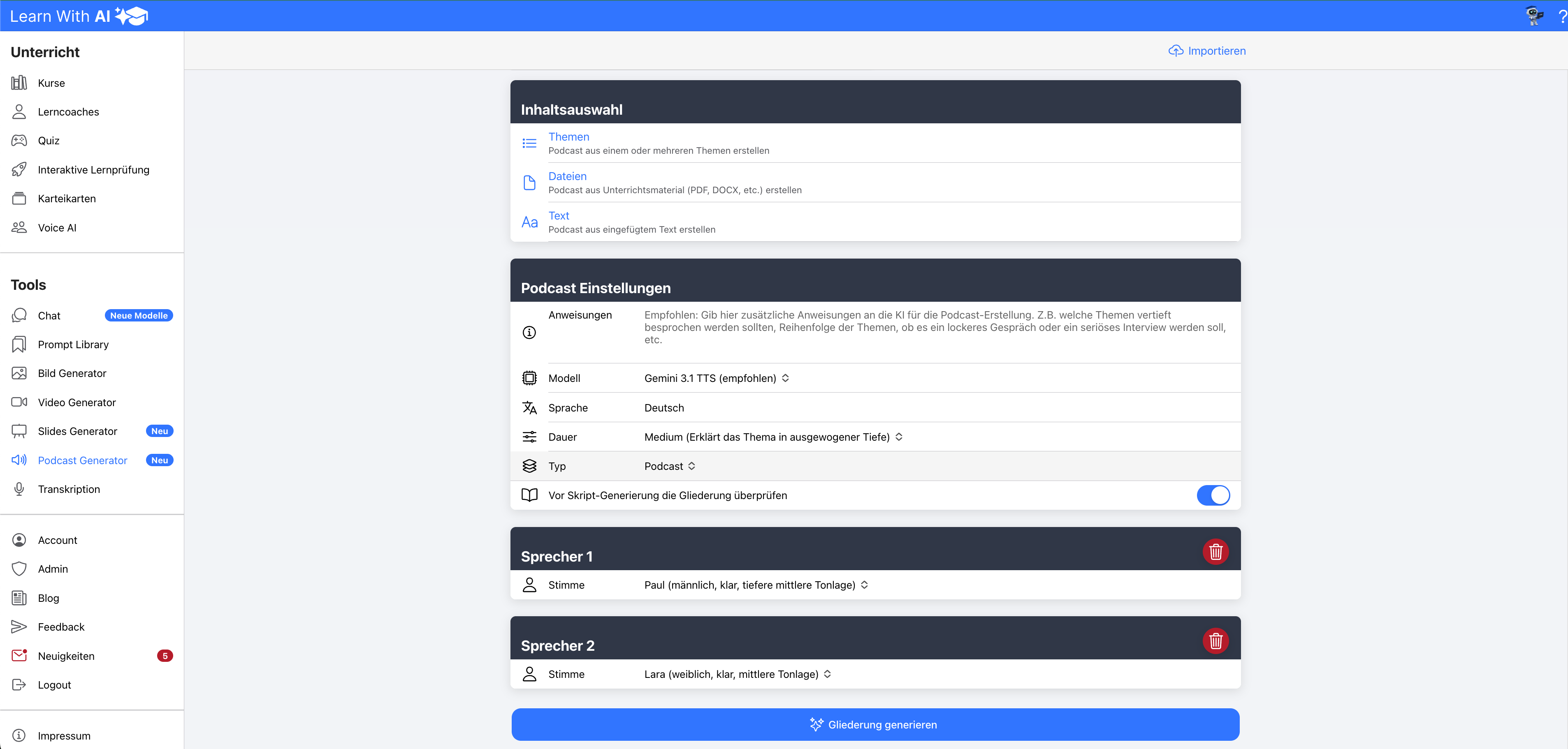
The image generator from Learn-With.AI has been fundamentally redesigned and now offers significantly more options. Now you can:
- upto 10 reference images uploads
- Image fidelity for reference images vote
- individual mask images
- den Get improved promptly with AI
- image size and quality vote
- between 1 and 4 image variants generate
- den background than transparently, opaque or dial automatically
More control and flexibility
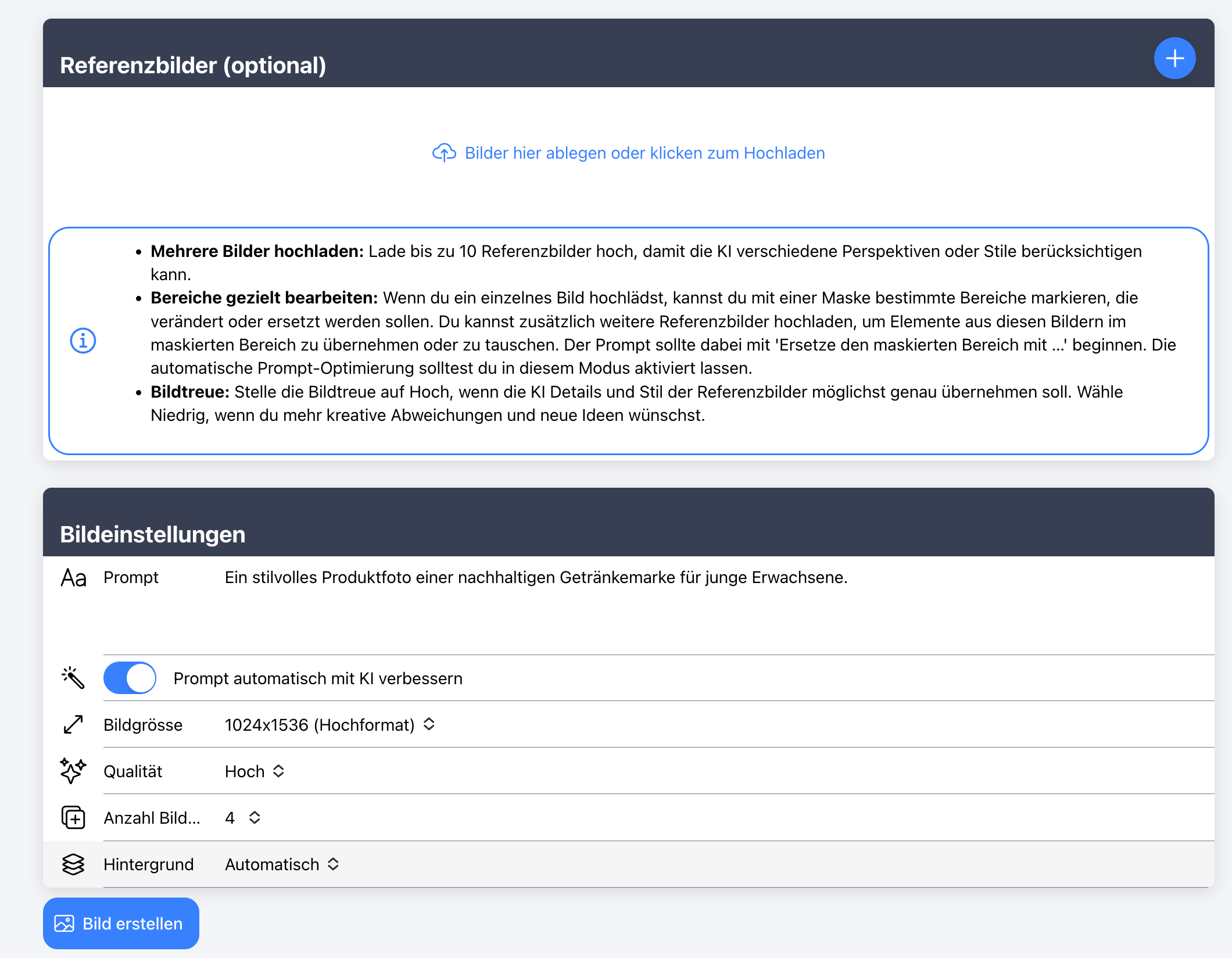
With several reference images The AI can combine elements from different images and thus produce more precise results. With the Image fidelity Can you adjust how closely the AI should lean on the reference images:
With high image fidelity It takes on details very precisely, with low image fidelity gives them more creative freedom.
that masking allows, targeted to change individual areas of an image, for example, replace an object or adjust the background.
Die automatic prompt improvement continues to help optimize the image description without changing the content. This results in clearer and better results, even if you just enter a rough idea.
Adjustable image sizes and quality
The options are:
- 1024 × 1024 (square)
- 1536 × 1024 (landscape format)
- 1024 × 1536 (portrait mode)
Die quality may low, medium, high or be dialed automatically. This makes it easy to adapt the result to the intended use — from simple illustrations to high-quality images for presentations.
For teaching
The image generator is suitable for various subjects. Teachers can use it to visually prepare learning materials or let learners create their own logos and images for projects or presentations.
💡 Tip:
Copy the following prompt to the chat in Learn-With.AI and get suitable ideas for your lessons:
“Create creative, directly implementable ideas on how I can use the AI-based image generator and image editing from Learn-With.AI in my subject [subject + use topic]. Group 10 ideas for my own teaching materials and 10 ideas for student projects. ”
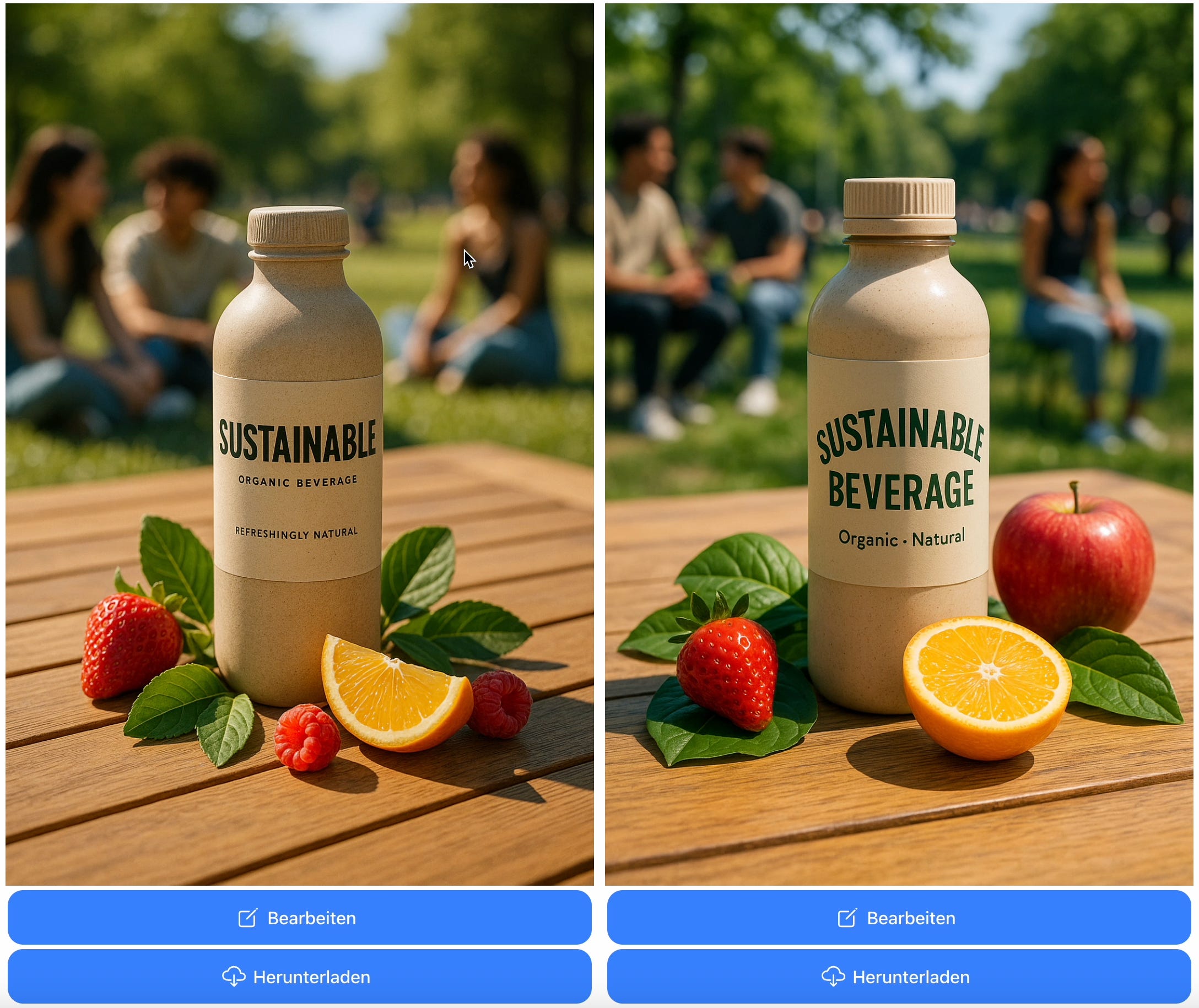
Example 1: Generate product images
- Enter promptly:
” A stylish product photo of a sustainable beverage brand for young adults.”
- Promptly select Automatically improve with AI
- Select the desired image size
- Select the desired quality
- Select number of image variants
- Select background
- Transparent is recommended for logos, for example
Outcome:
Example 2: Revise product images
- Press “Edit” for the desired image —> the image is added as a reference image
- Press “Edit image area only”
- Leave image fidelity at “high”
- Mark the mask at the desired location —> this location will be edited later by the AI based on your prompt
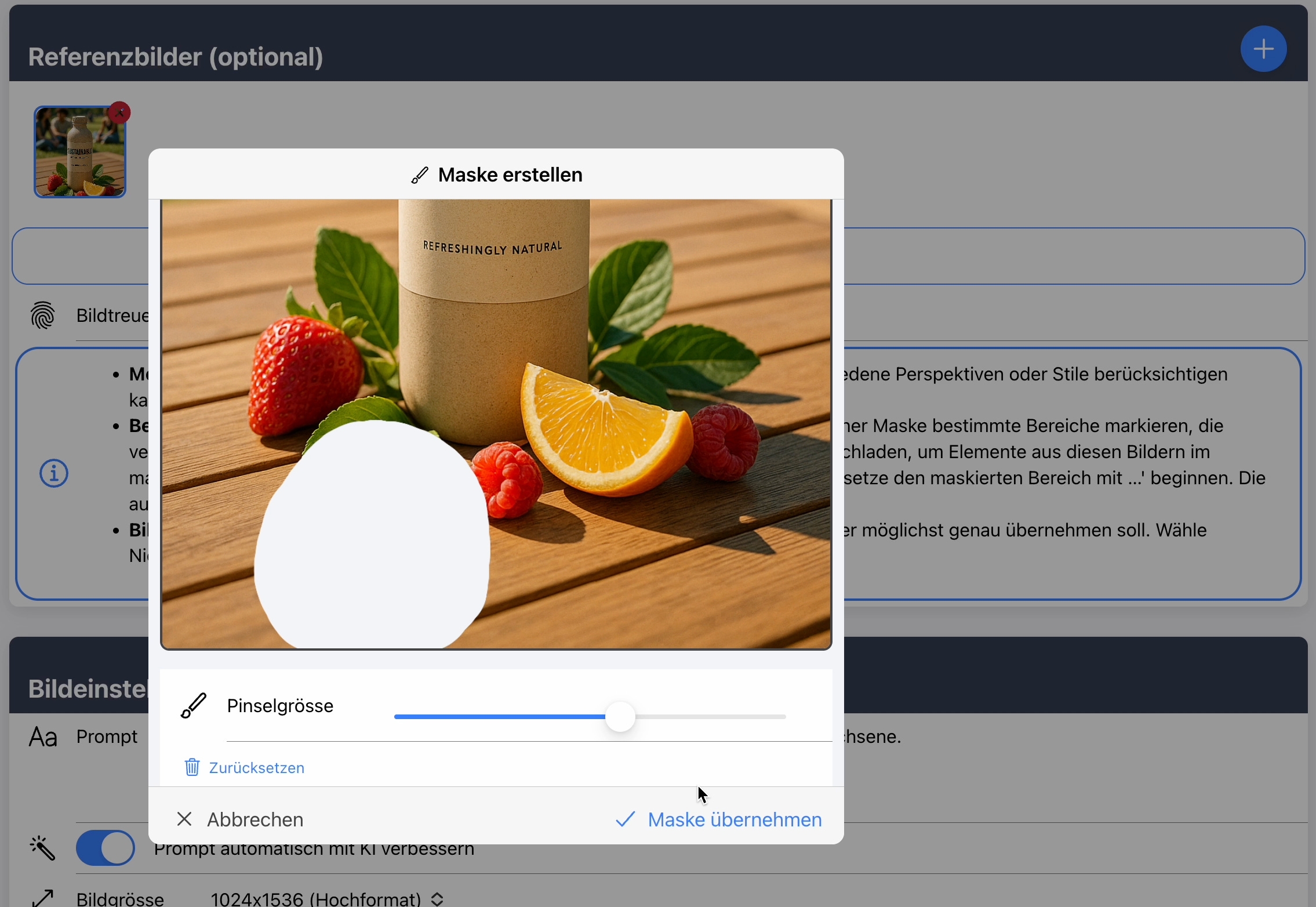
- Press “Apply mask.”
- Enter the prompt
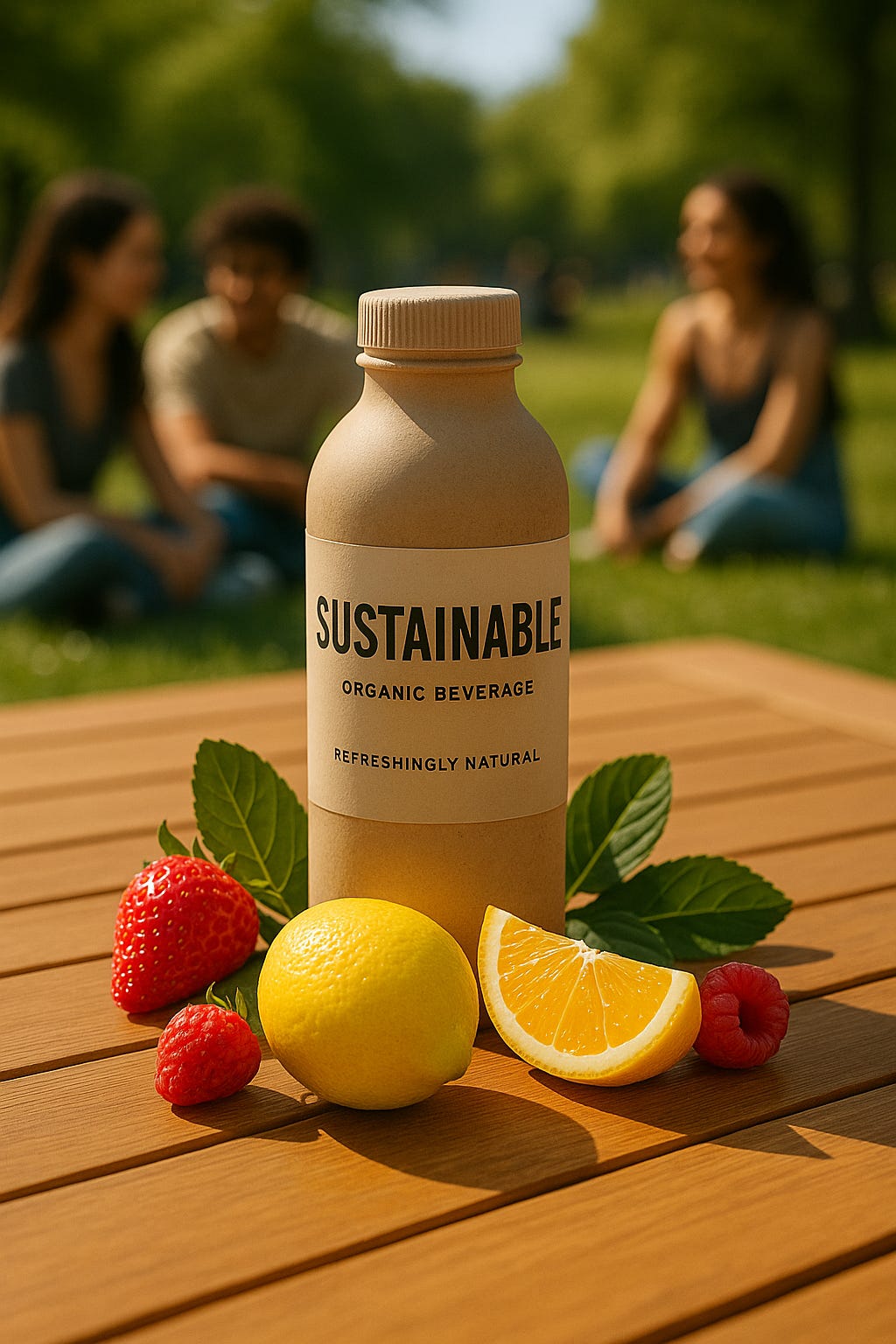
Prompt: Replace the masked area with a lemon.
- Press “Edit image”
Outcome:
Video of the entire process:
Example 3: Insert logo on an existing image

Expiration:
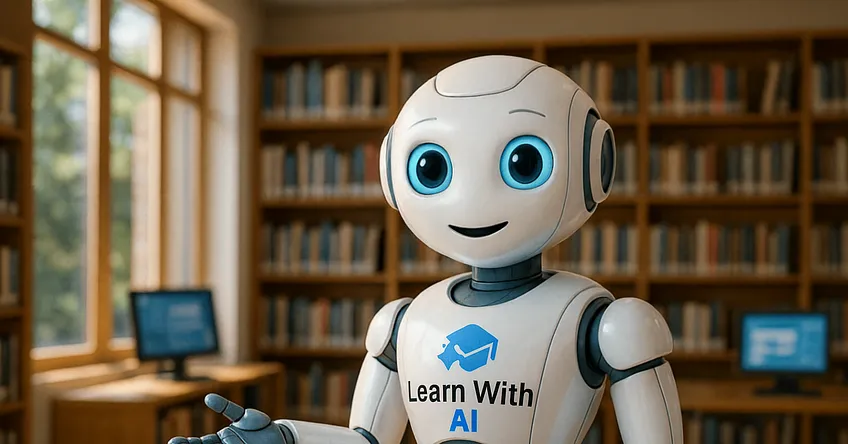
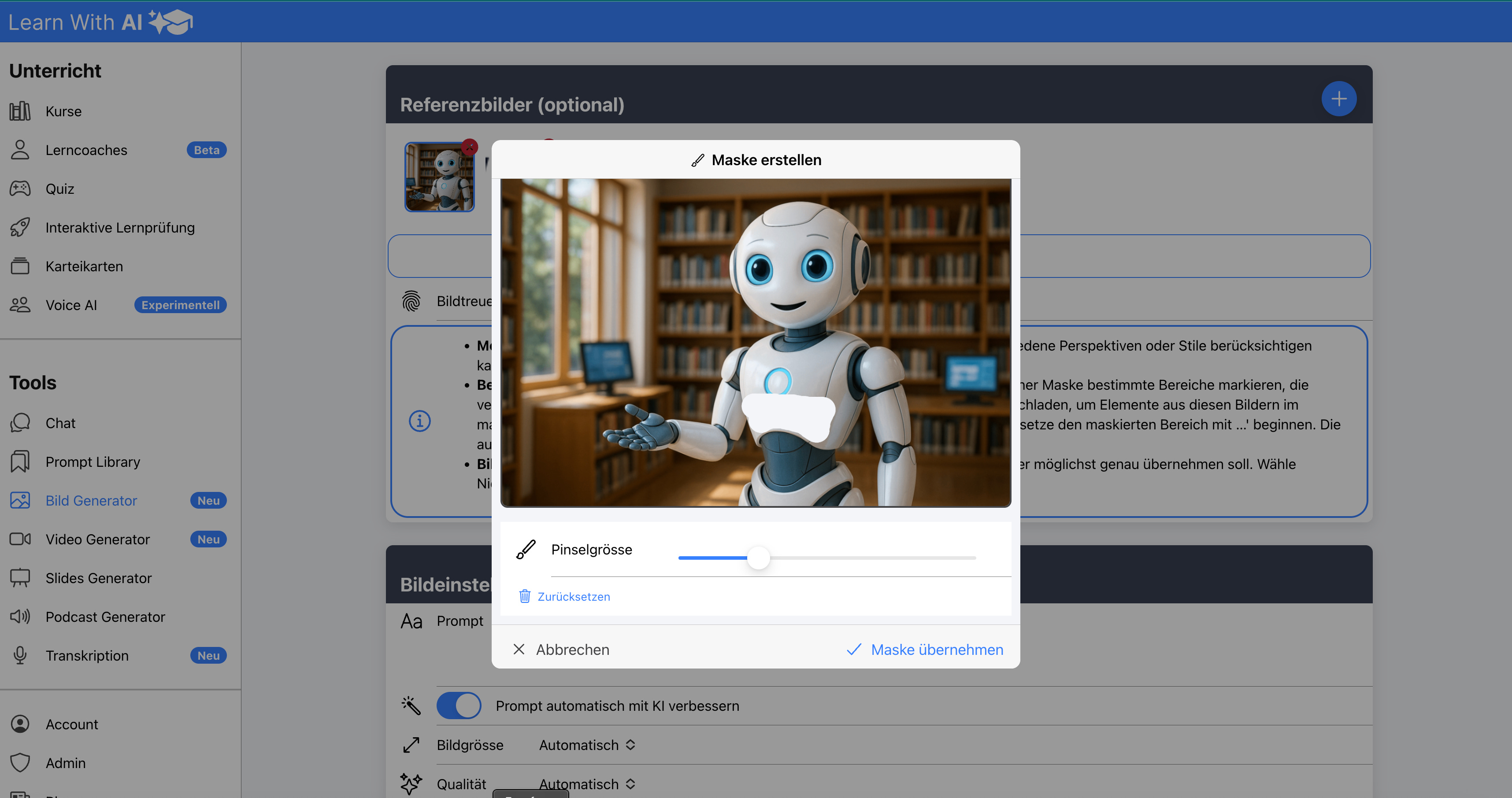
- Upload reference image (robot) and logo (Learn-With.AI)
- Select image fidelity “high”
- Click “Edit image area only”
- Mask (“whitening”) the area to be processed
- Insert Prompt
Replace the masked area with the attached logo
Outcome: